Solutions
Your first hunt, live this afternoon.
Free to start · No download for participants
Use virtual team icebreakers to create real participation, with instructions, timing, group-size guidance, low-prep options, and facilitator tips.
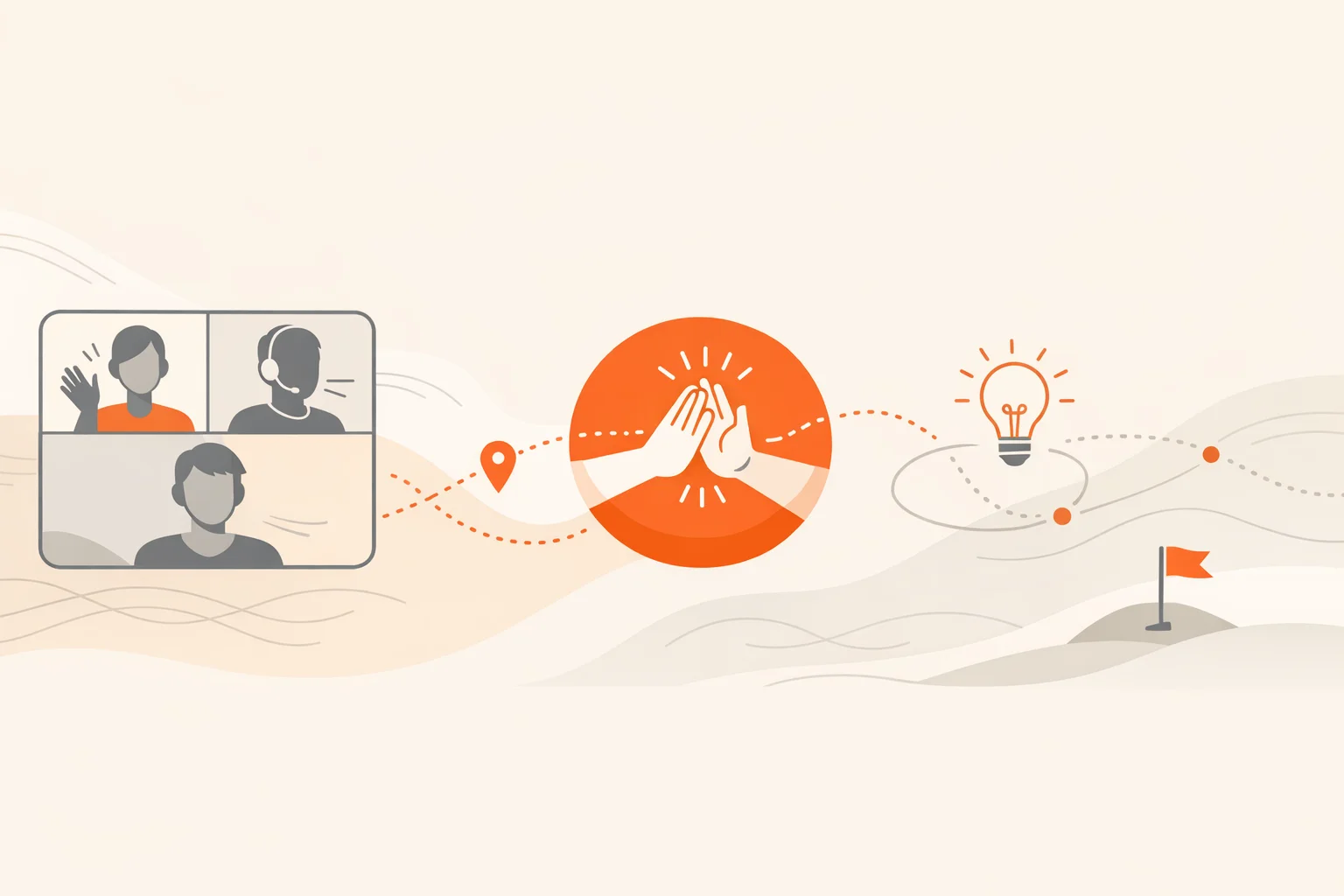
Remote time is precious. Attention wanders fast on video, and dead air feels longer than it is. Good icebreakers don’t force “fun.” They create quick wins, lower the social ceiling, and give everyone something simple to do right now. This guide collects 30 virtual team icebreakers we’ve seen consistently work across remote meetings, onboarding sessions, and all‑hands.
Pick with intent, match the energy to the moment, and keep it moving.
Remote work isn’t retreating; it’s normal. The cadence that tends to hold attention online is short bursts, then move. That matches findings in research on remote collaboration rhythms, which favors quick, purposeful interactions over meandering talk.
Quick connection also helps trust form faster. Structured prompts and light personal disclosure can warm up a room without oversharing, a pattern echoed in research on acknowledging emotions at work and newer work on small talk being more enjoyable and beneficial than we predict from APA‑summarized studies.
Start with an easy win. Momentum outruns awkwardness almost every time.
A fast way to flip passive screens into action. Works as a 10‑minute opener or a themed event. Tools like the Scavify scavenger hunt app handle prompts, instant scoring, and photo/video capture so you can run it inside a regular meeting or as an ongoing challenge.
Time 6–12 minutes. Best for 6–200; use breakout rooms above 12.
Quick, 10–15‑second selfie clips showing the “commute” from kitchen to desk. Stitch a few into a 60‑second montage.
Time 5–8 minutes. Best for 6–30.
The classic survives online because it’s quick and surprising.
Time 6–8 minutes. Best for 6–20.
From “favorite rainy‑day meal” to “underrated villain,” specificity beats generic likes.
Time 4–6 minutes. Best for Any size.
Make it celebratory, not a test. Milestones, first customers, fun data points.
Time 6–10 minutes. Best for 10–500.
Grab any nearby object. Pitch it like it’s revolutionary.
Time 8–12 minutes. Best for 6–25.
Share a work‑safe meme that “is” you this week.
Time 5 minutes. Best for Any size.
One trait, skill, or experience you suspect nobody else here shares.
Time 6–8 minutes. Best for 6–20.
Assign each teammate a fictional character or duo. Compare notes.
Time 8–10 minutes. Best for 8–20.
Introduce yourself like a 10‑second live correspondent.
Time 4–6 minutes. Best for Any size.
Bring an object tied to today’s topic or a recent win.
Time 6–8 minutes. Best for 6–20.
Participants set an odd virtual background; others guess the theme.
Time 5–7 minutes. Best for 6–30.
Tell a mini‑story through five phone photos.
Time 8–12 minutes. Best for 6–15.
Sketch your neighborhood or workspace live.
Time 6–8 minutes. Best for 6–18.
Write a newspaper headline for your day or week.
Time 3–5 minutes. Best for Any size.
Three images, three bullets, three minutes. New‑hire gold.
Time 6–9 minutes. Best for 4–12.
Crowdsource anonymous desk photos; guess whose is whose. This one also works great with tools like live polls, which many teams use to keep bigger calls interactive according to facilitation guides.
Time 8–10 minutes. Best for 10–200.
One micro‑talent, 30 seconds. Harmonica, origami, speed‑sketch.
Time 8–12 minutes. Best for 6–20.
Pick two emojis that describe your current energy and focus.
Time 3–4 minutes. Best for Any size.
Spin once, answer fast. Keep prompts work‑safe, lightly odd.
Time 5–7 minutes. Best for 6–50.
Share one song that fits today’s theme; assemble a quick playlist.
Time 6–8 minutes. Best for 6–25.
Pairs in breakout rooms on a tight timer.
Time 6–10 minutes. Best for 10–200.
One thing you want to try this quarter and the smallest first step.
Time 5–7 minutes. Best for Any size.
Simple, visual, and low‑prep.
Time 6–10 minutes. Best for 6–20.
Make the question relevant to your work reality.
Time 4–6 minutes. Best for Any size.
Create a 5×5 bingo with behaviors you want to see more often.
Time 8–12 minutes. Best for 10–100.
“Something blue,” “your tiniest tool,” “yesterday’s view.” Fast finds.
Time 5–8 minutes. Best for 6–200.
Introduce a pet, plant, or object you care for.
Time 5–7 minutes. Best for Any size.
Assign two sides to a playful claim; 20 seconds each. Audience reactions decide.
Time 6–10 minutes. Best for 6–30.
Collect anonymous prompts in advance, answer 4–6 live.
Time 6–9 minutes. Best for Any size.
If you want to go deeper on meeting dynamics, Microsoft’s ongoing Work Trend Index highlights how fragmented, always‑on days make brevity and structure essential for attention online in their annual analyses. And for ready‑to‑run warmups using live polls and Q&A, the Slido team’s practical guidance remains a solid reference for quick, inclusive interaction in their virtual icebreaker roundup.
The winning pattern is short, specific, and visible. Give people something to do immediately, timebox each round, and end with a clear finish. This aligns with research favoring short, purposeful bursts of interaction for remote teams summarized by HBR.
For recurring meetings, keep it under 7 minutes. For onboarding or all‑hands, 10–15 minutes works if you’re mixing the group intentionally and using pairs.
Use breakout pairs or trios and run two or three 90‑second rounds. Company trivia with a live leaderboard also scales well to hundreds.
Offer opt‑outs, keep prompts lightly personal (not private), and cap stories at one follow‑up. Research on emotional acknowledgment shows connection gains without heavy disclosure in workplace studies.
They clear the social cobwebs and give quieter folks an on‑ramp. Even brief small talk tends to be more enjoyable and pro‑social than people predict according to APA‑covered findings.
Whatever keeps friction low for your team: a meeting whiteboard, quick polls, or purpose‑built tools for challenges and scoring. If you want a game‑style opener, a scavenger hunt app simplifies prompts, submissions, and leaderboards.
Lightly, regularly. Once per week for 3–5 minutes in team meetings, and a longer format once a month, keeps connection warm without stealing focus from real work.