Solutions
Your first hunt, live this afternoon.
Free to start · No download for participants
Plan a virtual scavenger hunt people actually join in, with creative ideas, easy rules, team prompts, and tips for remote groups.

Virtual scavenger hunts turn a grid of quiet video tiles into motion, laughter, and fast collaboration. Done well, they create shared stories and inside jokes your group still references months later. Done poorly, it’s 40 minutes of awkward camera rummaging and “You’re on mute.”
What follows is the operator’s guide: 40 ideas, clear rules, facilitation patterns, and small choices that shift the energy from passive watching to active doing.
In our experience, the above five are the scaffolding that keeps energy high without over-orchestrating the fun.
Team size and breakout logistics. Most teams hit a sweet spot at 4–6 people. Large groups let a few carry the rest. Small groups force participation and faster turns. Pre-name rooms by team to reduce chaos, and use the platform’s broadcast message to push mid-game twists. Zoom hosts can rename, open, and message rooms; some controls must be enabled in settings first. Google Meet’s admin and host controls for rooms are spelled out here. (support.zoom.com)
Synchronous vs asynchronous. Global groups often benefit from a hybrid pattern: a 10–15 minute live kickoff, then a 24-hour challenge window with a closing highlight reel. That mirrors proven remote-work rhythms, combining quick alignment with async creation. The GitLab remote handbook on asynchronous work lays out why a bias to async increases inclusion across time zones, with occasional sync sessions for alignment. (handbook.gitlab.com)
Accessibility by design. Not every participant can dash around their space, read tiny text, or unmute on command. Offer alternatives for motion-heavy prompts, ensure readable on-screen text, and provide captions and alt-text where possible. The W3C’s WCAG overview is a practical starting point for inclusive digital experiences. (w3.org)
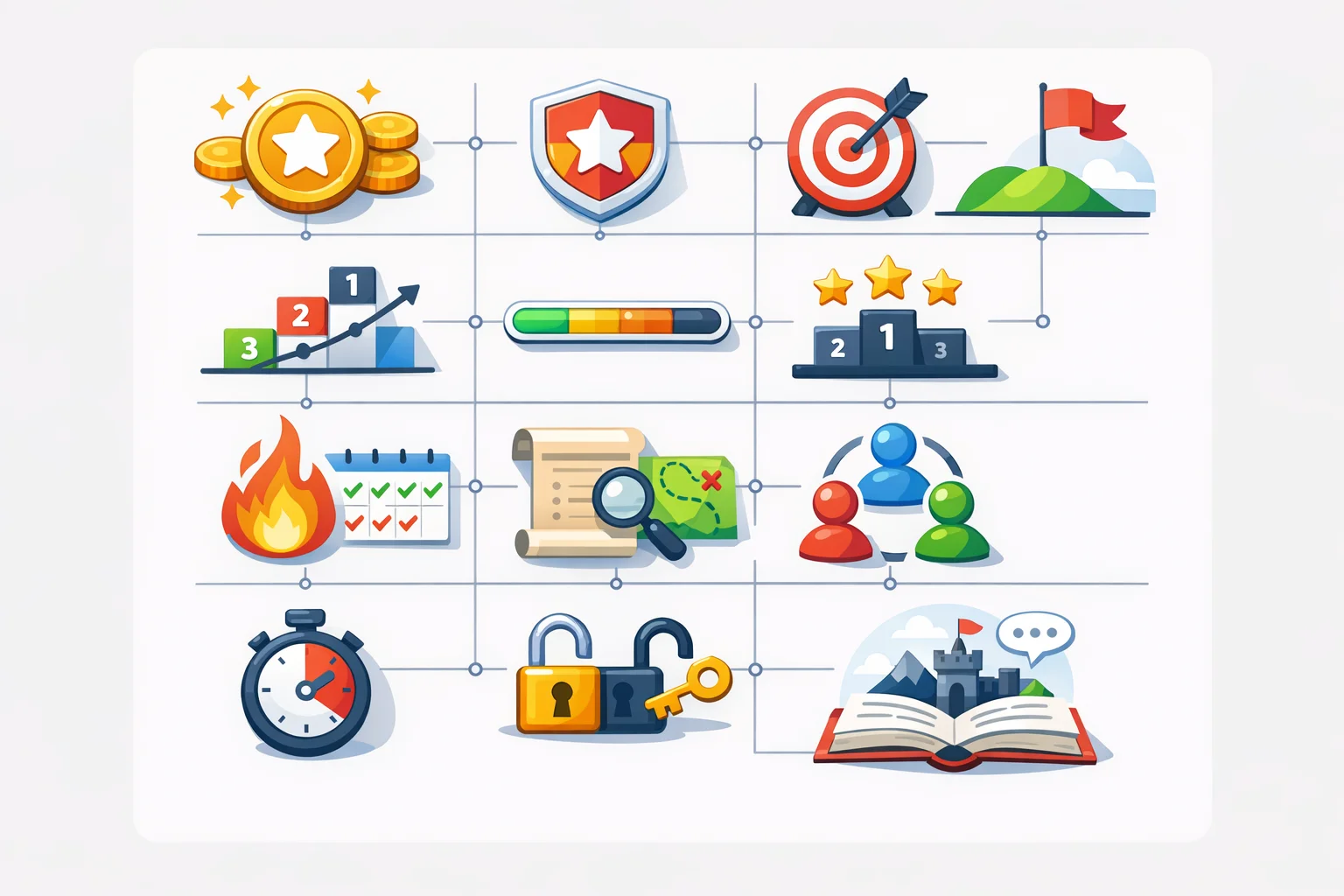
Why gamification works here. Points, progress, and a countdown clock nudge engagement when the mechanics are clear and stakes stay friendly. A recent synthesis in Frontiers in Psychology on gamification in education found positive effects on motivation and participation across contexts, with stronger results when game elements support clear goals and feedback. (frontiersin.org)
Tool stack. Use one reliable video platform, a persistent chat channel, and a hunt hub where challenges, submission, and scoring live. You can run the whole thing in spreadsheets and chat if you must. Tools just reduce friction. When you need automated scoring, photo/video submissions, QR codes, GPS check-ins, and a real-time leaderboard in one place, this is naturally where Scavify tends to show up.
These are written as mini-mysteries, not directives. Blend a few from each section to hit different brains and comfort zones. Point values reflect relative effort.
Pattern we keep seeing: momentum comes from variety, brevity, and visual proof. Keep any single prompt doable in under two minutes, and you’ll see more cameras on and more laughter in chat.
Pre-brief with clarity. One slide, four bullets: how to submit, how scoring works, timebox, and how to ask for help. Keep a shared doc or app link in chat so late-joiners aren’t lost.
Use the tools on purpose. - Breakout rooms for team huddles and quick strategy sprints. Zoom and Meet both support room renaming and broadcast messages for prompts. Here’s Meet’s official guide to create, assign, and manage rooms. (support.zoom.com) - Broadcast channel for global prompts, stopwatch calls, and bonus drops. - Spotlight for show-and-tell. Keep it moving and celebrate fast.
Momentum tricks. - Front-load an easy win. First prompt should be finishable in 30 seconds. - Drop surprise bonuses. Mid-game QR codes, double-points challenges, or a “reverse” round where teams write a clue for others. - Name the quiet excellence. “Best caption so far goes to Team 3” makes people try.
When silence hits. Throw a 60-second rapid-fire round: three micro-prompts with small points. Or move everyone back to the main room for a quick share and reset.
Close with highlights and a micro-debrief. Ask for one lesson per team: the best hacks, funniest fails, or the strangest item found. Keep it to five minutes. People remember the laughs, not the leaderboard.
Core rules - Camera-optional, participation-required. Submissions can be made by anyone on the team. Verbal, chat, or on-camera all count. - Respect and consent. No filming people outside your team without a thumbs-up. - Safety first. Prompts must be doable without leaving your space unless stated. - Timeboxing. All prompts close at the horn unless marked “anytime.” - Proof of completion. Photo/video uploads, correct answers, QR scans, or check-ins.
Scoring - Base points by difficulty: 10–20 easy, 25–35 medium, 40+ harder. - Creativity bonuses at host discretion: +5 to +10. - Streaks for three-in-a-row completed on time: +10. - Tie-breaker is a 60-second “best of” pitch, judged by applause or emoji tally.
Review process - Hosts approve or request resubmission in real time. - Submissions visible to all teams fuel friendly rivalry.
These are designed to prime cameras, build comfort, and create early motion without forcing vulnerability.
You can treat this like a lighthearted event and still learn something.
For distributed groups, borrowing remote-first patterns helps. Short sync, longer async window, then a tight closing loop. The GitLab handbook’s meeting guidance and asynchronous practices outline how teams keep momentum without burning time zones. (handbook.gitlab.com)
You can run a basic hunt with a slide deck, video platform, and a shared doc. That’s the scrappy path. Where it often breaks is scale, fairness, and admin load.
Scavify exists for that second scenario. In practice, teams use it to: - Automate scoring, approvals, and leaderboards so hosts can actually host. - Offer challenge variety in one place: photo, video, Q&A, QR codes, GPS check-ins. - Launch fast with browser + app flexibility for mixed tech setups. - Scale from a 15-person team to a global company event without rewiring the format.
Use your video platform’s breakout rooms to coordinate squads, then point everything else to the hunt hub. Zoom’s and Meet’s guides show the host controls you’ll tap most. (support.zoom.com)
A virtual scavenger hunt is a time-boxed game where participants complete creative prompts from wherever they are, submitting proof through photos, videos, Q&A, QR scans, or quick check-ins while connected over a video platform or chat.
Most groups do best in 45–60 minutes including intro and highlights. Longer windows work for global teams if you run a short live kickoff and let some tasks continue asynchronously for a day. The async approach is standard in mature remote teams. (handbook.gitlab.com)
Aim for 4–6. Big enough for energy, small enough for turns. Larger teams tend to produce passengers and slower decisions.
Any reliable video platform with breakout rooms, screen share, and a stable chat channel works. Zoom’s breakout controls and Google Meet’s room features are common choices. Pair that with a hunt hub for prompts and scoring. (support.zoom.com)
Offer alternatives to motion-based tasks, allow off-camera participation, write legible prompts, and provide captions or transcripts when possible. The W3C WCAG overview is a solid reference for digital accessibility basics. (w3.org)
Used thoughtfully, yes. Game elements can support motivation and participation, especially when they reinforce clear goals and feedback. A synthesis in Frontiers in Psychology found generally positive effects of gamification in learning contexts. Keep competition friendly. (frontiersin.org)
Absolutely. Keep the same hub for prompts and scoring so remote and in-room players share one game. Add location-specific QR codes or check-ins for on-site attendees, and photo/video prompts for remote participants.
Design for low-friction starts. Early prompts can be off-camera, chat-based, or object-only photos. Once momentum and trust build, camera use tends to follow. A good host names wins and moves quickly.
If you’re planning a campus orientation, an employee kickoff, or a massive conference activation and want the admin to feel like a breeze, an app built for this format will save hours. Scavify happens to be one of those. The real win is simple: everyone always knows what to do next, and you get a highlight reel worth sharing.