A well-designed digital scavenger hunt turns passive attendance into active participation. It turns a venue into a game board, a schedule into choices, and strangers into collaborators. The tech should feel almost invisible. What people should feel is momentum, curiosity, and the satisfaction of small wins stacking into a shared finish.
This guide is the playbook we use when we build hunts for teams, campuses, conferences, onboarding, tourism activations, and training programs. It’s built from patterns we’ve seen work repeatedly and the operational details that quietly decide whether an event hums or stalls. Use it straight or adapt it to your context. The point is to design engagement that actually shows up.
- Start with a clear objective and let it decide challenge mix, route, and scoring.
- Blend 3–5 challenge types so different strengths matter and energy stays high.
- Plan a tight run of show: fast start, visible progress, a finish that feels earned.
- Use real-time automation for scoring and leaderboards to reduce admin load.
- Measure outcomes you can use later: photos, check-ins, trivia data, and reflections.
What is a digital scavenger hunt
A digital scavenger hunt is an interactive experience where participants complete challenges, earn points, and move through places or prompts using their phones. Digital simply means the mechanics are handled by software: challenge delivery, proof of completion, scoring, and the feedback loop that keeps people moving.
The value isn’t the novelty of QR codes or GPS. It’s the way small, well-chosen actions produce connection, learning, and exploration without lectures or long icebreakers. In education and training contexts, the broader gamification research points to consistent but modest gains in motivation and participation when mechanics like points, feedback, and progress are used deliberately. Design matters more than decoration. (pmc.ncbi.nlm.nih.gov)
Who a digital scavenger hunt is for
Digital hunts adapt to almost any group size or setting:
- Team building and employee engagement. Short, varied challenges create quick wins and shared stories without forced fun.
- Campus orientation and student life. Landmarks, services, and traditions become a discoverable map instead of a handout.
- Conferences and trade shows. Foot traffic patterns improve when booths, sessions, and sponsors become purposeful stops rather than background noise.
- Onboarding and training. Knowledge sticks better when people apply it, not just hear it. Hunts make that application fast and visible.
- Classrooms and experiential learning. Movement, discovery, and reflection pair nicely with curriculum objectives.
- City and tourism activations. Locals see familiar places differently. Visitors get a story to follow instead of a list.
Decide your objective before anything else
Most hunts fail on paper because the goal is fuzzy. Pick one primary outcome and let it drive every decision.
- Connection. Prioritize challenges that require collaboration and quick creative wins.
- Discovery. Bias toward GPS, QR, and location prompts that spread people out.
- Learning. Use targeted trivia and scenario prompts with immediate feedback.
- Showcase. Send people to sponsors, landmarks, or departments with lightweight tasks and strong photo moments.
Everything gets easier once the objective is non-negotiable.
Plan your hunt in seven practical steps
- Define constraints. Duration, footprint, headcount, indoor/outdoor mix, and facilitation capacity.
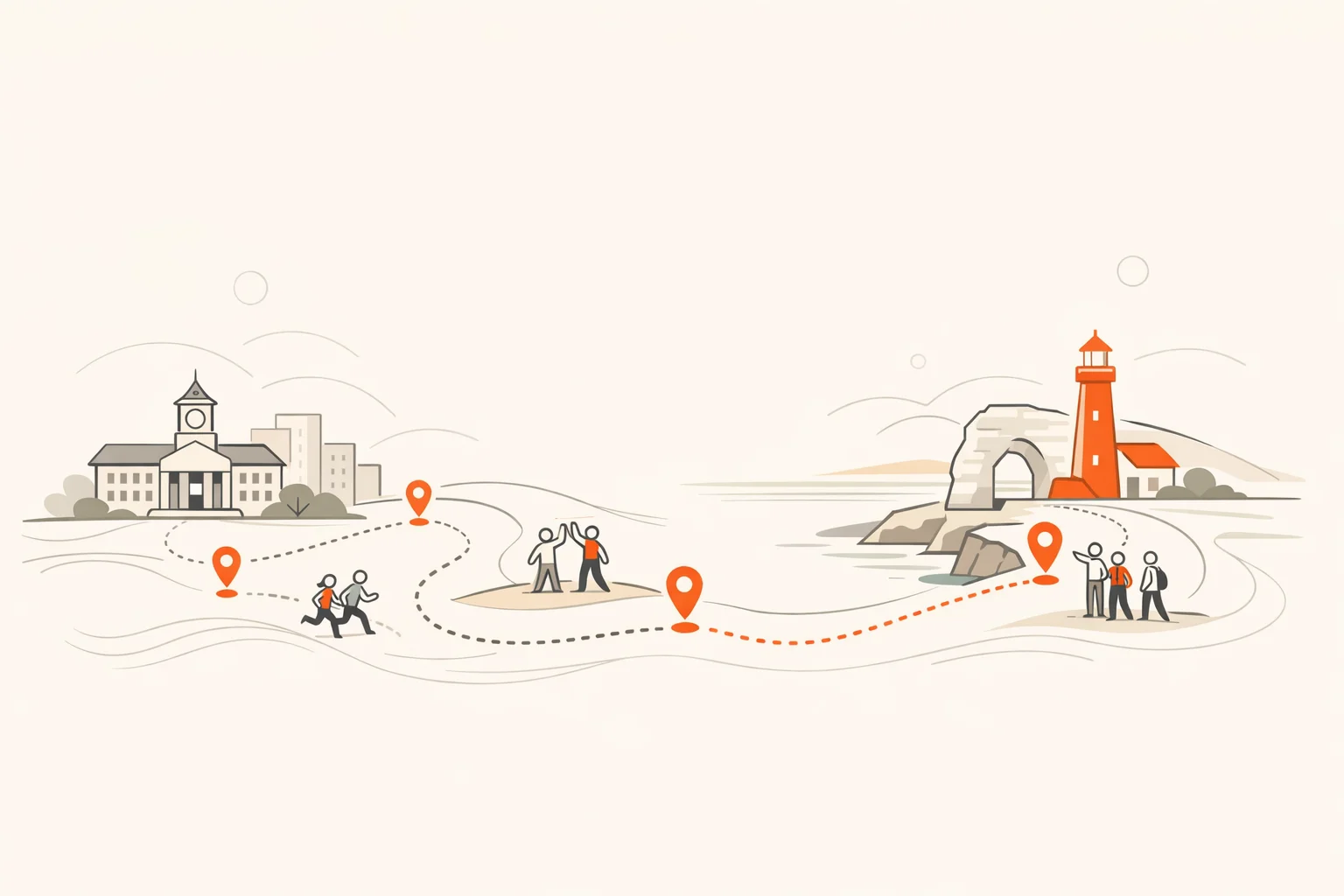
- Map the route. Choose 8–20 potential stops. Trim to what your time budget truly supports.
- Draft challenges. Write more than you’ll need, then cut for clarity and variety.
- Set scoring. Simple point values tied to effort. Add one or two timeboxed bonuses to create urgency spikes.
- Write rules. Eligibility, boundaries, safety, tie-breakers, and how to get help.
- Prep materials. QR codes, signage, permission from venues, and any props.
- Test end-to-end. Two passes: one at desk speed, one at real pace on location.
Pro tip
Front-load one guaranteed win in the first 60 seconds. Early momentum is the single biggest lever on completion rate.
Use the five core challenge types well
You don’t need 20 mechanics. You need five used thoughtfully.
- Photos. Great for creativity and memory. Ask for a specific composition or story, not just “take a picture.”
- Videos. Perfect for movement and humor. Keep asks short and clear to prevent filming paralysis.
- QR codes. Reliable proof of presence or progression. Place where scanning is natural, not awkward.
- GPS check-ins. Use for iconic locations or boundaries. Place pins where GPS is reliable.
- Trivia. Teach or reinforce. Two or three well-written items beat a 20-question slog.
When used in learning or training contexts, QR and similar interactive prompts reliably increase participation and on-task movement. They’re not magic, but they’re productive friction that nudges exploration. (er.educause.edu)
Score, rules, and fairness that keep things fun
- Keep the math simple. Most challenges should earn the same baseline (for example, 150–300 points). Use higher values only when the effort or travel time is materially greater.
- Reward variety. Offer a small bonus for completing one of each type. It prevents a single-skill meta.
- Timeboxed boosts. Announce a surprise 10-minute double-points window mid-hunt to re-energize the pack.
- Write tie-breakers now. Fewest hints used, earliest finish time, or a final live challenge.
- Publish safety rules. Boundaries, conduct, and photo consent norms.
Visible progress matters. Leaderboards and immediate feedback increase contribution and session duration when used thoughtfully, especially in short, time-bounded activities. Design them to motivate, not humiliate. (sciencedirect.com)
Design your route and pacing
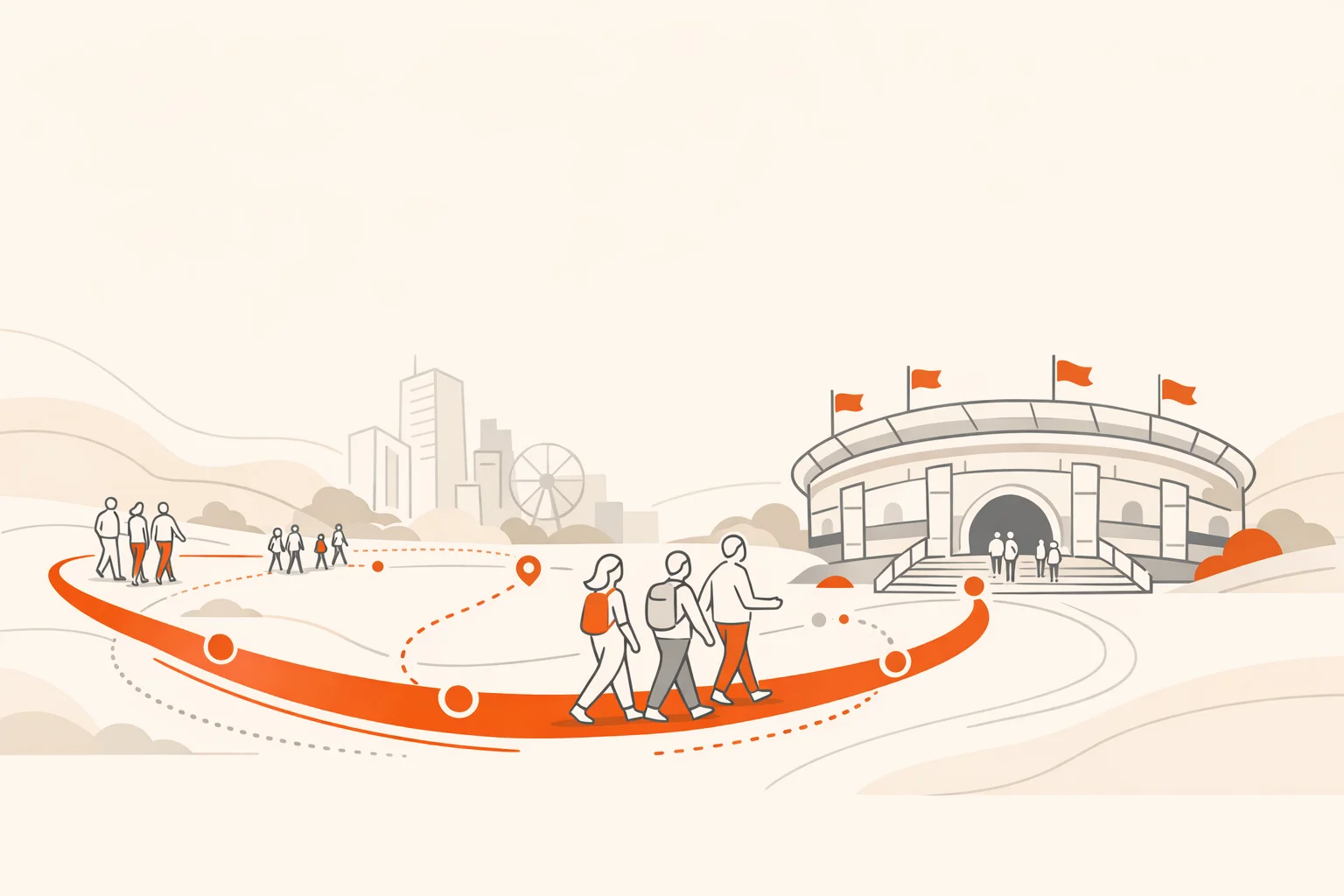
A pattern we keep seeing: fewer, better stops beat sprawling maps. People remember the arc, not the mileage.
- Cluster, don’t scatter. Create two or three micro-zones so teams crisscross and see each other.
- Sequence for flow. Start with two easy wins, mix in one stretch task, finish with a communal moment.
- Mind the bottlenecks. Avoid narrow hallways, fragile exhibits, and single-queue QR placements.
- Design for variable speed. Always include more challenges than time allows so fast teams don’t stall.
Momentum beats mileage. People will forgive distance; they won’t forgive dead time.
Your day-of run of show
Here’s a simple, durable template you can adapt.
- Arrival and check-in (10–15 minutes). Welcome, orient, and set tone. Keep it moving.
- Rules and demo (5 minutes). Show one live submission so everyone sees what “done” looks like.
- Release and first challenge (immediate). Make the first task so easy it feels almost silly.
- Mid-hunt nudge (at halfway). Drop a bonus or a roaming pop-up challenge.
- Final 5-minute call. Push one last high-energy task that brings people physically together.
- Awards and debrief (10 minutes). Celebrate wins and share 3–5 standout photos or videos.
Test like a pro before launch
Great hunts break in testing, not live.
- Device diversity. Android, iOS, older phones, low battery, spotty LTE. Test them all.
- GPS and scan sanity. Confirm pins and QR placements work from the angle people will actually approach.
- Copy clarity. If two testers interpret a prompt differently, the prompt is the problem.
- Time reality. Live-walk the route at a relaxed pace. Trim anything that drags.
Watch out
Lobbies, atriums, and dense venues can scramble GPS. Favor clear sightlines and verify pins land consistently from multiple approaches.
Onsite, virtual, or hybrid
- Onsite. Lean on GPS, QR, and photo/video for proof and variety. Keep travel time in check.
- Virtual. Shift toward creative prompts, home-based photos, short videos, and timed trivia sprints. Keep the clock tighter.
- Hybrid. Mirror core challenges so in-person and remote players interact on the same leaderboard and feed. Use a communal finale everyone can see.
Inclusion, access, and safety
Good design includes more people by intent, not by accident.
- Movement options. Pair one physical task with one stationary alternative worth equal points.
- Sensory load. Offer quiet-route choices in noisy venues. Call them out in the brief, not buried in fine print.
- Content filters. Make photo/video prompts respectful and opt-in. No stunts that create pressure or put bystanders on camera without choice.
- Photo consent. Treat public posting as opt-in. Offer private galleries when needed.
Psychological safety is a performance multiplier. When people trust the space, they try, speak up, and participate more fully. Hunts are a chance to practice that norm in low stakes, which pays off later in higher-stakes work. (papers.ssrn.com)
Measure what mattered
Decide what proof you want before you start.
- Engagement. Participation rate, completed challenges per person, active time.
- Learning. Trivia accuracy by topic and before/after deltas if you run pre/post items.
- Discovery. GPS check-ins per zone, heat maps, and dwell time at anchor locations.
- Story assets. Photos and videos worth reusing internally or publicly.
In structured programs, gamified activities tend to yield small but reliable gains in participation and motivation. Track the signals that show up beyond the event: faster time-to-first-connection for new hires, more booth visits for sponsors, better wayfinding for students. (pmc.ncbi.nlm.nih.gov)
Ready-to-run sample challenge list
- Recreate a famous album cover using only people and shadows
- Scan the clue hidden where caffeine meets conversation
- Check in at the spot where the city started telling time
- Which campus building is named for a poet laureate
- Teach a 10-second cheer to a stranger and perform together
Frequently asked questions
How long should a digital scavenger hunt last?
Most onsite hunts run well between 45 and 90 minutes. Virtual formats hold energy closer to 30–60 minutes. Shorter with higher tempo usually beats longer with lulls.
How many challenges do we need?
Plan 1.5 to 2 times more challenges than you expect participants to finish. That keeps fast teams moving and prevents bottlenecks.
What platform should we use?
Use a platform that automates challenge delivery, submissions, scoring, and a live feed. A browser-plus-app option is helpful for mixed environments and large groups. Scavify was built to cover that full workflow so organizers can focus on design rather than manual wrangling.
Do QR codes still make sense?
Yes, when they’re placed where scanning feels natural and paired with a clear prompt. In education and training settings, QR-powered activities have been shown to raise participation and on-task movement when used thoughtfully. (er.educause.edu)
How do we write better prompts?
Write to the outcome you want. Be specific about the action, the composition, or the idea being shown. “Capture a reflection that tells a story about this place” beats “Take a mirror selfie.”
What about privacy and social sharing?
Set expectations up front. Offer private galleries when needed. Treat public posting as opt-in, and avoid prompts that put bystanders on camera without consent.
How do we keep competition healthy?
Favor progress feedback over public shaming. Use variety bonuses so different strengths count. Leaderboards can lift effort and lengthen participation, but they work best in short windows with clear wins. (sciencedirect.com)
What’s the best way to end?
Bring everyone back together with a simple, high-energy final challenge, then celebrate a few standout submissions. People remember the last 5 minutes disproportionately. Make them good.
A quick note on platforms
You can run a small hunt with spreadsheets and elbow grease. At scale, automation wins. A dedicated platform handles challenge distribution, proof collection, real-time scoring, a live feed, and leaderboards without spreadsheets or clipboards. Scavify supports both app and mobile browser play, scales to large groups, and includes photo/video streams, GPS and QR verification, trivia, and automation that lets a small team run a big experience without chaos.
If you’re rebuilding an existing hunt on Scavify, keep your images and any video embeds you already love. Swap in clearer prompts, tighten pacing, and let the platform handle the mechanics. That’s the work that moves the needle.