Solutions
Your first hunt, live this afternoon.
Free to start · No download for participants
Compare the best gamification apps by features, setup, audience fit, reporting, and use case. Find the strongest fit for your audience and goals.
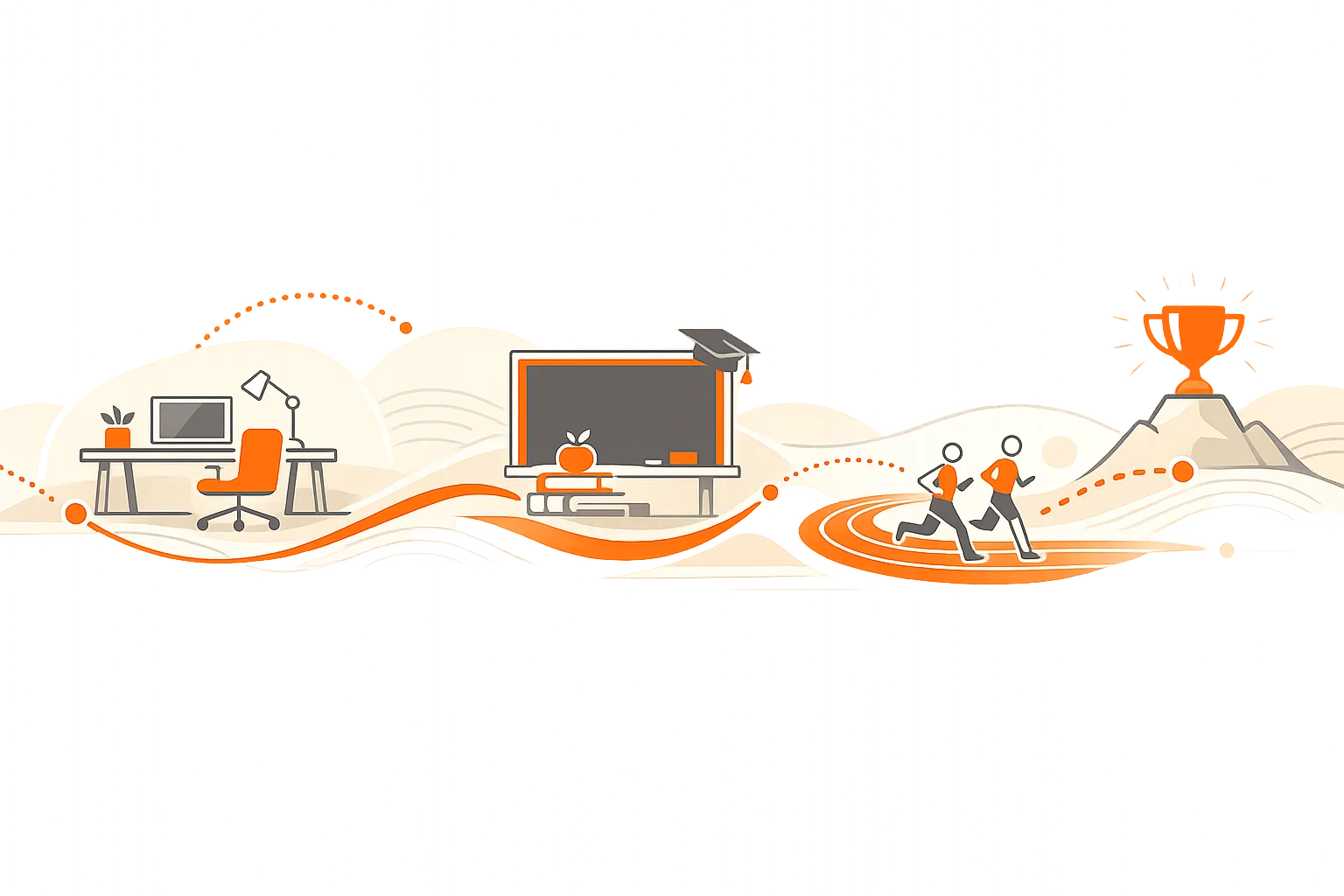
If you’ve spent time in training rooms, classrooms, or fitness apps, you’ve seen it: energy starts high, then the drop-off arrives. Good gamification arrests that slide. Great gamification turns ordinary behaviors into a repeatable habit loop people actually enjoy. This guide does the unglamorous work of separating shiny pointsification from mechanics that sustain participation over weeks and months.
Below you’ll find 18 standout gamification apps across work, learning, and fitness, plus a practical evaluation checklist. We focus on the boring-but-crucial parts: setup friction, reporting, motivation design, and where each tool truly fits. No hype. Just what works.
A quick note on motivation: the strongest results usually come from designs that support autonomy, competence, and relatedness rather than dangling endless trinkets. That’s not philosophy; it’s a recurring pattern seen in Self‑Determination Theory and reinforced by health and education research such as JMIR’s large meta‑analysis of behavior‑change apps.
We looked at four things that consistently predict whether programs stick or stall.
When mechanics are aligned to outcomes, we typically see faster ramp, higher completion, and better recall. Meta‑analyses in health and education show small to moderate positive effects when apps combine sound behavior design with feedback and goals, a pattern echoed in mobile health research and recent reviews in education. The consistent thread: mechanics that reinforce competence and progress outperform pure prize‑chasing.
Motivation holds when people feel progress, not just pressure.
The labels vary, but the essentials are reliable.
Scavify turns real‑world or virtual challenges into a living program for teams, campuses, events, and training. Photo, video, QR, GPS, and trivia tasks auto‑score while live feeds and leaderboards keep energy up. For experiential learning, onboarding, or city activations, the game becomes the delivery mechanism.
Naturally, it’s also a capable scavenger hunt app when the brief calls for movement, discovery, and collaboration.
An enterprise platform unifying performance data, coaching, microlearning, and gamification. Personal challenges, narratives, and recognition help align daily actions with team goals. See platform positioning and features on Centrical’s site: employee gamification and performance management.
Sales performance and contest engine that turns CRM activity into clear, coachable competition. Useful resources include Ambition’s sales gamification field guide.
Real‑time leaderboards and automated competitions connected to your CRM. Focuses on visibility, recognition, and healthy rivalry. See solution pages for details on sales gamification.
Frontline learning platform that bakes game elements into daily training and reinforcement. Evidence‑minded approach to microlearning, quizzes, and motivators. See Axonify documentation on its games component and frontline capability checklist.
Well known for live quizzes, Kahoot! also supports self‑paced challenges for workplace learning. The help center explains live vs. self‑paced play and enterprise onboarding.
The language‑learning app popularized streaks, leagues, and friendly competition. Duolingo’s own posts describe how leagues and leaderboards work.
Assignments, quizzes, and practice with strong data for teachers. Self‑paced or live modes. The help center outlines core functionality and what Quizizz is.
A classroom engagement system that frames behavior, SEL, and academics through a cooperative RPG metaphor. See Classcraft.
Free learning with points, badges, and avatars that acknowledge effort. The support docs explain energy points, badges, and avatars.
Problem‑solving courses with daily practice and a built‑in streak system. Details on streaks and reminders.
Study modes with answer streaks and classroom progress views. See answer streaks and class progress.
Social fitness with segment leaderboards that reward consistent effort on specific routes. The help center explains segment leaderboards and efforts.
At‑home cycling and running that feels like a game. Levels, badges, and events create a long‑arc progression. See Zwift’s docs on leveling and achievements.
A story‑driven running app that turns workouts into missions. Wikipedia’s overview captures the premise of audio‑guided runs and collection mechanics: Zombies, Run!
Coaching, challenges, and community badges built around steady running habits. Nike’s help center details how challenges work.
Historically known for badges and social challenges, Fitbit is being folded into the Google Health app experience in 2026. Reporting and motivation features are changing, and some legacy badges and community elements are being retired according to recent coverage from Android Central.
Activity rings, awards, and monthly challenges drive steady movement. Apple explains awards in the Fitness app support documentation, and the broader “Close Your Rings” philosophy is outlined on Apple’s site.
A pattern we keep seeing: the launch is easy; sustaining engagement is where programs win or fade. These moves help.
Turning a dry orientation into a week of small wins shifts the tone for months. Here’s a simple challenge set that works across roles.
What’s the difference between gamification and game‑based learning? Gamification adds mechanics like points, levels, and challenges to non‑game contexts. Game‑based learning uses full games as the learning vehicle. Both can work; start with the outcome you need.
Do leaderboards always help? No. They can motivate top performers and demotivate the rest. Tiered leagues or time‑boxed contests work better for broad participation, a pattern reflected in community‑based apps like Strava and Duolingo’s league system.
Are streaks good or bad? Streaks are powerful habit scaffolds. They become brittle when a single miss nukes months of progress. Add “streak repair” options so people can re‑enter without shame.
Which mechanics are best for onboarding? Quick wins in the first hour, team‑based challenges by day two, and a level‑gated path for week one. Recognition should be specific and near‑real‑time.
What evidence supports gamification? Reviews in health and education point to small–moderate benefits when mechanics support competence, feedback, and goals. See JMIR and Springer’s literature review.
What about privacy and compliance at work? Favor platforms with admin controls, role‑based permissions, and opt‑in social features. Enterprise tools like Centrical and Axonify publish details about data handling and controls.
How do I choose quickly? Map your one behavior that matters, pick an app whose native mechanic fits that behavior, run a 4–6 week pilot, and measure one metric you can defend in a meeting.
If you need a flexible, challenge‑driven way to activate teams, students, or visitors, Scavify’s blend of photo, video, QR, GPS, and trivia tasks delivers the live energy most programs are missing while keeping setup light and reporting actionable. Then design for progress, not pressure, and watch participation move from forced to voluntary.