Solutions
Your first hunt, live this afternoon.
Free to start · No download for participants
Use team building activities for conference calls to create real participation, with instructions, timing, group-size guidance, low-prep options.
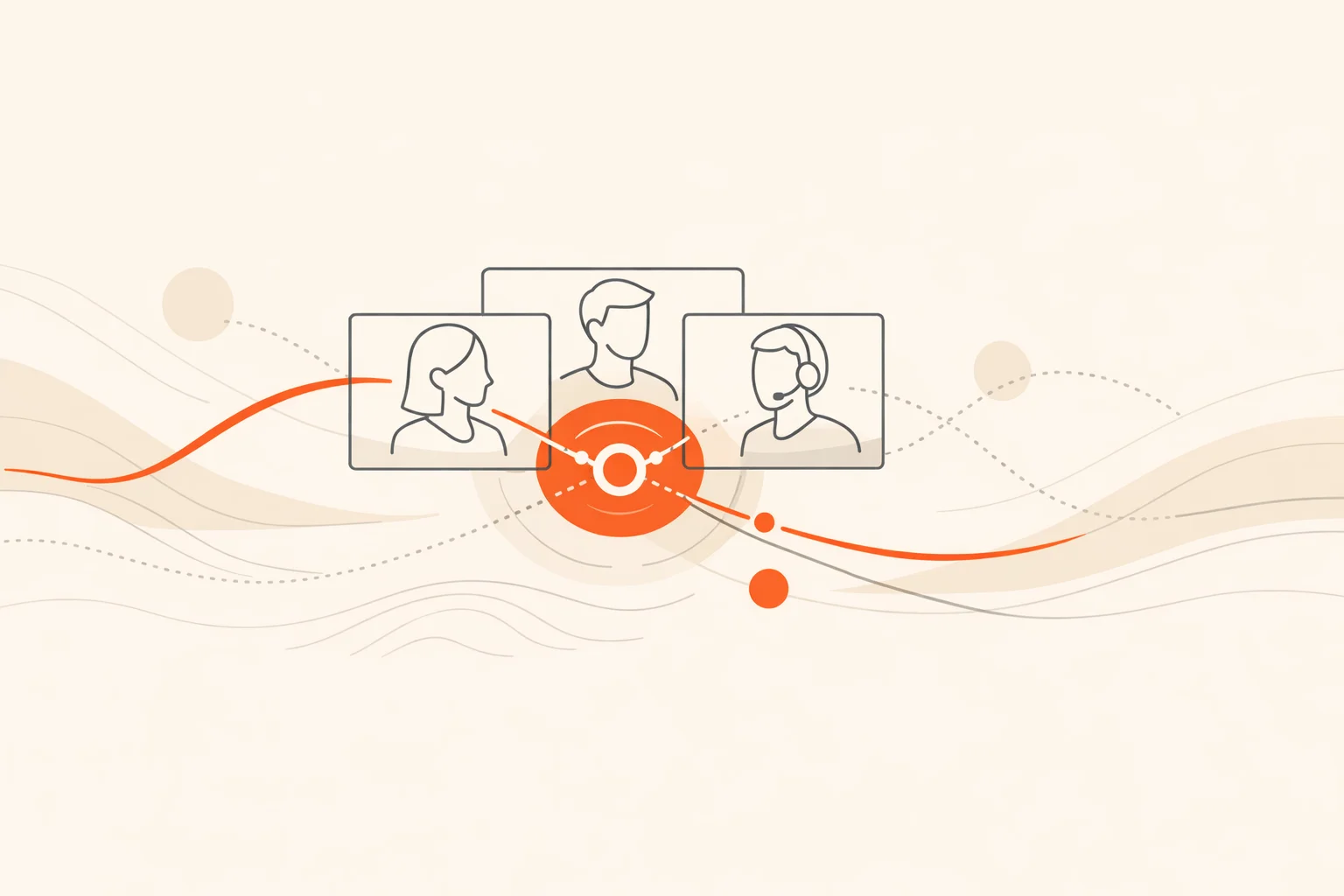
Conference calls stall when participation costs feel high and the path to speak is unclear. Quick, well-structured activities lower that cost, give everyone something specific to do, and flip the call from passive to active. The trick is to keep them short, obvious, and safe enough that people jump in without overthinking it. That’s what this playbook is for.
Below are 18 quick activities built from patterns that consistently work across weekly team calls, all-hands, onboarding cohorts, and hybrid standups. Each includes what it’s good for, simple how‑to steps, time guidance, and scaling notes. Pick one or two per call. Rotate so the format never goes stale.
Short, specific actions reduce the cognitive load of “figuring out how to contribute,” which is what silently drains most virtual rooms. Brief activities also counter known drivers of online meeting fatigue by shrinking on‑screen gaze time and giving bodies a reason to move or switch focus. Stanford’s work on “Zoom fatigue” highlights how constant eye contact and self‑view increase strain; brief, well‑timed breaks and camera‑optional moments help relieve it. (news.stanford.edu)
Smaller groups matter. Breakouts create safer spaces for people to talk and typically increase the total number of voices you hear. Harvard Business Review’s guidance is blunt: use breakout rooms liberally for larger meetings. (hbr.org)
Psychological safety isn’t a nice‑to‑have; it’s the precondition for real interaction. Google’s Project Aristotle surfaced it as the top factor in effective teams, which is why low‑risk, high‑success activities outperform high‑pressure “perform for the room” bits. (rework.withgoogle.com)
And if you need one more nudge: camera‑off, no‑participation patterns in virtual meetings correlate with employee attrition, according to analysis summarized in Harvard Business Review. Designing calls where participation is easy and expected is a retention move, not just a culture one. (hbr.org)
Nobody quits a game they’re winning. Start with a guaranteed win.
Good for: fast energy, movement, smiles. Works on audio‑only too.
How it works: call out a short list of everyday prompts one at a time. People find an item, drop an emoji, type a word in chat, or flash it briefly on camera. Keep prompts inclusive and universal.
Run it:
Timing: a few minutes is enough. End while people still want more.
Scale: ideal for any size; for 20+, split into breakouts and give each room two prompts, then share one favorite back in the main room.
Want automation, scoring, and a real leaderboard for bigger meetings? A scavenger hunt app handles prompts, submissions, and points with zero spreadsheet wrangling.
Good for: warming up quiet rooms; broad participation.
How it works: randomize pairs for two quick prompts. Switch once. Come back with one takeaway per duo.
Run it:
Timing: under 8 minutes total.
Scale: any size; pairs sidestep airtime bottlenecks. Breakouts significantly raise talk time per person compared to whole‑group discussion. (hbr.org)
Good for: connection without oversharing; safe personal storytelling.
How it works: each person within a small group shows one object within arm’s reach and tells a 10‑second story.
Run it:
Timing: 5 to 7 minutes in small groups.
Scale: best in trios; in large groups, sample 4 to 5 spotlights back in the main room.
Good for: morale, momentum.
How it works: rapid‑fire micro‑wins from the last week. The host sets a timer and keeps things moving.
Run it:
Timing: 3 to 5 minutes.
Scale: whole‑group or breakouts. The public recognition nudge helps psychological safety and positive norms. (rework.withgoogle.com)
Good for: light debate; seeing how people think.
How it works: present a scenario (“Stranded with your laptop, three apps only”). Teams draft picks snake‑style. Quick persuasion, then vote on the best lineup.
Run it:
Timing: about 8 minutes.
Scale: breakouts are your friend here. Debating in small rooms lowers the pressure and boosts talk time. (hbr.org)
Good for: creative problem‑solving; nonverbal collaboration.
How it works: one person draws on a shared whiteboard while teammates guess in chat. No talking until someone solves it. Then switch drawers.
Run it:
Timing: 5 to 10 minutes.
Scale: best in groups of 4 to 8. Silent collaboration briefly relieves the constant verbal focus that contributes to fatigue. (news.stanford.edu)
Good for: fast context; breaking the “floating heads” feeling.
How it works: screen‑share a simple map (world or regional). Each person drops a pin or annotates where they are, plus one local detail in chat.
Run it:
Timing: 3 to 6 minutes.
Scale: whole‑group, or do regional maps in breakouts and share back a highlight.
Good for: listening; co‑creation.
How it works: the host starts a sentence. Each person adds exactly three words. Keep it moving for 60 to 90 seconds, then read the story.
Run it:
Timing: 3 to 5 minutes.
Scale: any size; go to breakouts for parallel stories and pick one line from each to stitch a final mashup.
Good for: quick temperature reads without long speeches.
How it works: on camera or in chat, show 1 to 5 fingers for energy level, clarity on goals, or comfort with a decision. Invite one comment per number band.
Run it:
Timing: 2 to 4 minutes.
Scale: whole‑group. You get real signal without inviting 20 monologues.
Good for: creative persuasion; laughter.
How it works: in small groups, each person presents a personal “artifact” (pen, mug, sticky note) and gives a 15‑second pitch on why it’s priceless. Teammates get 100 imaginary credits to bid in chat. Highest total “sale” wins.
Run it:
Timing: 6 to 8 minutes.
Scale: trios or quads. Whole‑group only if you spotlight 4 to 6 items.
Good for: collective problem‑solving.
How it works: present a tiny logic puzzle, riddle, or “spot what’s odd in this photo” challenge. People submit guesses in chat. Award quick kudos and move on.
Run it:
Timing: 2 to 5 minutes.
Scale: any size. Keep a few extras ready in case the first one falls instantly.
Good for: connection; low‑stakes vulnerability.
How it works: before the call, collect 4 to 6 cropped photos from volunteers’ desks or work nooks. Show each; teammates guess whose it is in chat. Reveal with one sentence from the owner.
Run it:
Timing: 5 minutes.
Scale: whole‑group. Rotate new volunteers each month.
Good for: knowledge sharing; practical value.
How it works: one person shows a tiny trick that makes work easier. Think one keyboard shortcut, one email template, one calendar move. Cap at 30 seconds of demo, 30 seconds of Q&A.
Run it:
Timing: 2 minutes total.
Scale: whole‑group. Feels like free productivity.
Good for: light discussion; fast votes.
How it works: pose a fun either/or question tied to a real decision if possible. People vote with emojis and share a one‑sentence rationale. Host surfaces an unexpected argument.
Run it:
Timing: 3 to 6 minutes.
Scale: any size. Allows contribution without a mic, which helps reduce meeting drag. (news.stanford.edu)
Good for: creativity; shared laughs.
How it works: share one neutral photo (a staircase, a cloud shape, an abstract texture). In trios, generate the best caption that ties it to your current project. Vote for a winner back in the main room.
Run it:
Timing: 6 to 8 minutes.
Scale: breakouts help here; creativity spikes when the audience is small.
Good for: quick feedback loops.
How it works: run a micro retro using three prompts: “Went well,” “Got weird,” “Try next.” People type one phrase under each in chat. Host calls out patterns.
Run it:
Timing: 3 to 5 minutes.
Scale: any size. Small, structured reflections build team learning and safety over time. (rework.withgoogle.com)
Good for: empathy; cross‑functional understanding.
How it works: in pairs, each person teaches the other one thing their role is measured on and one misconception about their job. Each has 60 seconds.
Run it:
Timing: 5 to 7 minutes.
Scale: pairs or trios. This creates context that pays off later when work gets hairy.
Good for: energy reset; reducing screen strain.
How it works: switch to audio‑only and send people into pairs for a 4‑minute walking call around home or office. Give one simple prompt. Return and share a single sentence per pair.
Run it:
Timing: 4 to 6 minutes.
Scale: any size. Short audio‑only breaks lower visual load and counter nonverbal overload. (news.stanford.edu)
Aim for quick hits under 10 minutes. Short, focused activities reduce nonverbal strain and help people re‑engage with the agenda; longer segments tend to trigger Zoom‑fatigue drivers. (news.stanford.edu)
Use breakouts. Give each room a tight prompt and a visible countdown, then harvest one takeaway per room when you reconvene. This moves far more voices than whole‑group airtime. (harvardbusiness.org)
No. Many activities above work via chat, audio, or reactions. Mix camera‑optional with on‑camera moments to keep choice high and fatigue low. Data also shows that designing for participation (not camera policing) is the better retention play. (hbr.org)
State a clear intention, keep it brief, and make the first challenge winnable. When the activity unlocks progress or clarity for the real meeting, people stop seeing it as filler.
A timer, chat, reactions, a basic whiteboard, and breakouts. If you want structured challenges, points, submissions, and a live leaderboard without extra labor, a purpose‑built scavenger hunt app is the cleanest lift.
Build in short, camera‑optional shifts, and let people move. Stanford’s research on videoconference fatigue points to reduced self‑view exposure, less forced eye contact, and periodic physical resets as helpful. (news.stanford.edu)
Rhythm beats novelty. One structured activity at the start of weekly calls, plus an occasional mid‑call reset when energy dips, usually sustains participation without gimmicks.
Most conference calls fail at the starting line: no clear doorway for people to enter the conversation. Quick, low‑stakes activities create that doorway. They lower the cost of speaking, spark real connection, and tune the room for the work that follows. Keep them short. Keep them obvious. And end while the energy is still rising. That’s how participation becomes your team’s default, not an exception.