Solutions
Your first hunt, live this afternoon.
Free to start · No download for participants
Explore ice breakers for virtual meetings with standout examples, selection guidance, setup steps, mistakes to avoid, and ideas you can adapt quickly.
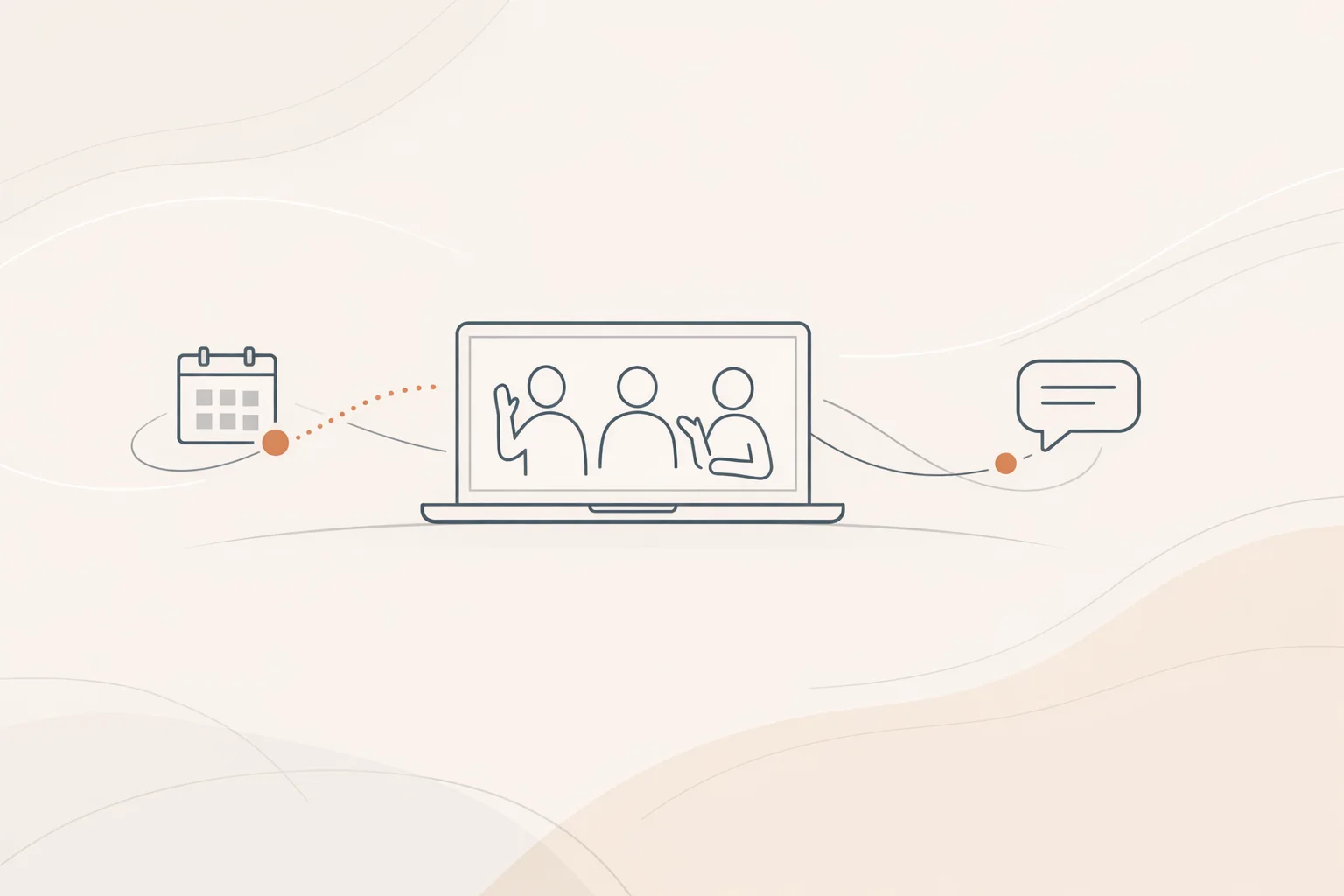
Virtual meetings are here to stay, but energy and connection still dip fast when the room is a grid of muted squares. The right opener changes the arc of the next hour. It gives everyone something small to do, lowers the social cost of speaking, and creates a quick win before you touch the agenda. In our experience, that first two to five minutes often decides whether the rest of the meeting feels like participation or performance.
There’s no single perfect icebreaker. There are formats that match a purpose: warm people up, surface context, spark creativity, or build trust. The trick is choosing light, specific prompts that respect time and give multiple ways to participate. Do that, and your opener stops feeling like “forced fun” and starts working like a runway.
The 30 ideas below are built for everyday remote meetings. They scale up or down, work with camera‑shy folks, and take minutes, not half the call.
A fast, structured opener reduces the friction of speaking on video, which is higher than in person thanks to nonverbal overload and mirror anxiety. Stanford’s research on the four causes of video fatigue suggests tweaks like shrinking self‑view and varying modalities reduce strain, especially early in a call. Link your opener choice to that reality and you’ll feel the difference. See Stanford’s summary of the causes and solutions in four causes of Zoom fatigue. (news.stanford.edu)
Short, intentional breaks and micro‑interactions can restore energy and, in many cases, modestly improve well‑being and subsequent performance. A broad review of randomized studies on microbreaks found consistent benefits for vigor and fatigue. Use that logic to justify quick movement or reset prompts at the top. Read the synthesis in a systematic review and meta‑analysis on microbreaks. (pmc.ncbi.nlm.nih.gov)
Finally, teams contribute more when they feel safe to speak up. Simple, low‑stakes prompts help build that climate. For a pragmatic view, see HBR’s guidance on building psychological safety in hybrid workplaces. (hbr.org)
Start small, start fast, make the first win effortless.
For additional context, Microsoft’s Work Trend Index captured the rise in meeting load and why intentional structure matters. Their reports document the shift toward more meetings and the need to re‑balance collaboration with focus time. Skim the annual summaries for patterns you’ll recognize in your calendar in the 2022 Work Trend Index. (assets.ctfassets.net)
Ask everyone for one word that describes how they’re arriving. Drop it in chat or say it aloud. It’s a fast temperature read and an easy first win for quiet voices.
Invite a single emoji that captures energy level or mood. Reactions lower the bar to participate and keep cameras optional. If you need a segue, ask what would move one person up a notch.
The classic, but time‑bounded and run in chat. Two plausible truths plus one future wish as the “lie.” Quick, funny, and noninvasive.
Let people keep virtual or blurred backgrounds, then share 10 seconds on why they chose it. Works with camera‑shy folks who prefer static images.
Share the last non‑work photo that’s safe for work and give it a caption in the chat. Optional follow‑up: group guesses the context.
Hold up an object within arm’s reach and tell a 10‑second story. Pens, plants, concert tickets, snacks. Mundane is good.
Snake‑draft one survival item per person. Two quick rounds keep it snappy. Ask one person to connect their pick to today’s topic.
Create a two‑option poll: early bird or night owl, tacos or noodles, sprint or marathon. Read one surprising split and move on.
On a shared whiteboard, everyone drops a dot roughly where they are in the world. Ask for one time‑zone tip that helps the team coordinate.
Breakouts of three. Find three oddly specific things you share that aren’t obvious. Come back with your best one‑liner.
Pick an object with a short story and cap it at 30 seconds. Keep it moving. Rotate a few voices, not the whole room.
“What’s one small win since we last met?” Make space for non‑work too. Momentum is contagious.
Pick a theme like snacks, cities, or tools. A goes first, then B, and so on. If someone stalls, the next person can rescue.
One person draws a simple object; others guess in chat. Rotate once or twice only. The messier, the better.
A light lift: one interesting or mysterious item. If that’s too personal, switch to pantry or desk drawer.
Name a song that fits your week. Don’t play audio; just share titles to avoid tech chaos. A playlist can emerge over time.
Lead a 60‑second stretch with cameras optional. The science behind brief movement breaks is solid enough to justify the minute. See evidence on short breaks and cognition in a study of brief exercise breaks and a recent meta‑analysis. (pubmed.ncbi.nlm.nih.gov)
Invite quick introductions of the living things nearby. Strict 10‑second cap keeps it playful, not precious.
Share a close‑crop photo from your workspace. Everyone guesses in chat. Reveal and move on.
Give a simple prompt: “One thing I’m curious about today is…” or “A blocker I cleared was….” Keep replies to a sentence.
Hold up fingers 0–5 for energy or alignment; reactions work too. Ask two people what would move them up one notch.
Post a lateral‑thinking riddle. Let chat battle it out for a minute. Pick one answer and pivot to the agenda.
One person thanks someone for a small recent help. That person passes it forward. Two or three hops, then stop.
New group? Each person gets 10 seconds for who they are and 10 seconds for what they want from the meeting. A tiny clock helps.
Build 5–7 lightweight questions about your org, product, or workplace lore. Keep scoring optional to avoid performance pressure.
Turn on one mild background or avatar filter. Ask for the backstory. Skip if your culture skews formal.
Spin up three bite‑size challenges that take under a minute apiece. Snap, scan, or answer, then back to work. If you want a full experience later, a modern scavenger hunt app keeps scoring, feeds a live leaderboard, and works in the browser for easy access.
Tell a three‑beat story about your week using only emojis. Others translate. Fast, visual, and inclusive.
Share the funniest or oddest meeting title you’ve seen. Keep it kind; anonymize where needed.
For camera‑off cultures, run a chat‑only prompt: “Type the city you wish you were working from today.” Or “One question you hope we answer.” Easy, anonymous if needed, and effective.
Short enough to feel scarce. Most groups respond best when the opener takes just a few minutes and hands off cleanly to the agenda. The point is activation, not entertainment. Research on microbreaks suggests even brief resets can restore energy. (pmc.ncbi.nlm.nih.gov)
Offer multiple ways to participate: chat, reactions, or voice. Normalize camera‑optional. Avoid on‑the‑spot personal disclosures. Stanford’s work on video‑meeting fatigue supports using less visually intense options early in calls. (news.stanford.edu)
Don’t use the word. Frame it as a “quick check‑in” or “warmup question,” keep it business‑adjacent, and stop while it’s working. Variety matters more than novelty.
Write a one‑line bridge ahead of time. Example: “You’ll hear a few ‘tiny wins’ again as we review Q3 experiments; keep those in mind.” That line moves the energy forward with intent.
Yes. Shrink self‑view, vary modalities, and encourage periodic movement. Stanford’s guidance on nonverbal overload and Microsoft’s research into meeting load both support designing lighter‑weight opening moments. (news.stanford.edu)
Stick to what people already have: built‑in polls, reactions, chat, a shared whiteboard. Add purpose‑built tools for specific formats like scavenger hunts when you want richer engagement and automatic scoring.
Every meeting doesn’t need an opener, and repeats go stale quickly. Keep two or three favorites in rotation and retire anything that starts to feel like homework.
Yes, with tweaks. Use polls, reactions, or chat for whole‑room responses, and run brief breakouts to create pockets of talk time. Keep the host’s instructions crisp and time‑boxed.
Good openers don’t add fluff; they clear friction. Pick a prompt that fits the job, make the first win easy, and hand off to the work while everyone is still leaning in. If you want to turn the occasional opener into a full‑blown interactive experience, Scavify’s browser‑friendly approach makes it simple to scale a hunt without adding tech burden later on.