Most onboarding programs start with forms, slide decks, and a firehose of information. New hires nod along, promise themselves they’ll remember everything, then forget half by lunch. The result is predictable: slow ramp, shallow connections, and a nagging sense that the organization wasted a high‑energy moment.
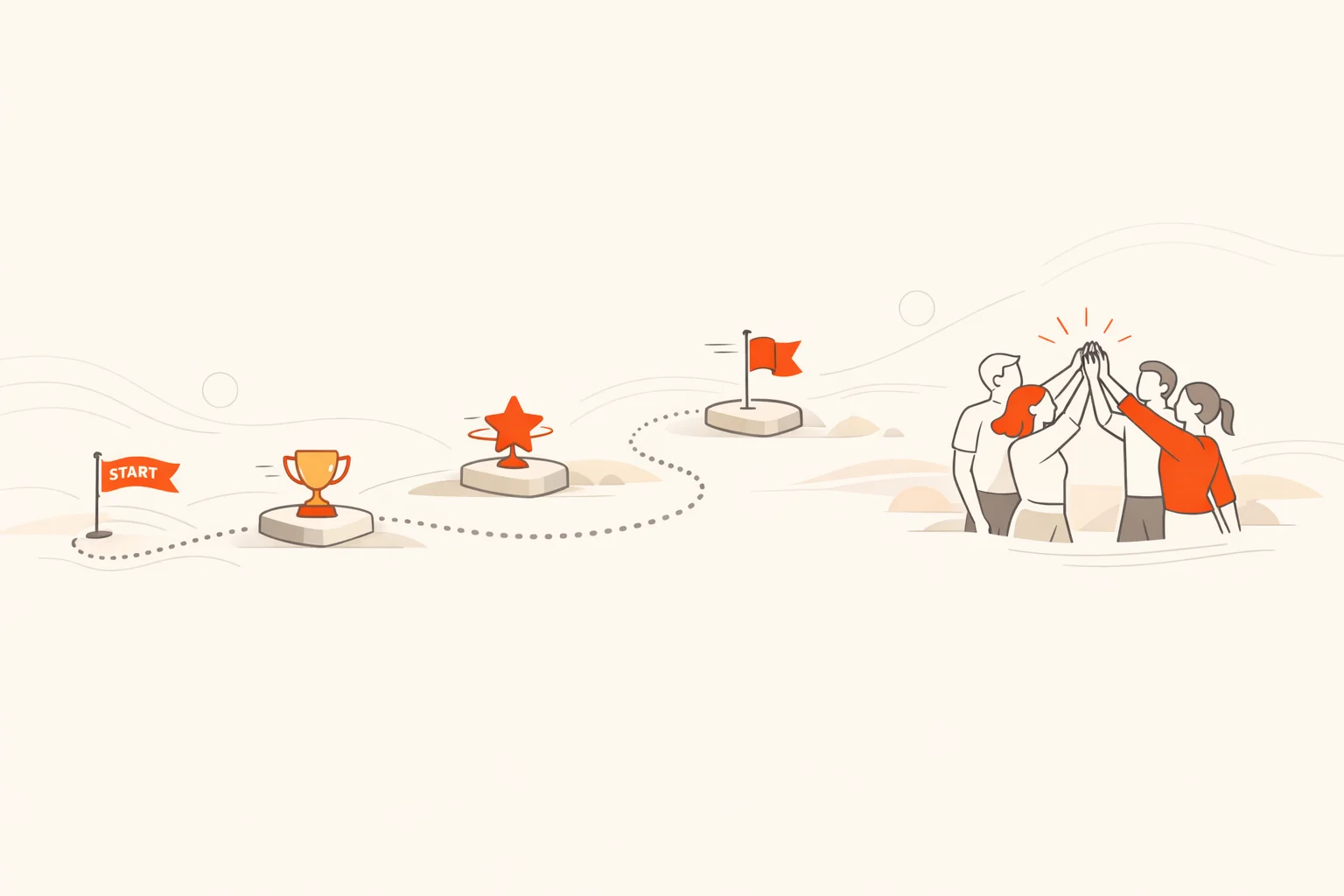
Onboarding gamification fixes the energy leak. Not by turning work into a video game, but by borrowing simple mechanics that make progress visible, feedback fast, and participation active. Think quests, levels, streaks, and team missions that move people through real tasks, real relationships, and real context.
There’s a useful benchmark. Gallup found that only about one in ten employees strongly agree their organization does a great job of onboarding, yet those who rate their onboarding as exceptional are nearly twice as likely to feel fully prepared and 2.3 times more likely to say the job meets or exceeds expectations. That’s not confetti. That’s risk management. (gallup.com)
In our experience, the programs that work feel like well‑run games in one specific way: everyone knows what to do next, why it matters, and how they’re doing. The rest is window dressing.
- Gamification works when it clarifies the next step and gives fast, specific feedback.
- Public scoreboards are optional; psychological safety and fair rules are not.
- Design for short sessions and visible wins in the first 24–72 hours.
- Track outcomes that matter: time to first useful output, early retention, network breadth.
- Mix solo and team challenges so no single skill decides the whole game.
Why onboarding gamification works now
When onboarding becomes interactive, people retain more and ramp faster. Multiple meta‑analyses show small to moderate positive effects on learning and behavior from gamified approaches, especially when interventions are scoped and time‑bound. The pattern: clear goals, progress visibility, and timely feedback drive engagement and performance. (doi.org)
On the social side, better onboarding and structured socialization reliably support early retention. That isn’t folklore; it’s been validated across employment and education contexts. (pubmed.ncbi.nlm.nih.gov)
What onboarding gamification is (and isn’t)
Onboarding gamification adds game mechanics to real onboarding work. It uses points, levels, check‑ins, team missions, streaks, and badges to create momentum through tasks new hires need anyway. It is not a video game. It is not fluff pasted over policy slides. Good gamification makes the right behavior the easy behavior.
Design principles that actually move behavior
- Basics first: Every challenge needs a clear goal, fast feedback, and visible progress. That triangle does most of the work. (doi.org)
- Reduce cognitive load: Break tasks into small, sequenced steps with just‑in‑time instructions. Long explanations up front stall momentum. (frontiersin.org)
- Motivation with teeth: Design for autonomy, competence, and relatedness. People stick when they choose, improve, and belong. (link.springer.com)
- Short arcs: Favor quick wins in days, not months. Shorter, time‑boxed interventions consistently perform better. (mdpi.com)
Pro tip
Front‑load an easy, confidence‑building win in the first few minutes. It sets the tone and quietly raises completion rates for everything that follows.
How to use this guide
Below are 12 practical ideas. Each one includes what it is, how to run it, remote‑friendly variations, what to measure, and what to watch. Choose three to five that match your roles and culture. Keep the arc short, the rules clear, and the wins visible.
1. Orientation quest: turn day one into a guided discovery
Turn the office, wiki, chat channels, and people into a route of quick stops. Each stop delivers context, captures evidence, or introduces a person. The quest ends with a small share‑back to the cohort or manager.
- How to run it: Build 8–12 stops. Mix formats: photo, QR, GPS check‑ins, trivia, and one short video. Publish a live leaderboard only if the vibe is friendly, not performative. If you’re using a scavenger hunt app, set time windows and auto‑award points to cut admin.
- Remote variation: Replace place‑based tasks with wiki pages, Slack channels, and short Looms; gate progress on a quick knowledge check.
- Measure: Completion rate by day one, time to finish, and number of unique introductions logged.
- Watch: Don’t bury IT setup behind clever puzzles. No laptop, no game.
2. Level‑up ramp: unlock real work with skill gates
Map the first two weeks into three or four levels. Each level ends with a small demonstration that unlocks the next. Keep the boss fights tiny: a 90‑second demo, a checklist run‑through, or a mock ticket.
- How to run it: Publish the level map in your LMS or challenge app; add visible progress bars and optional side quests for keeners.
- Remote variation: Make the demo a recorded video with peer comments due in 24 hours.
- Measure: Time to first useful output (TTFUO), pass rates on level gates, and help‑request volume.
- Watch: If everything requires a manager’s approval, the queue becomes the game. Build in peer checks.
3. Social map bingo: build a network on purpose
Give each cohort a “people bingo” board with prompts that require real conversations. The goal is breadth, not speed. Wrap with a 15‑minute share where each hire highlights one surprising thing learned.
- How to run it: Seed squares like “met someone in another timezone,” “shadowed a non‑adjacent team,” “learned a team ritual,” or “asked for a ‘day‑one survival tip.’”
- Remote variation: Swap hallway hellos for scheduled coffee chats in different time zones; credit comes from a short note or screenshot.
- Measure: Number of unique contacts, cross‑functional spread, and manager‑rated “context confidence.” Strong socialization correlates with early retention. (pubmed.ncbi.nlm.nih.gov)
- Watch: Don’t make introverts perform. Offer low‑stakes options like async Q&A.
4. Policy escape: make compliance unforgettable
Turn policy education into a sequence of short puzzles. Each puzzle uses a real scenario and forces a concrete choice.
- How to run it: Use branching questions with immediate, specific feedback and links to the exact clause. Keep the tone human.
- Remote variation: Run it as a timed challenge during orientation call; teammates can discuss answers in breakout rooms.
- Measure: First‑attempt accuracy, error patterns, and time per puzzle.
- Watch: Don’t shame misses. Policy learning works best with fast, private correction.
5. Product playground: learn by making something small and useful
Have new hires build a tiny artifact with your product or tools. Sales roles script a 90‑second pitch. Engineers ship a test that catches a real bug. Support writes a help‑center entry.
- How to run it: Provide starter templates and a “definition of done.” Make peer feedback a requirement, not a favor.
- Remote variation: Pair up across roles so context spreads both ways.
- Measure: Time to artifact, quality checklist hits, and reuse of artifacts by others.
- Watch: Don’t turn this into a hackathon. Keep scope small; completion wins over brilliance.
6. Culture passport: values in action, not in slides
Replace value recitations with missions that force values‑based choices. New hires earn stamps by spotting values in real meetings, recognizing peers, or choosing between tradeoffs.
- How to run it: Publish 5–7 missions mapped to values. Include one “tell us when a value was hard to live” reflection.
- Remote variation: Capture quick examples in a running thread; encourage emoji reacts as lightweight recognition.
- Measure: Mission completion, distribution across values, and quality of reflections.
- Watch: If recognition only flows upward, the game teaches hierarchy, not culture.
7. Mentor missions: buddy challenges that matter
Formal buddies help. Buddies with shared missions help faster. Give pairs three missions: co‑solve a real task, introduce two useful people, and schedule a feedback exchange.
- How to run it: Issue a joint checklist with deadlines. Reward completion with visible badges that acknowledge both people.
- Remote variation: Use short co‑working blocks with a clear goal per block.
- Measure: Time to first independent task, survey on “I know who to ask,” and buddy completion rates.
- Watch: Don’t overload your best people. Mentor burnout shows up as ghosted meetings.
8. Micro‑quizzes with streaks: knowledge checks people welcome
Quizzes don’t have to feel like school. Keep them short, time‑boxed, and tied to real decisions. Streaks encourage regular touch without turning learning into a grind.
- How to run it: Two to five questions per day for a week. Feedback explains the why, not just right/wrong. Meta‑analyses suggest gamified micro‑learning can improve outcomes when scoped well. (sciencedirect.com)
- Remote variation: Deliver on mobile with push reminders during low‑energy parts of the day.
- Measure: Streak length, first‑try accuracy, and change in decision quality on the job.
- Watch: Kill streaks after a miss. Perpetual punishment breaks motivation.
9. Safety & IT walkabout: QR and GPS check‑ins that teach
Send hires to the places where things break and get fixed: help desk, incident channel, first‑aid kit, evacuation route. Each stop includes a 20‑second read or quick demo.
- How to run it: Use QR codes for office stops and screen captures for virtual equivalents. Reward with a practical “I can find help” badge.
- Remote variation: Replace GPS with threaded check‑ins and screenshots.
- Measure: Completion rate in first week, time to resolve first IT ticket, and incident‑response confidence.
- Watch: Don’t hide critical safety info behind puzzles.
10. Improvement hunt: spot, submit, and celebrate fixes
New eyes see broken windows veterans ignore. Give hires a challenge to submit small improvements. Recognize shipped fixes weekly.
- How to run it: Provide a template: problem, impact, tiny fix. Give points for accepted and implemented suggestions.
- Remote variation: Use a shared board with tags for quick triage.
- Measure: Number of qualified suggestions, percent implemented, and cycle time to implement.
- Watch: Close the loop. Nothing kills initiative like a black hole.
11. Choose‑your‑own role path: personalized lanes by job family
Different roles need different arcs. Offer role‑specific lanes with common checkpoints. People pick the lane that fits, then add electives.
- How to run it: Publish lane menus with prerequisites and suggested sequences. Allow manager swaps if priorities change.
- Remote variation: Offer async alternatives for every sync activity.
- Measure: Lane completion and time‑to‑confidence by role.
- Watch: Complexity is a tax. If the map is confusing, the path won’t get used.
12. Capstone sprint: ship work that earns real recognition
End the first 30 days with a small, real contribution: close a ticket, deliver a customer insight, update a doc everyone uses. Celebrate in the activity feed with lightweight recognition, not speeches.
- How to run it: Give a narrow problem list. Pair with a peer reviewer. Publish wins in a channel the org actually reads.
- Remote variation: Record 60‑second demos; run a calm, asynchronous vote for “most useful.”
- Measure: Number of capstones shipped, re‑use views, and manager‑rated utility.
- Watch: Don’t compare capstones across very different roles. That’s apples and forklifts.
Nobody quits a game they are winning. Your first challenge exists to make everyone feel like they are winning.
Implementation: blueprint, build, launch, run
- Blueprint: Define 1–2 core outcomes (for example, time to first useful output and 90‑day retention). Sketch a short arc: orientation quest, two level gates, and a capstone. Align every challenge to one of the outcomes.
- Build: Keep mechanics simple: points for completion, badges for milestones, optional leaderboard. Use templates and automation so the program runs even when managers are busy. Design around autonomy, competence, and relatedness to support intrinsic motivation. (link.springer.com)
- Launch: Prime managers with a 20‑minute walkthrough and a two‑line weekly script. If managers participate, outcomes improve. Gallup’s research associates exceptional onboarding with stronger preparedness and job‑fit signals. (gallup.com)
- Run: Inspect live metrics weekly and adjust. Short, time‑boxed sprints are easier to tune than monolithic curricula. (mdpi.com)
Watch out
Public leaderboards can be noisy and demotivating for some roles. Use team totals, opt‑in highlights, or private progress dashboards when psychological safety matters more than spectacle.
Measuring impact: what to track and how
Strong programs measure behavior change, not just course completions. Practical metrics include:
- Time to first useful output (TTFUO): Days until the hire ships something their team uses.
- Time to confidence: Self‑reported “I can do the essentials of my role” survey by week two.
- Completion and accuracy: Challenge completion, first‑try accuracy on micro‑quizzes, and retry patterns. Gamified learning shows measurable gains when feedback is immediate and progress is visible. (doi.org)
- Network breadth: Unique introductions in the first 30 days; socialization strength links to retention. (pubmed.ncbi.nlm.nih.gov)
- Manager participation: Percent of managers who comment, review, or award at least once per week. Manager involvement correlates with exceptional onboarding experiences in Gallup’s findings. (gallup.com)
- Early retention: 90‑day and 6‑month retention by cohort; pair with exit themes for those who leave.
For structure and examples of onboarding KPIs, SHRM’s guidance covers time‑to‑productivity, retention thresholds, and new‑hire sentiment measures with practical survey ideas. Use them as scaffolding, then tune to your business. (shrm.org)
Common pitfalls and how to avoid them
- Confusing game with goal: If the mechanic overshadows the behavior, you’ll win the wrong game.
- Endless arcs: Keep it short. Time‑boxed interventions outperform sprawling ones. (mdpi.com)
- One‑size‑fits‑none: Roles differ. Offer lanes.
- Leaderboards without safety: Default to private progress when stakes or power dynamics are high.
- Heavy lifts for light wins: Five‑minute tasks beat 45‑minute epics during week one.
- No manager script: Provide prompts and calendar nudges so check‑ins happen even on busy weeks.
- Measuring inputs, not outcomes: Completions are the start. Focus on TTFUO and early retention.
Challenge examples you can copy
These starter prompts fit a day‑one orientation quest. Tweak phrasing and points to match your culture.
- Find the place where blockers vanish the fastest; show it.
- Scan the code that reveals how we ship on Fridays.
- Check in where customer issues become insights.
- Which value do we defend when deadlines squeeze?
- Teach a 20‑second shortcut you learned today.
Closing thoughts
Onboarding is a once‑per‑hire chance to create momentum that lasts. Gamification works when it turns passive consumption into visible progress, builds real relationships fast, and gives managers a simple way to reinforce what matters. The research backs the approach, but the craft lives in the details: tiny wins early, short arcs, fair rules, and outcomes that the business actually feels. Do that, and your newest people won’t just feel welcomed. They’ll feel useful.
If you want to operationalize this quickly across locations and roles, app‑based challenges with automation, live feeds, and mobile access make the mechanics disappear so the behavior shows up. That’s precisely why teams use Scavify for onboarding, training, and events: it keeps the work real and the experience active.