Solutions
Your first hunt, live this afternoon.
Free to start · No download for participants
Try 20 virtual Fun Friday activities for remote teams, with quick games, social ideas, setup tips, and flexible options for different group sizes.
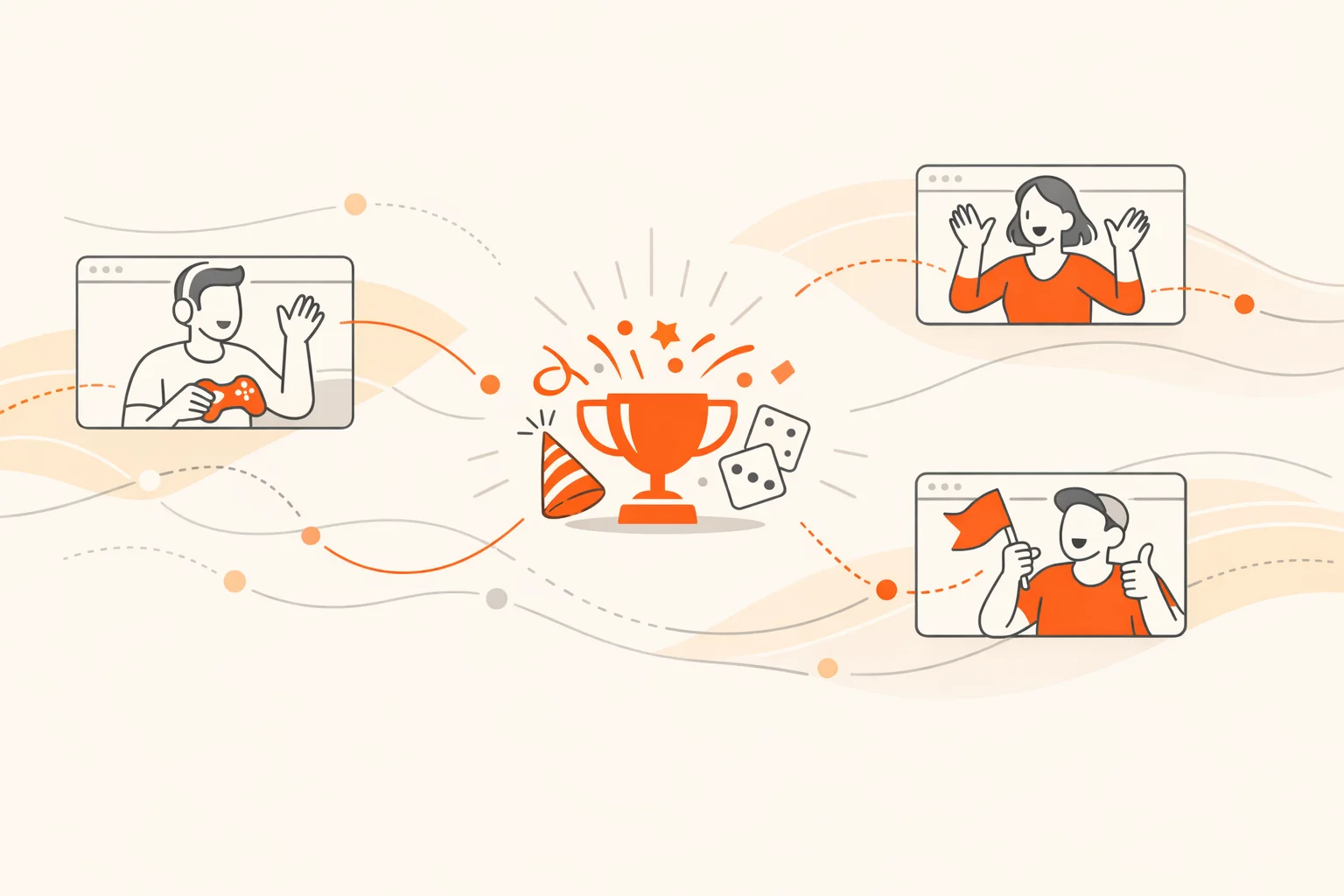
Remote teams don’t need another awkward hour on mute. They need a shared burst of energy that actually feels worth logging in for. That’s what a well‑designed Fun Friday does: short, simple, optional‑feeling, and built around quick wins. The right structure turns routine video calls into real connection and gives people a reason to look forward to the end of the week.
Most teams default to the same two or three team building games online and then wonder why participation slides. Variety fixes that. So does choice, pacing, and a little production value where it counts. Below you’ll find 20 field‑tested ideas plus run‑of‑show templates and setup tips.
Fun Fridays work best when you design around human limits: attention spans, camera fatigue, and calendar pressure. Keep it light, keep it moving, and let people opt into how they show up.
The ideas below favor low‑friction setup, flexible group sizes, and simple facilitation. They’re built for the realities of remote calendars and the hundred little reasons people hesitate to turn cameras on.
A reliable weekly or monthly ritual gives distributed teams a shared beat. Play helps people risk small things together, which later makes project work smoother. Psychological safety isn’t built by slide decks; it’s built by repeated low‑stakes interactions where it’s safe to try, miss, and laugh. Research popularized by Google’s Project Aristotle highlights psychological safety as a defining trait of effective teams, keeping participation open and ideas flowing. See the synthesis in Harvard Business Review. (hbr.org)
There’s also the very practical matter of screen fatigue. Stanford’s Virtual Human Interaction Lab pinpointed several design flaws in video meetings that drain energy and attention. Structuring Fun Friday with movement, breaks, and variety directly addresses those issues. Read the summary in Stanford News and their follow‑up findings via the Virtual Human Interaction Lab. (news.stanford.edu)
Nobody quits a game they’re winning. Open with a fast, obvious win.
The fastest way to turn passive participants into players is a burst of movement and discovery. Use simple prompts people can complete at home, on camera, or via photos and short clips. Keep rounds snappy and stack quick wins.
If you want structure, automation, and a live leaderboard, run it through a dedicated scavenger hunt app. Scavify runs in a browser or the app and supports photos, videos, trivia, QR codes, and more without extra wrangling.
Here’s a starter set you can copy as‑is or remix. Begin with the easiest prompt to spike completion, then gradually increase difficulty.
Short themed rounds with a rolling leaderboard keep people coming back. Mix company culture, pop culture, and picture/audio clues. Allow team play in breakout rooms for larger groups and solo play for smaller ones.
Choose a 30–40 minute virtual escape built for remote teams. The trick is moderation: keep teams small enough for everyone to touch a puzzle, and timebox hints to protect momentum. A brief debrief reveals problem‑solving patterns you’ll see at work next week.
Invite a surprise guest with a story your team will actually care about: a customer, alum, or cross‑functional leader. Reveal two truths and one lie about the guest and let the group interrogate to find the lie before the AMA.
Assign loose, welcoming prompts: a tool that saves you time, a hobby in one photo, a snack you swear by. Use timed lightning rounds so everyone gets a turn without dragging.
Open a shared canvas and give everyone a tiny square to fill. The output is a playful team mural you can screenshot and reuse. If you want inspiration or ready‑made boards, Figma maintains excellent virtual icebreaker templates for FigJam. (figma.com)
Make it visual. Ask people to prep three images that correspond to their statements. Share all nine images first, then let the room deduce which three are lies and whose they are.
Collect 10–12 song clips beforehand. Play the first three seconds only and award points for title, artist, and theme connection. Build future Friday playlists from the winners.
Pick a number. Everyone scrolls to that photo and tells the two‑sentence story behind it. It’s fast, surprisingly human, and doesn’t require cameras on.
Choose low‑friction party titles that run via the browser or with phones as controllers so no one needs gear. Think drawing, bluffing, or word games that play well over video. If you want to browse options, Jackbox’s official game catalog shows party packs built for remote play. (jackboxgames.com)
Send or reimburse a modest trio: coffee, tea, or chocolate. Sample together, compare notes, and vote for superlatives in chat. Keep it inclusive with non‑alcohol options by default.
Give teams 20 minutes to storyboard and shoot a one‑take, five‑shot short on phones. Prompt ideas: “a problem solved with unlikely teamwork” or “a day in the life of our product.” Screen and award playful categories.
Stack bite‑size feats: desk‑chair dash (safely), paper‑plane longest flight, one‑hand typing test, emoji charades. Keep scoring forgiving and celebrate creativity over skill.
Start with one line, then pass the story to the next person in a strict 10‑second window. Add a twist each round: genre swap, rhyme time, or forbidden words.
Pick a print‑friendly puzzle pack or logic grid and race in pairs. Rotate partnerships each round to build new connections.
Three volunteers show a favorite object, plant, or setup hack in two minutes each. Post links or how‑tos in chat for anyone who wants to replicate.
Curate simple actions people can do together in 15 minutes: transcribe a page for an archive, map footpaths for humanitarian projects, or assemble a small donation bundle. Share the collective impact at the end.
Design a three‑segment refresh: 90‑second stretch, 90‑second breath, 60‑second stand‑up break. Your goal is to reduce the cognitive and physical load of video calls. Stanford’s researchers have documented how video meetings create nonverbal overload, and brief resets help counter it. See Stanford’s summary and the VHIL paper on nonverbal overload. (news.stanford.edu)
If you want a data‑backed nudge to include microbreaks, a 2022 meta‑analysis found that short breaks of 10 minutes or less reliably improved well‑being and, the longer the break, the more performance tended to improve in the studies reviewed. That’s reason enough to add a tiny pause between games. Read the open‑access paper in PLOS ONE. (journals.plos.org)
Mix lightweight company lore with teammate fun facts people submit in advance. Keep the tone inclusive and voluntary. The point isn’t to test memory; it’s to spark “I didn’t know that about you” moments. Google’s well‑known research on psychological safety underscores why this matters: when people feel safe to participate, teams perform better. For background, see HBR’s overview. (hbr.org)
Pick a low‑effort theme and let people vote in chat: most creative, most on‑brand, best budget fix. Keep criteria playful and announce next month’s theme while energy is high.
Most groups hit a sweet spot around 45–60 minutes. Under 30 minutes usually feels rushed; over 75 and energy dips. The fix is variety and pacing, not sheer length.
If Fridays are busy, go monthly and protect it like a product launch. Otherwise, biweekly tends to balance novelty with calendar sanity. Rotate formats so it never feels same‑y.
Rotate start times. Offer a short async option (photo prompt, poll, or trivia question) that earns the same recognition as live participation.
Design camera‑optional roles into every activity: chat judge, scorekeeper, clue solver, DJ. Participation choices increase psychological safety and engagement.
Keep your stack simple: your video platform, a shared canvas (FigJam is excellent and offers ready icebreaker templates), and one structured game. Avoid tool‑sprawl. (figma.com)
Alternate cognitive load: fast game, tiny break, social segment. Stanford’s guidance on video fatigue is clear that design choices matter, so build in brief resets and movement. See Stanford’s write‑up. (news.stanford.edu)
Use light‑touch working agreements: timeboxes, kindness, chat etiquette, and participation choices. Atlassian’s Working Agreements play is a practical reference. (atlassian.com)
They’re the speed‑to‑fun leader. Short prompts, quick wins, and mixed challenge types mean anyone can contribute. If you want zero‑friction setup with automated points and a live feed, platforms like Scavify exist for exactly this use case.
In our experience, Fun Fridays work not because they’re flashy but because they’re intentional. Pick one quick win, add one social moment, respect people’s energy, and end while the room is still smiling. That pattern holds up whether you have 10 people or hundreds.