Most teams evaluating “gamification SaaS” are looking for the same two things: a bump in participation and a way to prove it happened. You don’t need fireworks. You need a platform that makes people want to show up, keeps them doing meaningful actions, and hands you clean evidence of behavior change.
At a Glance
- Pick for outcomes, not features. Map mechanics to the behaviors you need and cut what doesn’t serve that map.
- Prioritize frictionless joins. SSO, fast onboarding, and clear value beats bells and whistles.
- Ask for real data. Event‑level exports, privacy basics, and accessible reporting separate toys from tools.
- Plan integrations early. HRIS/LMS/Slack/CRM and webhooks save you rework later.
- Pressure‑test reliability. Push delivery, offline modes, and load expectations matter more than demo polish.
What “gamification SaaS” actually means (and where it works)
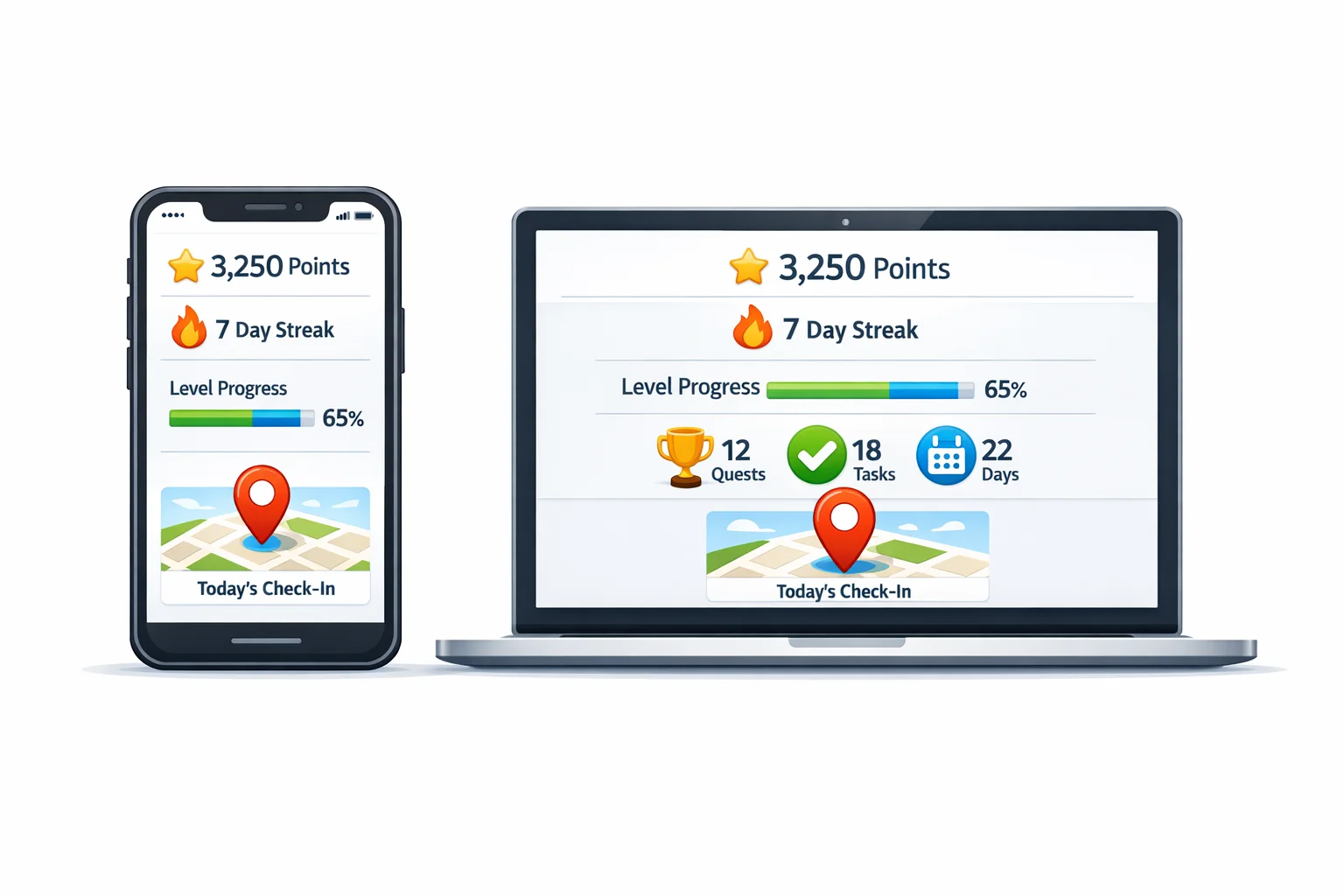
Gamification software layers game mechanics over real‑world tasks to nudge action: points, levels, streaks, progress bars, social proof, and rewards. In practice, the best platforms turn passive participation into small, visible wins that accumulate into habits.
Evidence suggests gamification tends to produce small to moderate positive effects on learning and motivation when the design fits the context. The effect size isn’t magic; it’s meaningful when aligned to clear outcomes and solid experience design. See recent meta‑analyses in education for a sober baseline of impact: a small but significant improvement overall, with stronger effects in some scenarios. For a quick read on the research, see a recent Frontiers in Psychology meta‑analysis and a Springer review of 35 interventions. (doaj.org)
A consistent pattern: when the experience satisfies basic human needs for autonomy, competence, and relatedness, engagement holds. This is the backbone of self‑determination theory. If your platform makes people feel in control, effective, and connected, the mechanics work harder. A succinct overview is summarized in Ryan & Niemiec’s work. (journals.sagepub.com)
Where it shines: employee engagement, onboarding and training, campus orientation, brand activations, conferences, and tourism trails. In all of these, the work is inherently non‑mandatory or easily postponed. Good gamification lowers the activation energy to start and keeps momentum visible.
Start here: an outcomes‑first evaluation mindset
Most buyer’s guides start with features. Start with outcomes.
- Define the behaviors you want more of. Examples: complete 5 onboarding modules, visit 12 sponsor booths, submit 3 safety observations, explore 10 city landmarks.
- Back‑solve mechanics to behaviors. If you want repeat visits, prefer streaks, reminders, and progressive challenges over one‑and‑done quizzes.
- Design for autonomy. Offer optional paths and flexible pacing. Let people choose challenges where possible. Link to SDT principles so participants feel in control, effective, and connected. (journals.sagepub.com)
- Pre‑decide the evidence. Know which metrics will convince your stakeholders the program worked: activation rate, day‑7 retention, challenges completed per participant, location check‑ins, knowledge checks passed.
Core mechanics you actually need (and the ones you don’t)
The list of possible mechanics is long. Here’s the short list that reliably moves behavior when used well:
- Points and levels. Fine‑grained progress that people can earn quickly. Make the first points easy.
- Streaks and reminders. Nudge repeat visits and habit formation.
- Challenges and quests. Micro‑tasks that ladder up to themed missions. Keep scope varied to hit different motivations.
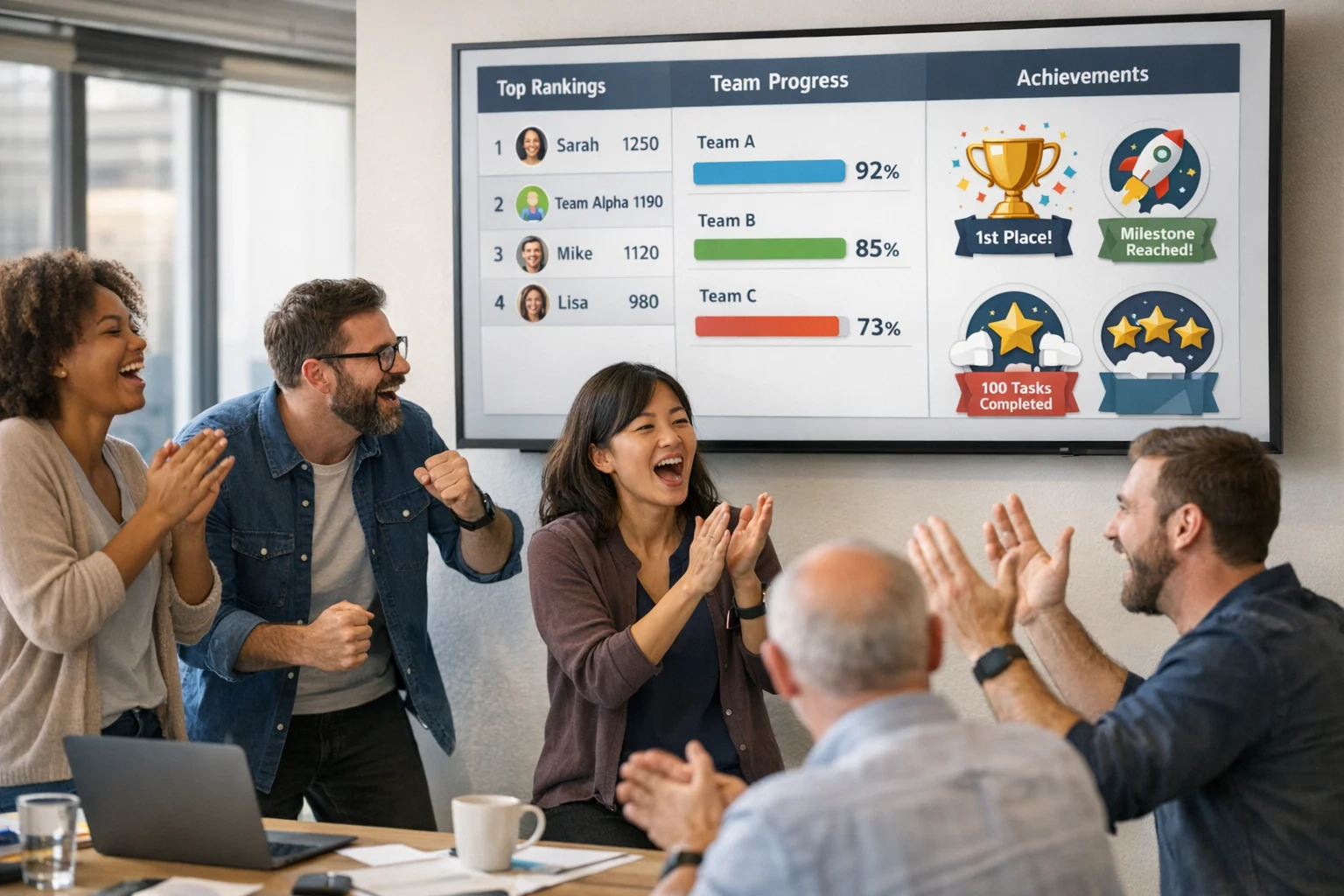
- Leaderboards (optional, scoped). Useful when groups are comparable and the goal is light competition. Prefer team or time‑boxed boards.
- Rewards. Tangible or social. Recognition boards and shout‑outs often outperform small swag.
- Instant feedback. People should know immediately what happened and what to do next.
What usually underdelivers: over‑engineered avatars, loot chests with no tie to real behaviors, and complex story arcs that distract from the actual tasks. Keep it simple, obvious, and tied to outcomes.
Challenge and content design: where adoption lives or dies
Challenge design is the heartbeat. Variety matters because people differ. A practical mix:
- Active capture: photos, videos, audio, QR scans.
- Location: GPS or geofenced check‑ins with reasonable tolerance.
- Knowledge: multiple choice, Q&A, short reflections.
- Social: team tasks, peer recognition, collaborative puzzles.
A simple way to stress‑test a platform is to try building all of these in under an hour without documentation. If you can’t, your admins won’t either.
To make this tangible, here are sample challenges that fit a wide range of use cases:
- [Photo | 40 pts]: Capture the moment teamwork solved a blocker today.
- [Video | 70 pts]: Teach a 30‑second “pro tip” you wish you knew last month.
- [GPS Check‑in | 50 pts]: Check in at the vendor booth with the longest line.
- [QR Code | 30 pts]: Scan the clue hidden near the main stage coffee line.
- [Multiple Choice | 20 pts]: Which safety step happens before equipment startup?
In our experience, the ability to theme these into “quests” with escalating difficulty tends to shift energy from novelty to sustained momentum.
Participant experience: reduce friction, raise participation
People will not jump through hoops to be “gamified.” Friction at join and first action is the silent killer.
- SSO and easy auth. Enterprise buyers should expect SSO via SAML or OIDC with clear guidance from the vendor. Okta’s developer docs explain how SAML works if you need a sanity check during IT review. See Okta’s SAML overview and SSO concepts. (developer.okta.com)
- Browser and app options. A good platform lets you run in a mobile browser for zero‑install starts, then nudge to the app when the value is clear. This is especially important at conferences or tourism activations.
- Fast first win. First session should deliver points or progress within 60 seconds. Overly strict gating or login walls crush activation. Baymard’s research on delayed account creation in checkout is a good analog for avoiding premature walling. See Baymard’s guidance on delaying account creation. (baymard.com)
- Accessibility and language. Ask for WCAG 2.2 alignment, readable type, high‑contrast options, captions for videos, alt text support, and multilingual UIs. WCAG 2.2 became an official W3C Recommendation in October 2023; vendors should know what that means. See W3C’s WCAG 2.2 overview. (w3.org)
- Fair play and trust. Look for basic anti‑cheat tools (GPS spoofing detection, photo timestamping), plus transparent rules. People will push edges when points are involved. Design for it.
Operator experience: the unseen cost center
Admin time is where budgets disappear quietly. Look for:
- Templates and cloning. Reuse past events, tweak, relaunch.
- Bulk editors. Import users, locations, and challenges in one pass.
- Dry‑run mode. Let staff test without polluting real data.
- Roles and permissions. Regional admins, on‑site volunteers, and content editors should have scoped access.
- Automation. Scheduled unlocks, recurring challenges, and auto‑awards reduce manual work.
Data, analytics, and proof of impact
If you can’t measure it, it didn’t happen. You want:
- Event‑level data. Every action should land as a time‑stamped event you can export or sync. Many teams prefer to pipe summary dashboards for stakeholders and raw events for analysts. If you plan to blend product data with broader analytics, confirm that the vendor exports cleanly or can stream to your warehouse. For context on event schemas, review Google’s GA4 BigQuery export docs, which illustrate how event‑level structures are typically modeled. (support.google.com)
- Cohort and funnel views. Track activation, day‑N retention, session frequency, and mission completion over time. If your platform can’t show trendlines and cohorts, you’ll spend weekends in spreadsheets.
- Survey overlays. Blend behavioral data with pulse checks: enjoyment, difficulty, perceived value. You’ll learn why something worked, not just that it did.
- Privacy‑ready reporting. No personal data in public boards. Respect opt‑outs. Export options that align with your data governance.
On research expectations, remember the earlier point: effects are real but context‑dependent. Design and feedback loops matter more than any one mechanic. For a balanced view, skim the Frontiers in Psychology synthesis alongside the Springer review. (doaj.org)
Security, privacy, and compliance: the non‑negotiables
You’re likely collecting photos, locations, or training results. Treat them like the sensitive data they are.
- SOC 2. Ask whether the vendor has a SOC 2 report and which Trust Services Criteria are in scope (security, availability, processing integrity, confidentiality, privacy). The AICPA maintains the framework and terminology; skim their overview to align your questionnaire. See the AICPA SOC 2 explainer. (aicpa-cima.com)
- GDPR/CCPA and DPAs. European participants trigger GDPR obligations around lawful basis, data minimization, retention, and rights to access/erasure. The European Commission’s summary of GDPR principles is the baseline for policy review. See the Commission’s principles page. (commission.europa.eu)
- SSO and provisioning. Confirm SAML/OIDC SSO, SCIM for provisioning, and role‑based access. Okta’s docs are a good reference during security reviews. (developer.okta.com)
- Data residency and retention. Where is data stored, and for how long by default? Can you set per‑event retention and purge media on a schedule?
- Incident history and status page. Ask to see the public incident log. No platform is perfect; you want transparency and clear remediation.
Integrations that prevent orphaned data
A gamification layer works best when it sits in your ecosystem rather than next to it. Useful integrations include:
- HRIS/LMS. Sync departments, cohorts, and training completion. Avoid CSV gymnastics.
- Slack/Teams. Announce wins and reminders in the channels people already watch.
- CRM/Marketing. Convert participation into lead or customer signals at events.
- Analytics/warehouse. Prebuilt connectors or webhooks to your lakehouse. If you use event analytics, plan for consolidated reporting alongside GA4 or product analytics. See the GA4 BigQuery event export reference for how event data can be organized when it hits your warehouse. (support.google.com)
Pricing models and hidden costs to sanity‑check
Sticker price rarely equals total cost. Common models:
- Per user or seat. Predictable for ongoing programs; watch inactive user charges.
- Per event/program. Efficient for conferences and one‑offs; model peak vs average usage.
- Feature tiers. Some mechanics, templates, or integrations may sit behind higher tiers.
- Usage‑based. Notifications, storage, or API calls can meter up. Read the fine print.
Hidden costs to ask about:
- Implementation. Is there a one‑time setup fee or required services package?
- Support limits. What’s included vs billable (custom templates, data pulls, on‑site support)?
- Notification costs. SMS or email volume can surprise you if notifications are a core pattern.
Scale, reliability, and the reality of notifications
Live programs create spikes. You’ll feel them at launch and at deadline.
- Load conversation. Ask for peak concurrent user numbers from similar customers and what happened. Uptime SLAs matter, but real stories matter more.
- Offline tolerance. Field activities and expo halls have spotty coverage. Confirm local caching with graceful syncs.
- Push notifications. Delivery is best‑effort across APNs (Apple) and FCM (Android). There are platform behaviors like message collapsing, deprioritization, and device state that vendors should understand and design around. Review Firebase’s delivery guidance and Apple’s APNs metrics docs. (firebase.google.com)
Support and services that actually move the needle
In our experience, the difference between “it worked” and “it was fine” often comes down to vendor support.
- Playbooks and templates. Real examples for onboarding, events, campus welcome weeks, or tourism trails shorten your build time.
- Customer success with context. Not just ticket response times, but proactive advice based on similar programs.
- On‑site or live ops support. For major events, knowing who will be on call during crunch time is sanity‑preserving.
Buying traps and quiet red flags
Patterns we keep seeing in deals that go sideways:
- Shiny demo, shallow authoring. Beautiful participant UI paired with clunky admin tools is a tax you pay every week.
- One mechanic to rule them all. Platforms that push a single engagement gimmick rarely survive a second program.
- No data exports. Pretty dashboards with no raw data option is a long‑term dead end.
- Accessibility afterthought. If the vendor can’t explain their WCAG posture, expect support tickets later. See WCAG 2.2 details. (w3.org)
A practical scorecard you can copy
Give each criterion a 1–5 score. Weight based on your priorities. Keep it honest.
- Outcomes alignment: Does the platform directly map mechanics to your target behaviors?
- Participant friction: SSO, browser start, first‑win time, accessibility, language support.
- Challenge model: Variety, quests, scheduling, moderation, anti‑cheat.
- Admin efficiency: Templates, cloning, bulk tools, roles, sandbox.
- Data & analytics: Event exports, cohorts, funnels, survey overlays.
- Integrations: HRIS/LMS, Slack/Teams, CRM/marketing, webhooks.
- Security & privacy: SOC 2, DPA, data residency, incident history.
- Scale & reliability: Offline, notification strategy, peak load stories.
- Support: Playbooks, CSM quality, live ops coverage, response time.
- Total cost: Pricing model fit, likely overages, services required.
Where Scavify fits (briefly, and only where relevant)
Scavify exists to make passive participation active. If you’re running team‑building programs, employee onboarding, campus orientation, conferences, tourism trails, or brand activations, our app and browser experiences handle the challenge variety, automation, and scale those formats demand. We’ve leaned hard into flexible challenge types, easy launches, and evidence of impact. If that’s your use case, we should probably talk.
FAQs
What is gamification SaaS?
Software that applies game mechanics to non‑game tasks to increase participation and behavior change. Think challenges, points, progress, and rewards overlaid on training, events, or onboarding. The focus is not “games,” but structured feedback loops that make actions visible and rewarding.
Which game mechanics matter most in enterprise settings?
Points, progress indicators, streaks, time‑boxed leaderboards, and clear feedback tend to be the workhorses. Rewards help when they’re credible and timely. The key is aligning mechanics to outcomes and avoiding novelty that distracts from real tasks.
How do I evaluate data and analytics in a gamification platform?
Confirm event‑level exports, cohort and funnel views, and survey overlays. If you plan to combine platform data with your analytics stack, ask vendors how they model events and whether they can stream to your warehouse. As a mental model, review GA4’s BigQuery event export structure. (support.google.com)
Do push notifications reliably reach everyone?
No platform can guarantee 100 percent delivery. APNs and FCM are best‑effort systems affected by device state, priority, and throttling. Good vendors build around those realities with reminders, redundancy, and clear in‑app cues. See Firebase’s delivery overview and Apple’s APNs metrics guidance. (firebase.google.com)
What compliance standards should I expect from a serious vendor?
For most enterprise contexts: SOC 2 for security posture, a GDPR‑aware privacy model (with a solid DPA), and SSO/SCIM support for identity. Start with the AICPA’s SOC 2 explainer and the European Commission’s GDPR principles summary. (aicpa-cima.com)
How do I avoid demotivating people with competition?
Scope competition carefully. Use team boards, time‑boxed challenges, and progress recognition alongside leaderboards. Give multiple ways to win and opt‑in tracks so different personalities can find their lane. Tie mechanics back to autonomy, competence, and relatedness to keep motivation healthy. (journals.sagepub.com)
What’s the biggest red flag in demos?
A slick participant UI with clunky authoring. If it takes more than a few minutes to create a mixed set of challenges and a quest, the burden shifts to your team every time you iterate. Insist on a build‑test run during evaluation before you buy.
How do I compare pricing models fairly?
Normalize to your real usage: expected participants, peak concurrency, number of programs, and notification volume. Then ask vendors to map their model to that usage with likely overages and services. Favor transparency over line‑item complexity.