Solutions
Your first hunt, live this afternoon.
Free to start · No download for participants
Boost completion with eLearning gamification that adds progress, feedback, and challenge without distracting from the lesson or the learning outcome today.

If you’ve been handed yet another request to “make the course more engaging,” here’s the blunt version: cosmetics don’t make learning stick. Clear progress, timely feedback, and well-calibrated challenge do. Gamification earns its keep when it strengthens those three, not when it adds confetti to a quiz.
“Stick” isn’t a feeling; it’s behavior you can observe weeks later. Completion is the starting line, not the finish.
Define “stick” before you design: - Retention: Can learners recall and use the idea after a delay? - Transfer: Do they apply it in realistic scenarios with fewer prompts? - Error reduction: Are common mistakes happening less often? - Time to competence: Are people performing key tasks faster or with less oversight?
Gamification should move at least one of those. If a feature can’t plausibly shift a behavioral metric, it doesn’t belong.
In our experience, three levers explain most of the lift:
Motivation holds the whole thing together. Environments that support the basic psychological needs of autonomy, competence, and relatedness tend to sustain participation longer than ones that rely on carrot-and-stick tactics. For a concise primer, see this overview of Self‑Determination Theory on the theory’s official site: Self‑Determination Theory: the theory and the basic psychological needs.
A pattern we keep seeing in the literature: gamification is helpful when it’s welded to learning mechanics, not when it’s bolted on as decoration.
Where it often doesn’t help: points or badges that reward seat time, leaderboards that publicly shame novices, and streaks that punish breaks rather than encourage healthy spacing. Those patterns can move logins without moving learning.
Here’s how we typically convert principles into shippable mechanics inside a modern LMS or learning app.
Progress maps over bare percentages. Replace a lonely 47% with a named map of check‑points (e.g., “Brief the stakeholder,” “Run the safe demo,” “Handle an objection”). Learners should always know what’s next and why it matters.
Elaborated feedback by default. When learners answer, show why a response is right or wrong and how to repair it. Keep it short and actionable; link to a single “see one” example.
Low‑stakes retrieval everywhere. Replace end‑of‑module exams with frequent, single‑concept checks. Randomize variants, allow resets, and make feedback instant. The retrieval literature favors many short pulls over one big lift (retrieval practice review).
Spacing built in. Schedule automatic “lightweight refreshers” 2–3 days, then 10–14 days after core training. Nudge learners back for 60‑second checks rather than 20‑minute reruns. The spacing effect is doing the quiet work here (spacing meta‑analysis).
Challenge ladders that map to real skills. Levels should correspond to competencies (“Can de‑risk the API call,” “Can escalate a data incident”). Unlock higher‑fidelity scenarios as evidence accumulates.
Choice without chaos. Offer two or three equivalent practice paths that converge on the same objective. Autonomy rises without fragmenting content.
Social proof minus humiliation. Swap monolithic leaderboards for opt‑in, small cohort ladders or progress bands (“Not started, In motion, Demonstrating, Teaching”). Recognize improvement deltas, not just absolute rank.
Meaningful badges. Tie badges to performance behaviors (“Handled three red‑team phish correctly across two weeks”) and set them to expire, which encourages healthy refresh.
These tools aren’t bad; they’re often misused. A few guardrails:
Leaderboards:
Badges:
Streaks:
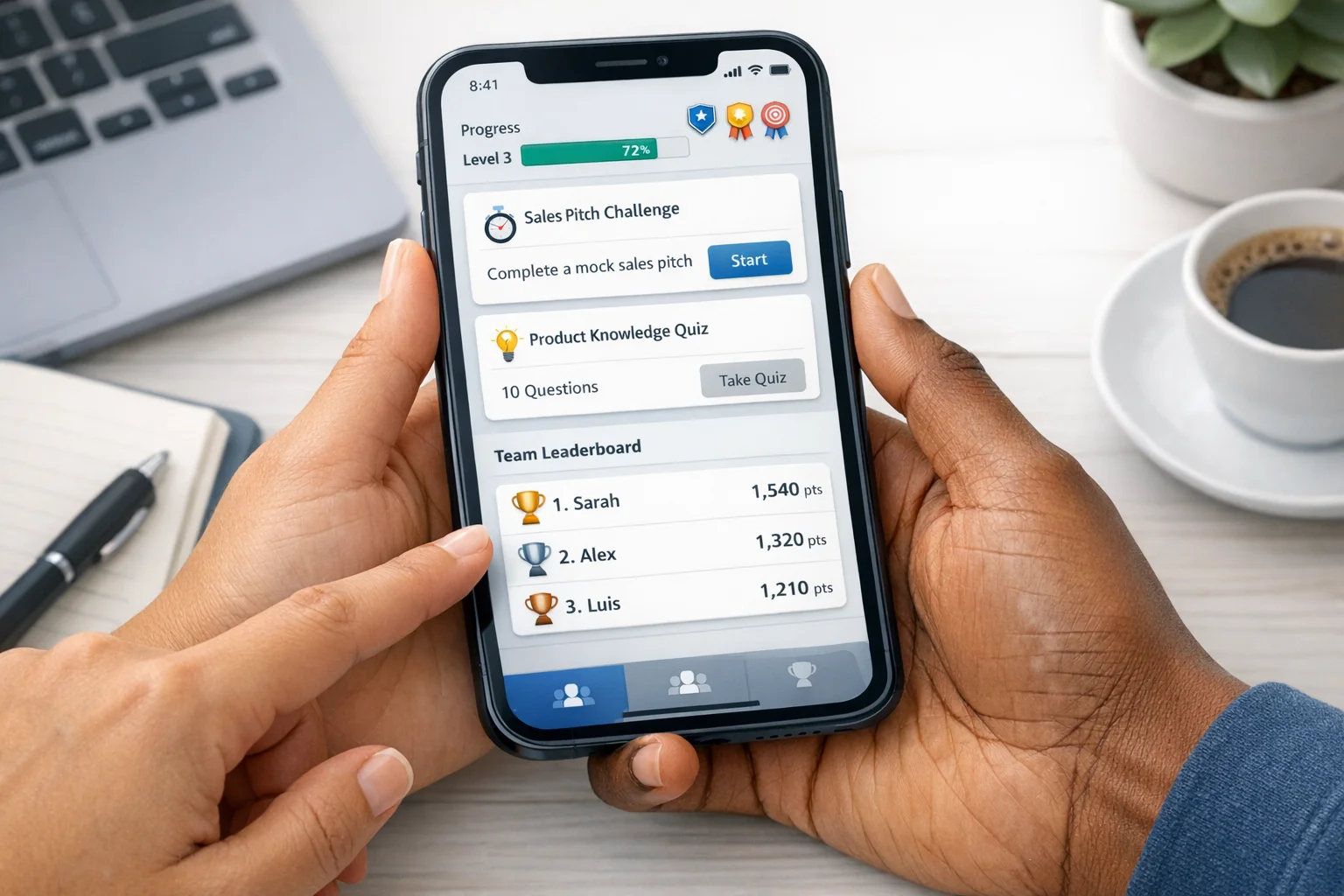
If you’re enhancing a module inside your LMS, start with retrieval, feedback, and spacing. If you’re pairing your module with an app‑based layer for live reinforcement, mix in quick, real‑world missions.
Keep the writing intriguing and short. Reward the behavior you want repeated. Make feedback the star.
Track these leading indicators as you pilot:
Then connect to lagging indicators: - On‑the‑job application: checklist completion in real workflows, peer confirmations. - Error rates: incident categories the training targeted. - Time to competence: manager‑recorded independence on target tasks.
If a feature doesn’t move one of these lines after a fair test window, change it or cut it.
Week 0–2: Define outcomes and design guardrails - Translate learning objectives into observable behaviors and metrics. - Pick two target mechanics (e.g., retrieval + feedback; or progress map + challenge ladder). Keep the pilot tight.
Week 3–4: Prototype and instrument - Build a micro‑journey: 15–25 minutes of content + 6–10 retrieval checks with elaborated feedback. - Configure spaced reviews. Wire event tracking for attempts, feedback views, and review completions.
Week 5–6: Pilot with a real cohort - Recruit 30–60 learners from the actual audience. Offer opt‑in privacy on comparisons. - Run light usability tests on the feedback experience. Clarity wins over cuteness.
Week 7–8: Analyze and adjust - Compare retrieval attempts and spacing adherence to a recent non‑gamified module. - Tune item difficulty and feedback length. Prune badges that reward seat time.
Week 9–12: Expand and harden - Add a second scenario tier gated by demonstrated competence. - Promote within teams; introduce small cohort progress bands instead of a global board.
When training needs to jump the screen and show up in daily behavior, layering app‑based challenges on top of your module works. Scavify lets teams pair varied challenge types with automation and browser + app flexibility, so the same program can deliver quick retrieval checks in the LMS and real‑world missions after. That mix keeps practice active without bloating the course.
It’s the use of progress, feedback, and calibrated challenge to make practice clearer and more effective. Points, badges, and leaderboards are optional tools, not the point. The design goal is better retention and transfer, not just higher click counts.
Research syntheses suggest it can, when aligned with pedagogy and context. See the meta‑analyses in Educational Psychology Review and Frontiers in Psychology for effect patterns by element and setting (gamification meta‑analysis, 2020; Frontiers meta‑analysis, 2023).
Add frequent, low‑stakes retrieval with short, specific feedback, then schedule spaced refreshers. The retrieval and spacing evidence is strong and usually delivers fast, measurable gains (retrieval practice review, 2021; spacing meta‑analysis).
Make them opt‑in, cohort‑based, and focused on improvement over raw rank. Recognize upward movement and personal bests. Avoid public shaming of low ranks and allow private mode.
Keep it brief, specific, and instructional: why the answer is right or wrong and what to try next. Link to exactly one example. Shute’s review summarizes effective patterns for tone and timing (formative feedback review).
They can encourage return visits, but daily streaks often punish breaks and encourage shallow interactions. Favor scheduled reviews at pedagogically useful intervals. Spacing beats streaking for long‑term memory (spacing meta‑analysis).
Instrument from day one. Track attempts, feedback views, scheduled reviews completed, and performance on new scenarios. Pair that with on‑the‑job indicators like error reduction or time to competence. If a mechanic doesn’t move a metric, adjust or remove it.
You can still ship retrieval checks with elaborated feedback and schedule spaced follow‑ups by email or app notifications. For real‑world reinforcement, pair the module with lightweight app‑based challenges that feed data back to your dashboard.