Solutions
Your first hunt, live this afternoon.
Free to start · No download for participants
Explore virtual conference engagement ideas with standout examples, selection guidance, setup steps, mistakes to avoid, and ideas you can adapt quickly.
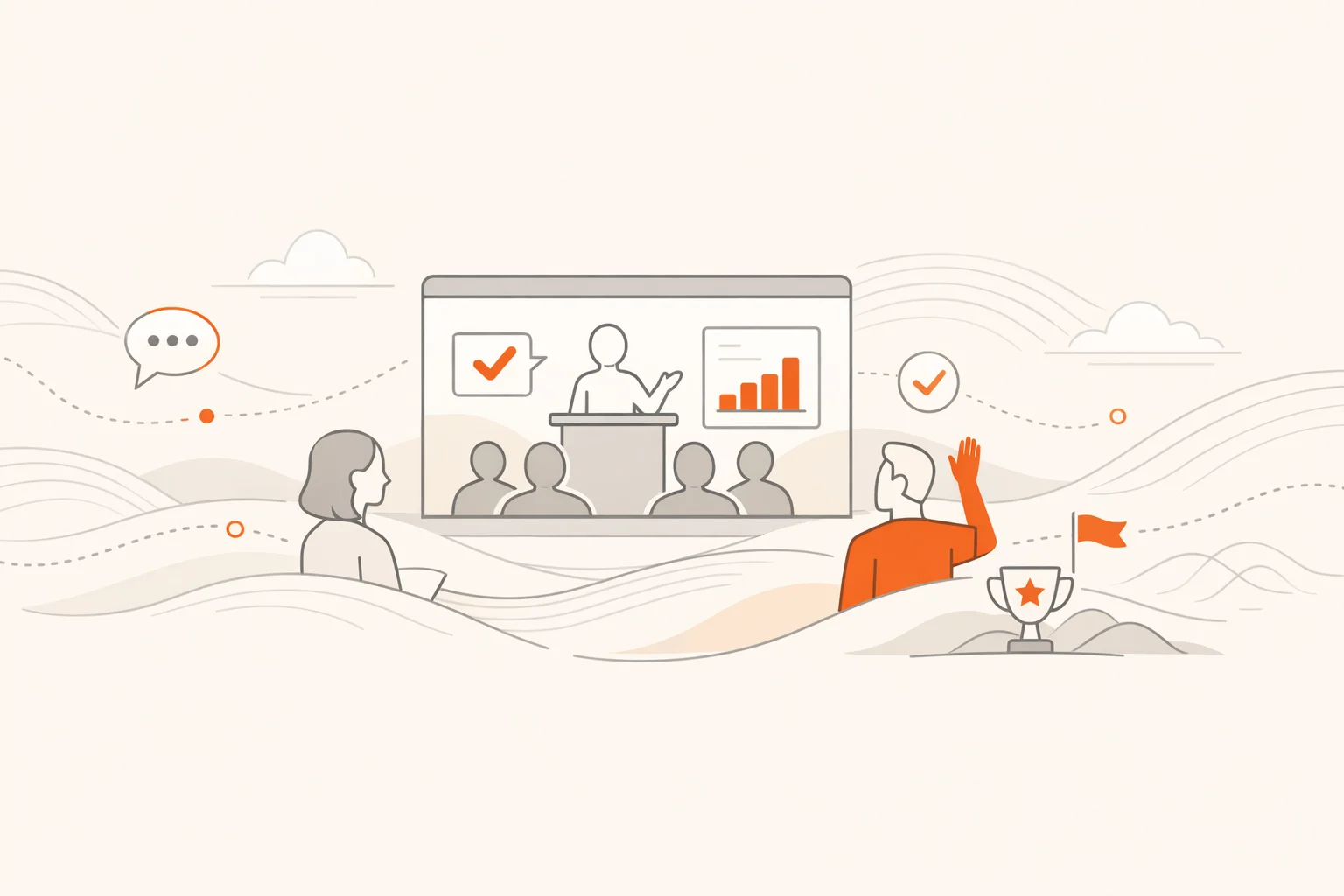
Virtual conferences can be electric or exhausting. The difference isn’t your platform or your swag box. It’s the cadence of interaction, the clarity of purpose, and whether people feel their participation changes what happens next. We’ve run thousands of interactive experiences for conferences, trainings, and global teams. Patterns emerge. Engagement is predictable when you design for it.
This list is built for operators: the people responsible for turning watch‑mode into action. It pairs ideas you can deploy quickly with the setup nuance that keeps energy high and awkwardness low. Use it as your run‑of‑show toolkit for the next event.
Most teams don’t need more content. They need more reasons to act. Each idea below creates a visible win, a social moment, or a useful signal you can feed back into the program.
A well‑run hunt turns passive viewing into a stream of photos, videos, check‑ins, and quick wins. Make it the connective tissue across keynotes, breaks, and sponsor time. Modern platforms let people play in a browser or app, automate scoring, and keep a live feed so everyone sees the energy. If you want a simple starting point, a flexible scavenger hunt app handles the mechanics while you focus on design.
Kick off with a one‑question poll tied to a reveal at the end of the keynote. Use the results to prioritize which case study you present or which speaker question you tackle first. Live polling used as a warm‑up reliably boosts participation and primes discussion, a pattern long recommended by practical meeting guidance from Harvard Business Review. (hbr.org)
Attention dips fast on streams. Sprinkle tiny actions at predictable intervals: post a one‑word reaction, vote on a prompt, answer a 2‑choice quiz, or drop a screenshot. Short interactions reduce cognitive drift and counter “Zoom fatigue,” which research links to sustained gaze and low agency. Designing frequent, lightweight actions helps. Findings and recommendations from the Stanford Virtual Human Interaction Lab are a useful reference here. Four causes of Zoom fatigue. (news.stanford.edu)
Unstructured “open mics” stall. Give each small room a 60‑second timer, a rotating role (Starter, Connector, Notetaker), and two specific prompts. End with one action per room: a contact to meet, a resource to share, a topic to upvote. It feels efficient because it is.
Create a short list of sponsor interactions and verify them with QR scans, trivia answers, or code words. Reward depth, not just drive‑bys: 2 points for downloading a resource, 5 for a timed demo question, 10 for posting a takeaway in the feed.
Keep a running photostream visible in breaks. Seed it with a caption contest on a candid event photo or a sponsor‑provided image. Fast laughs, shared context.
Assign a producer to screen and group questions, then run a visible queue that attendees can upvote. Keep answers crisp. End each block with a single “what we heard” slide.
If your event has tracks, convert them to quests. Complete any three “Data” activities for a Data badge, five for an Expert badge. Show badges on the leaderboard and shout‑out finishers between sessions.
Stagger two unannounced 5‑minute pop‑ins from respected voices. Give them a simple brief: react to the last talk with one contrarian take and one concrete next step.
Use breaks for micro‑loops that re‑energize the group: two fast photo challenges and one trivia tied to the upcoming session. Short loops refuel attention without derailing the agenda.
Drop a shared canvas with three lanes: wins, blockers, experiments. Give everyone 90 seconds to add one sticky per lane. Screenshot the board and reference it later.
Five speakers. Three minutes each. One slide. Let attendees vote in‑app for the “Most Useful” and “Most Brave” talk and invite both winners to a 4‑minute encore.
Replace passive booths with a 3×3 bingo. Squares are actions: “Ask a ‘why not’ question,” “Spot a customer story,” “Find one integration you didn’t know existed.” First five bingos win small, random prizes. Keeps vendor time lively and specific.
Use short quizzes after dense segments and add streak bonuses so repeat participation pays more. Quizzes are a simple, proven way to reinforce learning during virtual programs and can be run without killing momentum. Guidance from resources like HBR’s virtual meeting playbooks supports brief, purposeful interaction blocks and on‑the‑spot feedback through polling and Q&A. Practical meeting tactics. (harvardbusiness.org)
If part of your audience is together in a room, let them check in at “waypoints” around the office or venue while remote folks complete parallel photo or trivia tasks. Everyone plays, nobody is sidelined.
Tie points to charitable unlocks. When the group hits 10,000 points, a sponsor donates to a cause. Participation suddenly matters to more than a leaderboard.
Scatter three hidden clues in slide footers, the chat, or an agenda PDF. First five solvers win. It rewards attention and turns passive materials into an active hunt.
Pick a clean theme and let people choose their comfort level. Camera‑shy? Post a photo of “your focus ritual.” Camera‑ready? Record a 15‑second story on “the most surprising idea so far.”
Before a panel starts, ask attendees to predict the hottest topic, the spiciest quote, and the most referenced tool. Close with the real answers and award points for accuracy.
Schedule 60‑second movement resets every 20–30 minutes and make them camera‑optional. Asking people to hide self‑view during these segments reduces the fatigue linked to constant self‑monitoring in video calls, a factor identified by Stanford researchers. Research‑backed tips on fatigue and a follow‑on note about differential impact offer useful context. Zoom fatigue and self‑view. (news.stanford.edu)
Keep the engine running. Drop a short pursuit for three days: watch two clips, answer four trivia, post one takeaway. It reinforces learning and extends sponsor exposure while your content is still fresh.
Raffles work when they reward action, not idle attendance. Weight entries by participation signals you actually value: questions asked, challenges completed, intros made. Newer analyses of meeting behavior show camera‑off, silent attendance often correlates with disengagement, so reward the opposite. Observed participation patterns. (axios.com)
Event programs underuse their own data. Even sophisticated teams leave insight on the table that could tighten content, improve ABM, and guide sponsor packages. Analyst guidance points to this gap and encourages routing event data into demand gen and account strategy. (gartner.com)
Keep individual interaction beats under two minutes and stack a few per keynote. The goal is rhythm, not a single big activity.
Use whatever your audience can access in a browser with no downloads. Browser play plus optional mobile app covers almost every edge case cleanly.
Use small rooms with rotating roles and tight prompts. End every round with one action: an intro, a resource, or a question to upvote.
Wrap sponsor time in games people already want to play: passports, bingo, prediction prompts. Reward real engagement, not just showing up.
Small, frequent wins beat one giant prize. Add a few surprise drops to re‑energize the room when you feel focus dip.
Plan camera‑optional movement resets, hide self‑view by default, and break dense content with micro‑actions. Stanford’s research highlights why these help. Practical fatigue reducers. (news.stanford.edu)
A practical framework: mix short broadcast blocks with frequent, purposeful interactions, small‑room work with clear roles, and visible recognition. Academic reviews of online conferences echo the value of multimedia variety and new interaction patterns. See this overview on rethinking virtual conferences. Organising engaging online conferences. (arxiv.org)
Virtual conferences don’t become engaging by accident. They become engaging when you design for visible wins, useful signals, and moments people want to talk about. Pick a handful of ideas from this list, connect them to outcomes that matter, and let the energy build session by session. When you see the feed light up and the leaderboard climb, you’ll know you’ve moved the room from passive to active.