Solutions
Your first hunt, live this afternoon.
Free to start · No download for participants
Explore virtual conference activities with standout examples, selection guidance, setup steps, mistakes to avoid, and ideas you can adapt quickly.
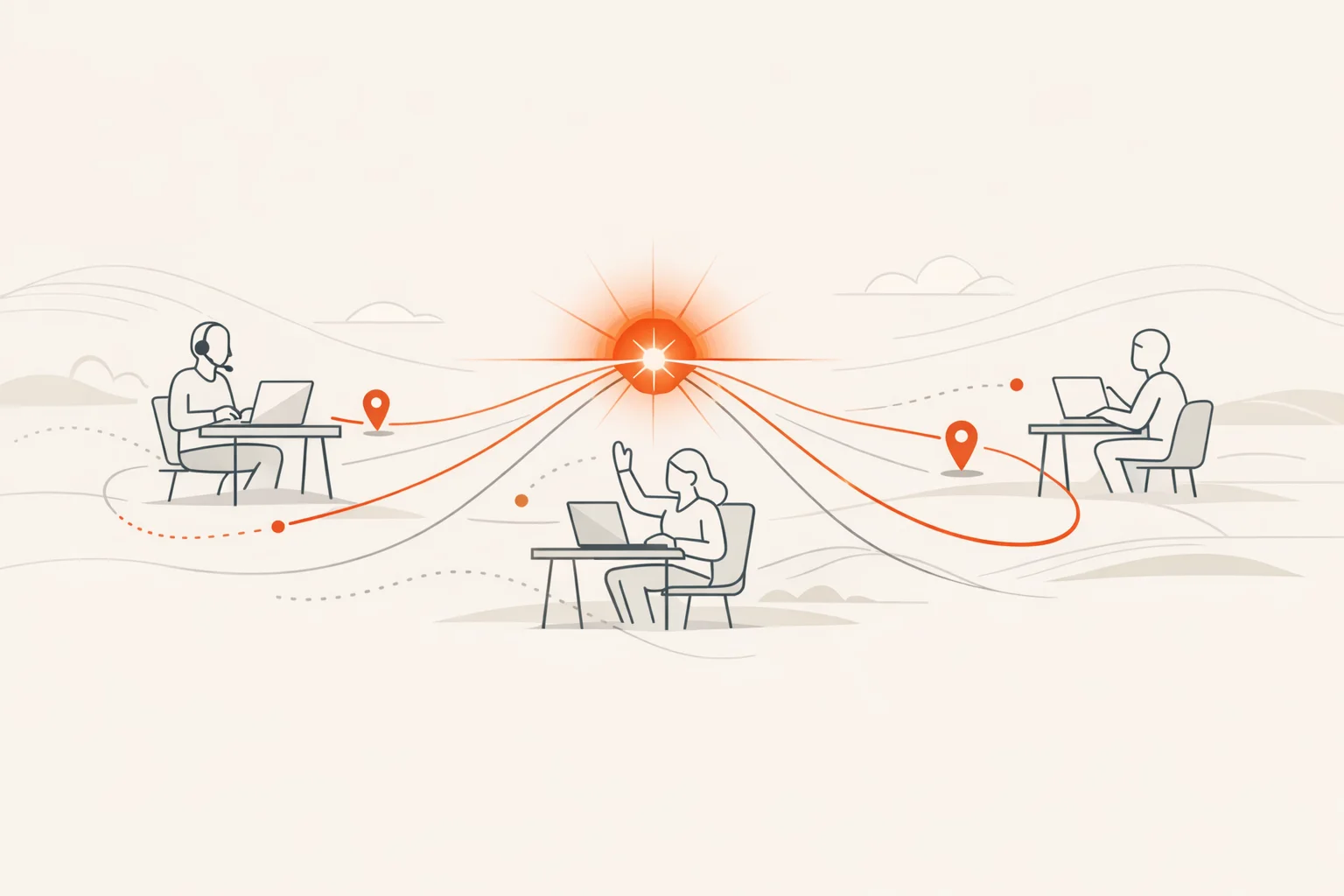
If you run enough virtual conferences, you start to recognize the exact minute the room fades. Cameras drift off. Chat slows to a trickle. Multitasking wins. The fix isn’t louder hosts or shinier slide transitions. It’s designing specific moments where people do things that matter to them, together, in short focused bursts.
This guide collects 22 virtual conference activities we’ve seen consistently bring energy back. They’re built for real agendas, sponsor realities, and platform constraints. Each one includes why it works, when to run it, and how to make it land without turning your event into a variety show.
Most virtual engagement ideas fall apart in execution. The activity is fine. The timing, setup, and social cues aren’t. Use this list tactically: pick two quick hits for the opening hour, one sponsor‑friendly activation, one content‑deepener per keynote, and one closing action that moves people to your next step.
For planning guardrails, anchor to three truths:
Before you layer in activities, set these defaults. They do more than any one “fun idea.”
Nobody quits a game they are winning. Make the first activity winnable by design.
Why it works: Early, low‑effort contribution normalizes speaking up. Keep it fast. Keep it optional.
How to run it: Ask attendees to snap a quick selfie or share a recent photo that captures their week in one word. Display a few on stream and shout out themes.
Make it better: Give a micro‑prompt like “Where are you joining from?” to avoid blank stares. Award a playful badge to the first five shares.
Why it works: Showing where people are builds instant scale and humanizes a grid of boxes.
How to run it: Drop a collaborative map link or live poll asking for city and country. Reveal the heatmap. Invite 2–3 lightning intros from the farthest‑flung attendees.
Make it better: Pre‑seed 10 names so the map isn’t empty at reveal.
Why it works: Turns sponsor discovery from a tab you “should” click into a game you want to finish.
How to run it: Create 5–7 sponsor “stamps.” Each stamp unlocks after attendees answer a simple trivia question or find a fact on the sponsor page. Show live progress on a leaderboard and raffle a few meaningful prizes.
Make it better: Co‑design questions with sponsors so they reinforce useful takeaways. Practical tip sheets outperform slogans. For context on sponsor engagement strategies that go beyond logos, see PCMA’s take on tactics that actually work for virtual and hybrid sponsors in this interview.
Why it works: Bingo frames listening as active pattern‑spotting.
How to run it: Build squares from concepts, not speaker tics. Example: “A metric defined,” “A risk named,” “A user quote,” “A decision date.” Offer a small prize for the first line completed.
Make it better: Use a fresh card for each major talk to avoid slow, dead grids.
Why it works: Micro‑mystery drives curiosity and chat velocity.
How to run it: A speaker or sponsor shares three statements: two accurate, one fabricated. Attendees vote, then the speaker reveals the twist and adds context.
Make it better: Tie the “tale” to a common misconception in your field. You’ll teach while entertaining.
Why it works: Movement matters. Short physical actions reset attention and mood.
How to run it: 3‑minute photo sprint: “Something orange,” “A tool you use daily,” “Your conference snack.” Share to the feed for points.
Make it better: Keep prompts inclusive. The goal is light motion and quick wins, not clutter‑showing.
Why it works: Breaks a monologue into a gallery where experts can go deep with interested people.
How to run it: Use 6–10 rotating breakout rooms. Each presenter runs the same 5‑minute talk on loop as attendees switch rooms on a bell.
Make it better: Give each presenter a templated slide with “Ask me about...” prompts so conversations start fast.
Why it works: Questions with upvotes create relevance on demand.
How to run it: Open Q&A early. Seed the first two questions yourself. Invite one hot take to warm the room, then switch to attendee‑ranked questions.
Make it better: Time‑box answers to 60–90 seconds. Long answers stall energy.
Why it works: Small pairings create psychological safety and raise talk time per attendee.
How to run it: Assign partners in breakouts to sketch a solution to a real prompt. Bring back two pairs to share.
Make it better: Provide a one‑slide canvas with three boxes: “Assumption,” “Move,” “Measure.” Constraints help.
Why it works: Serendipity returns, virtually.
How to run it: Random 1:1 matches for 7 minutes. Provide a two‑question starter card so nobody opens with weather.
Make it better: Run it twice, early and late. People network differently after shared content.
Why it works: Doing beats watching. Always.
How to run it: Offer 10–15 minute skills sessions between keynote blocks. One concrete output per session.
Make it better: Cap to small groups and record short recaps for on‑demand.
Why it works: Light lift, high charm, real connection.
How to run it: Invite one volunteer per minute to introduce a pet or a favored object from their workspace and share a one‑line story.
Make it better: Put this just before a heavy session to soften the room.
Why it works: Rewards attention to chat without derailing talks.
How to run it: Hide three simple clues in moderator chat posts across the day. The first 20 to DM the final phrase win a perk.
Make it better: Use this to highlight housekeeping items you want remembered.
Why it works: Co‑creation upgrades retention and gives latecomers a useful artifact.
How to run it: Share a notes doc with prebuilt sections. Award a shout‑out to the first five quality contributions during each session.
Make it better: Summarize out loud once an hour so the doc feels integral, not extra.
Why it works: Brains absorb more after short recovery. This isn’t wellness theater; it’s cognitive hygiene.
How to run it: 3 minutes. Camera‑optional. Stand, look 20 feet away, breathe, shoulder rolls, water. Return with one prompt on screen.
Make it better: Normalize stepping away by stating the plan at the top. There’s science behind this. Microsoft’s Human Factors Lab measured reduced stress and improved focus with simple breaks between virtual meetings. See their summary in Research proves your brain needs breaks.
Why it works: Fast, low‑friction reactions surface sentiment without hijacking audio.
How to run it: Post a statement. Ask for reaction emojis. Invite two attendees with opposing views for 60‑second responses.
Make it better: Use sparingly. Overused, it devolves into emoji spam.
Why it works: Visual synthesis captures ideas people remember.
How to run it: A facilitator live‑sketches key ideas on a digital canvas. Share progress at breaks and export a poster afterward.
Make it better: Ask the facilitator to flag a few attendee names near ideas they voiced. People love seeing themselves in the artifact.
Why it works: A structured, time‑boxed game converts passive watching into bursts of action and friendly competition. It reliably lifts chat velocity and sponsor traffic.
How to run it: Build a 30–60 minute program in a modern scavenger hunt app with photo, video, trivia, QR, and GPS‑style check‑ins for hybrid groups. Use a live leaderboard and photostream to keep the main room buzzing.
Make it better: Blend company, content, and community: one challenge that teaches a session concept, one that spotlights a sponsor’s practical resource, and one that celebrates attendee creativity. EDUCAUSE has used Scavify to drive conference discovery and sharing across multiple days, a pattern many associations have adopted. See the EDUCAUSE example described here.
For a broader view of why gamified formats raise participation and motivation when designed with clear mechanics, see synthesis in Frontiers in Psychology and meta‑analytic evidence of positive engagement effects summarized in this review.
Why it works: Retrieval strengthens memory and gives speakers feedback.
How to run it: After each block, run 5 rapid multiple‑choice questions tied to actionable content.
Make it better: Explain why each answer matters for real‑world use.
Why it works: Rewards feel earned, not mailed.
How to run it: Send a bundle of useful digital items at conference close: templates, checklists, and a code for a sponsor perk.
Make it better: Trigger a few golden‑ticket upgrades for attendees who completed at least one activity track.
Why it works: Unstructured space only works when it’s lightly structured.
How to run it: Set three themed rooms with a visible host in each. Post a one‑line topic on screen and a gentle entry script.
Make it better: Add a “newcomers” table and schedule shifts. Belonging isn’t accidental. Event pros repeatedly highlight the link between belonging and engagement, a theme surfaced in Skift Meetings’ programming on modern event design in designing for belonging.
Why it works: Extends momentum into action without another meeting.
How to run it: Post‑event, launch 3–5 micro‑challenges attendees complete asynchronously for a small badge or raffle entry. Share highlights in a wrap email.
Make it better: Include one challenge tied to a sponsor’s tool so value continues post‑event.
Activities that minimize setup time, scale to hundreds, and create small “wins” per minute. Favor chat‑first prompts, ranked Q&A, and time‑boxed games that keep everyone moving in parallel rather than waiting in turn.
Insert something interactive every 8–15 minutes. It can be as light as a one‑emoji pulse check or as involved as a 5‑minute sprint. Evidence from Stanford and Microsoft underscores why short resets fight fatigue and restore focus.
Three to five minutes is the sweet spot. Long enough to produce a visible output, short enough to protect the talk’s flow.
Give sponsors jobs that help attendees. Turn logos into actions: a decision checklist, a short diagnostic, or a resource hunt with a payoff. PCMA shares sponsor engagement ideas that move beyond static placements in this piece.
Design camera‑optional activities by default. Use chat, polls, and lightweight creation tasks. When cameras do come on, keep it brief and purposeful.
Shrink on‑screen faces, hide self‑view, add micro‑breaks, and vary activity types. Stanford’s breakdown of fatigue drivers and simple countermeasures is a practical primer: four causes and fixes.
As the engine for your interactive discovery game or conference‑long quest. It automates points, photos, videos, QR tasks, and rewards so you can focus on flow. When you’re ready to turn passive watching into active participation, an app‑based hunt is a proven lift.
If you want a plug‑and‑play way to build the interactive spine of your agenda, Scavify’s browser‑and‑app experience makes it simple to spin up a discovery game that blends content learning, sponsor exploration, and genuine attendee connection without heavy lift.