Solutions
Your first hunt, live this afternoon.
Free to start · No download for participants
Use these activities to spark problem-solving, creativity, communication, and stronger group collaboration.
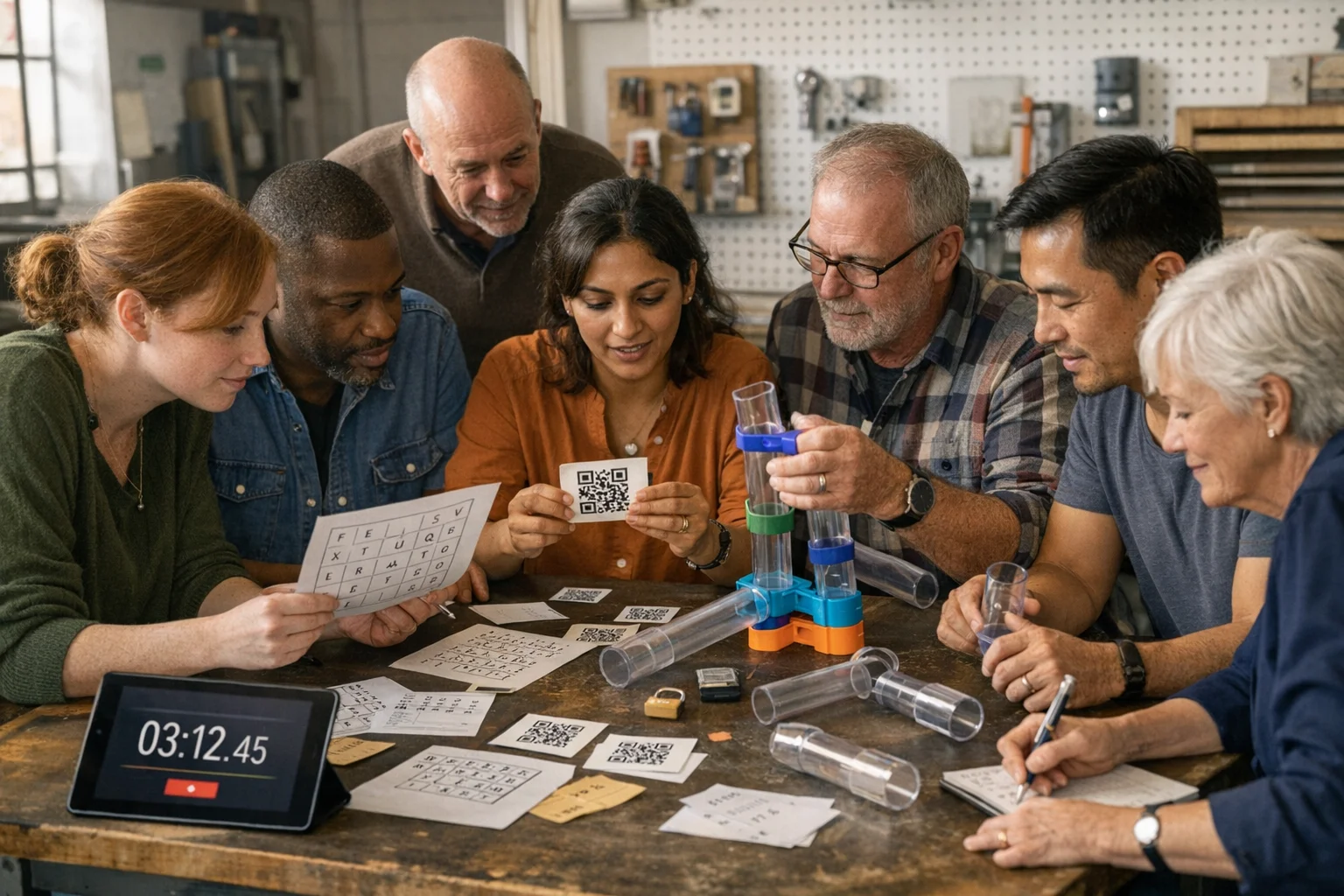
Team puzzles work because they make problem-solving visible. People have to share information, check assumptions, and try ideas in public. That’s where learning and trust show up. This guide gives you field-tested team puzzles, the design principles behind them, and facilitation moves that reliably improve collaboration.
Well-structured puzzles force collaboration. Groups have to exchange partial clues, test hypotheses, and adapt. That social cognition is the point.
There’s real evidence behind this. A meta-analysis found collaborative problem solving significantly boosts critical thinking; the effect is large enough to matter in the real world when tasks are well designed and facilitated. See the synthesis in Humanities and Social Sciences Communications.
Teams also perform better when members feel safe to speak candidly and try ideas. That’s psychological safety, which research ties to learning behavior and performance in work groups. Amy Edmondson’s original paper remains a sharp primer: Psychological Safety and Learning Behavior in Work Teams.
If you prefer a narrative, Google’s Project Aristotle popularized the same insight: team dynamics (especially psychological safety) beat perfect résumés. Charles Duhigg’s feature tells the story well: What Google Learned From Its Quest to Build the Perfect Team.
Finally, puzzle formats like escape rooms show measurable teamwork gains in professional settings, not just entertainment. Healthcare education studies consistently report perceived improvements in communication and coordination after escape-room style activities, as summarized in this peer‑reviewed study of an escape room team experience.
Patterns we keep seeing across hundreds of events:
Use these as written or tweak for your context. Each one scales, works in a conference room, and adapts to remote.
1) Signal Relay (communication-only) - Goal: Recreate a simple design using only constrained communication (no gestures, or no shared visuals). - Setup: One “Sender” sees the target image. Others must draw/build it based on Sender’s instructions under a rule you choose. - Watch for: Jargon, untested assumptions, and uneven airtime. - Twist: Midway, swap the Sender. Notice how handoffs are handled.
2) Information Gap Mystery - Goal: Solve a logic riddle where each person holds different critical facts on separate cards. - Setup: Distribute clue cards so no one can solve alone. The answer unlocks a code word or pattern. - Watch for: Whether people summarize out loud and verify shared understanding. - Twist: Add decoy details to force clarification questions.
3) Pipeline Build - Goal: Move a ball from Point A to B using only provided channels (paper gutters, tubes, boards) without touching the ball. - Setup: Components are intentionally mismatched so teams must iterate and coordinate movement. - Watch for: Over-engineering, silent participants stuck at the ends. - Twist: Introduce a curve or a “quality gate” that requires stability, not just speed.
4) Cipher Chase - Goal: Decode a short message using a basic substitution or Caesar shift, then use it to unlock a final step. - Setup: Provide a cipher wheel or key buried across clue fragments held by different people. - Watch for: Premature certainty. Encourage quick tests on small samples. - Twist: Include a second, simpler pattern so non-cryptographers can contribute.
5) Map Sync - Goal: Assemble a route using partial map tiles spread across the group. - Setup: Each tile includes unique landmarks and a symbol that matters later. - Watch for: Someone hoarding tiles. Intervene with a “teach the table” prompt. - Twist: A missing tile is recoverable by deducing coordinates from neighbors.
6) Constraint Tower - Goal: Build the tallest free‑standing tower given odd materials and strict rules (e.g., no tape touching the table). - Setup: Mix rigid and flexible materials. Require a single coin or book balanced at the top. - Watch for: Design changes without testing. Celebrate quick prototypes. - Twist: Midway, announce a “customer change”: lighter top, smaller footprint. Observe adaptation.
7) Photo Pattern Hunt - Goal: Collect a set of photos that fit hidden categories, then arrange them to reveal a final word or image. - Setup: Categories reward diversity of perspective (textures, opposites, reflections). - Watch for: One photographer doing everything. Assign rotating roles. - Twist: The metadata (timestamps, order) becomes the final code.
8) Silent Sort - Goal: Sort a deck of mixed items (numbers, shapes, colors) into a secret order without speaking. - Setup: Only hand signals or written notes allowed. The “correct” order hides a second-layer message. - Watch for: Early conflicts over criteria. Pause and reset agreements. - Twist: Introduce a wildcard that can belong in two places.
9) QR Trail with Meta Lock - Goal: Scan clues around the space, solve micro-puzzles, and combine final answers into a single code. - Setup: Place 6 to 10 QR codes. Each team member becomes “owner” of one station. - Watch for: Backlogs at a single station. Encourage parallelization. - Twist: The meta requires noticing answer formats, not just the answers.
10) Debrief Decoder - Goal: Build a physical model from instructions hidden across three roles: Architect (sees the plan), Courier (transports info), Builder (can touch pieces). - Setup: Roles rotate every few minutes. - Watch for: Role envy, information loss, and whether people confirm before building. - Twist: Final minute allows free-for-all collaboration; compare output before and after.
Good facilitation nudges, not lectures.
Suggested debrief prompts: - Moments: Where did we get stuck? What unstuck us? - Patterns: Who had information no one else had? How did we surface it? - Transfer: If we did this project again tomorrow, what would we do first differently?
You don’t need lab equipment. Aim for simple, observable signals:
When you’re running puzzles across many teams or rooms, automation helps. An app can: - Handle scoring and leaderboards. No clipboard math. - Gate hints intelligently. Release at set intervals so facilitators can focus on observation. - Mix challenge types. Photos, videos, QR scans, GPS check-ins, and knowledge checks in the same flow.
Scavify is built for this kind of mixed-format puzzle hunt. Use it when you need scale, quick launches, or browser + app flexibility without spending your day tabulating points.
Here’s a set of plug-and-play prompts in a scavenger-puzzle style:
Hybrid doesn’t have to be second-class.
Most teams benefit from a timebox that feels slightly tight. Enough pressure to focus, not enough to panic. If you’re unsure, pilot with a small group and tune: remove one step if they stall out, add a decoy if they breeze through.
Design so everyone can contribute.
Collaborative problems designed so multiple people must contribute to solve them. They can be physical builds, information-gap mysteries, ciphers, photo hunts, or app-based challenges. The common thread is interdependence and a clear, shared goal under a time limit.
Long enough to create a couple of stuck points and a couple of breakthroughs, then end on momentum. For most groups, a short round works best; add a second round slightly harder once they’ve warmed up.
Small enough that everyone can contribute, large enough to enable parallel work. Often that means splitting a big group into pods and giving each pod a distinct track that contributes to a final meta-solution.
Distribute unique information and assign rotating roles. During the debrief, ask whose input changed the team’s direction. That makes space-making a visible behavior to repeat.
Offer a tiered hint: first a reframed question, then a nudge toward the right tool, and only then a concrete clue. Treat hints as part of the game, not a penalty.
Mirror the structure digitally. Use shared canvases, keep roles explicit, and schedule short “synthesis” moments where each subgroup teaches the others. See the remote notes above.
Look for behavior changes: faster information sharing, more people initiating ideas, and smoother handoffs. A quick pre/post pulse on speaking up, plus facilitator observations, will tell you more than a long survey.
When you want mixed-format puzzles at scale with minimal prep. Scoring, hints, QR scans, photos, GPS check-ins, and knowledge checks live in one place so you can focus on design and debriefs, not logistics.