If you’ve ever searched “scavenger hunt clue generator,” you’ve probably met tools that spit out rhymes on command. Cute, sometimes useful, rarely reliable for a live event. A real generator should shape difficulty, respect time and space, match audience skills, and keep energy up across an hour or a day. That’s the point here.
At a Glance
- Great clues balance skill and challenge so players hit flow without stalling.
- Pick an anchor first (the answer or location), then wrap it in a mechanic and hint plan.
- Calibrate difficulty with reading level, clue depth, and scaffolding, not guesswork.
- Mix 4 to 6 mechanics across the hunt for variety without chaos.
- Prototype fast and instrument your run so you can fix friction in minutes.
Why a clue generator should do more than rhyme
A generator isn’t just a text box. It’s a system that makes choices for pacing, variety, and fairness. The output is a clue. The product is an experience. A pattern we keep seeing: events fail not because the riddle was bad, but because the difficulty curve whiplashed or the clue types never changed.
In our experience, the best “generator” is part template library, part difficulty dial, part test harness. It helps you pick a mechanic, tune it to the audience, and ship it with guardrails.
What people mean by “scavenger hunt clue generator”
Most searches map to a few real jobs:
- Fast idea starter. You have an answer (library, water fountain, booth 214) and need an on‑theme clue now.
- Age‑fit rewrites. The same clue rewritten for a first‑grade class, a family reunion, or a group of consultants.
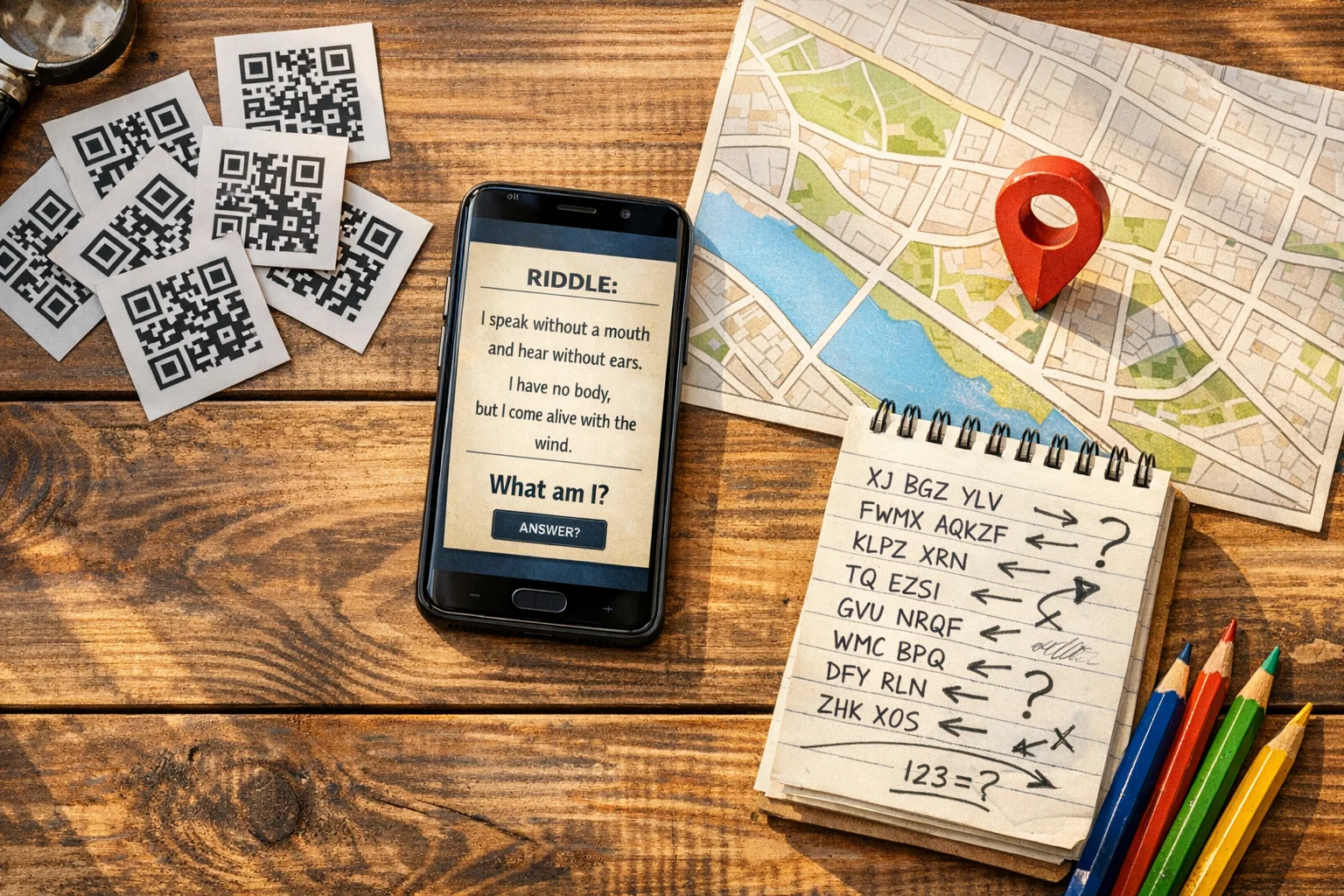
- Mechanic mixer. Rotate riddle, cipher, visual, GPS, and action prompts so the hunt feels fresh.
- Event‑ready packaging. Deliver clues as cards, QR codes, app tasks, or scheduled drops with built‑in hinting.
A good generator covers all four.
The builder’s model: target, anchor, mechanic, hints, constraints, scoring
Design from the inside out. Start with the thing players must discover, then wrap it.
- Target (who). Reading level, cultural references, mobility, accessibility needs. Younger kids read differently than adults. Matching clue text to reader ability is non‑negotiable. Resources like the Lexile Framework for Reading explain how text complexity maps to expected comprehension by reader level. (lexile.global)
- Anchor (what). The answer or location. Name it clearly in your build sheet. Everything else can change.
- Mechanic (how). Riddle, wordplay, cipher, GPS check‑in, QR reveal, photo match, multiple choice.
- Hints (when). Time‑release nudges, tiered reveals, or a final failsafe that prevents stalls.
- Constraints (where and how long). Indoors vs outdoors, signal strength, noise levels, staff oversight.
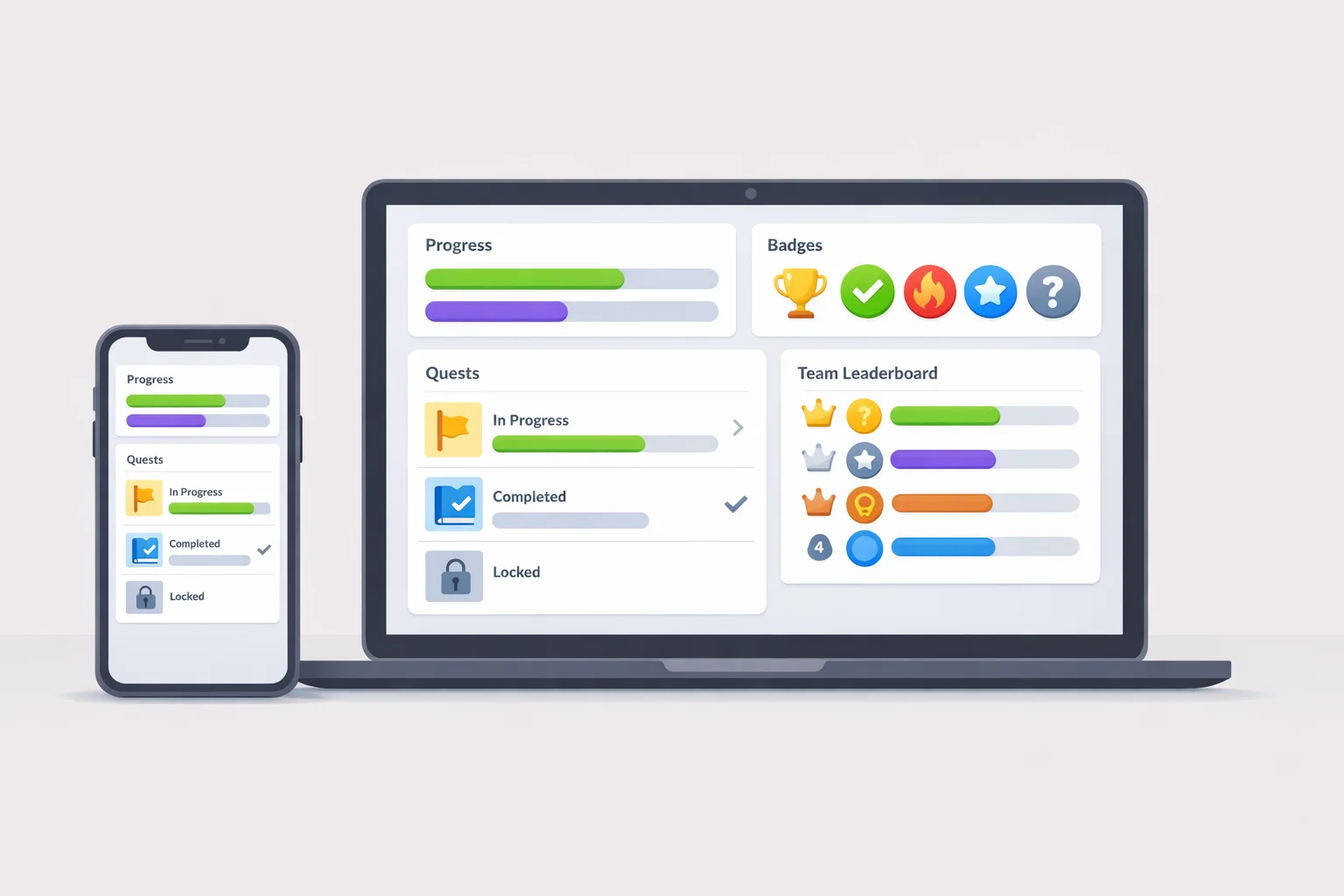
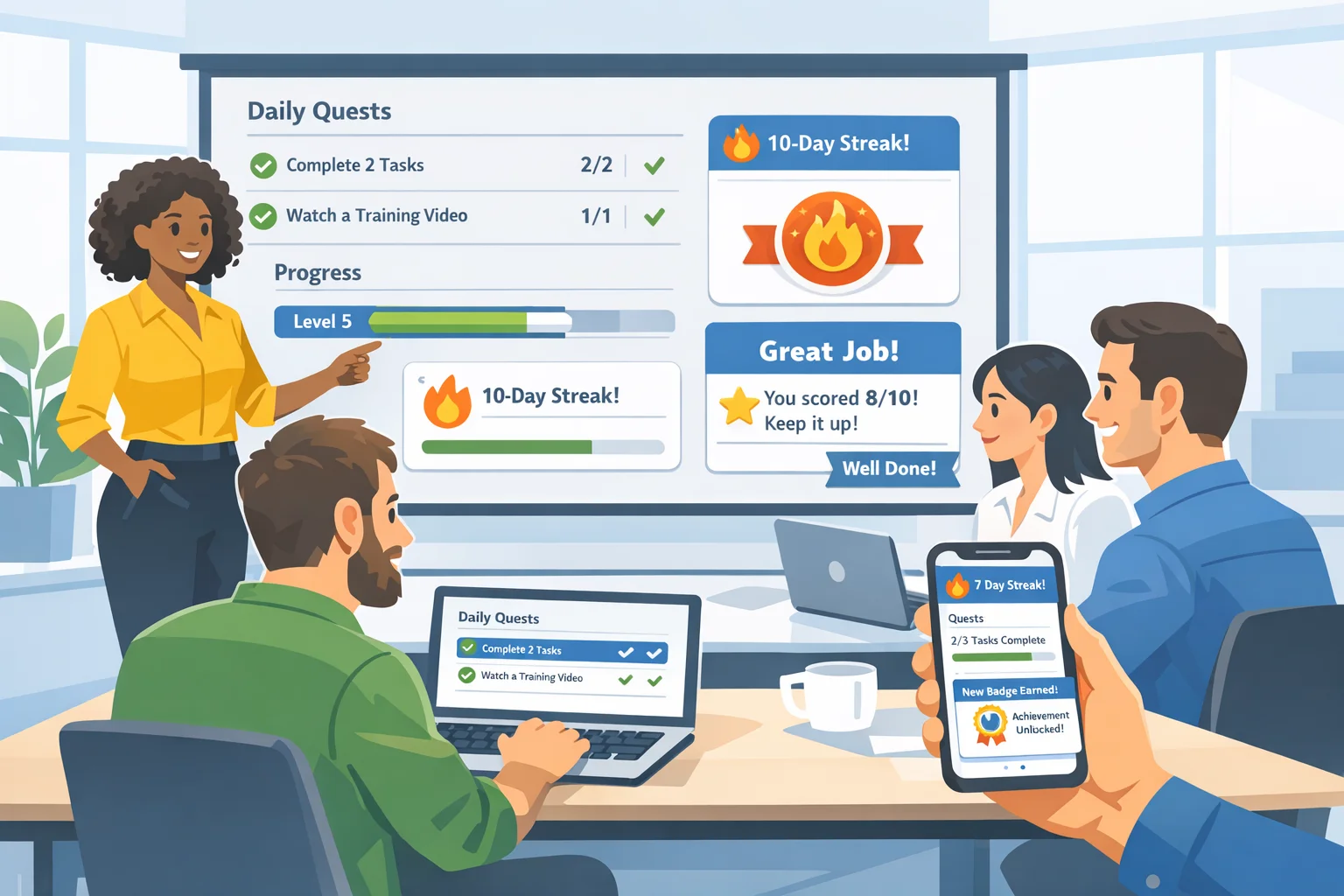
- Scoring (why try). Points, streak bonuses, or speed tiers to reward momentum without punishing curiosity.
This model keeps creative choices practical. It’s how you get repeatable results instead of one‑off luck.
Calibrating difficulty without losing momentum
What usually shifts the dynamic is a right‑sized challenge. Too easy and players check out. Too hard and they stop moving.
- Aim for flow, not frustration. Flow happens when skill and challenge match closely. The American Psychological Association’s definition frames it as an optimal state of intense involvement in a task. Use that as your north star when deciding if a clue is “just hard enough.” Read the APA’s entry on flow and use it to calibrate challenge to the audience’s capabilities. (dictionary.apa.org)
- Control reading load. Short sentences, active voice, concrete nouns. Government plain‑language guides recommend roughly 15 to 20 words per sentence for general audiences. It’s guidance, not dogma, but a reliable baseline when you’re building for speed. See the National Archives’ principles for plain language. (archives.gov)
- Match text to reader level. As a directional rule, align kid‑focused clues to the lower end of your group’s reading range, then add scaffolding for growth. MetaMetrics notes that when a text’s Lexile measure matches a reader’s, you can expect about 75 percent comprehension. That’s a decent target for first‑pass hunt reading. See the Lexile educator guidance. (lexile.com)
- Use scaffolds, not spoilers. Tiered hints preserve the aha while keeping the clock moving. First hint clarifies the domain. Second nudges the wordplay. Third gives a piece of the answer, not the whole.
A practical library of clue mechanics with plug‑in templates
Rotate 4 to 6 mechanics across a hunt. Fewer feels repetitive. More can feel random. Below are field‑tested types with quick templates you can paste into your tool of choice.
1) Riddle or verse
- What it’s good for: Thematic flavor, indoor anchors, onboarding the hunt’s tone.
- Template: “I guard things that wait, but never sleep. I open with bite, and close with teeth. Find me where jackets huddle.”
- Tuning knobs: Syllable count, rhyme scheme, number of descriptive constraints.
2) Wordplay (anagram, acrostic, homophone, hidden word)
- What it’s good for: Light cognitive lift without special knowledge.
- Template (acrostic): Write a short 5‑line verse whose first letters spell the answer. The Poetry Foundation’s acrostic glossary is a simple primer. (poetryfoundation.org)
- Template (hidden word): “The janitor will POLISH EVERY KNOB before the guests arrive” hides S H E L V E S across word boundaries.
3) Ciphers (Caesar, substitution, pigpen, mirror)
- What it’s good for: Mid‑hunt challenge once players are warmed up.
- Template (Caesar): Shift each letter by +3. Put a key symbol somewhere visual so teams can deduce direction. Britannica’s overview of the Caesar cipher is a quick refresher. (britannica.com)
- Tuning knobs: Provide a crib word, frequency tip, or partial key as your first hint.
4) Visual patterning
- What it’s good for: Non‑verbal play, mixed‑age groups, quiet spaces.
- Template: Close‑crop photos of textures around the venue. Players match them to the source object.
5) QR reveals
- What it’s good for: Controlled scheduling, auto‑validation, no‑touch hinting. If you use QR for delivery, follow established QR code practices so scans work on consumer phones. GS1’s barcode overview with QR is a useful baseline. (gs1.org)
- Template: A QR leads to a riddle image that only renders after a timer or correct answer on the previous task.
6) GPS check‑ins
- What it’s good for: Outdoor movement, route design, progressive unlocking. Smartphone location accuracy varies by device, environment, and requested priority. Review Google’s guidance for requesting location updates if you’re building your own tools. (developer.android.com)
- Template: “Stand where the bronze explorer points. When your phone agrees, your next hint appears.”
7) Task or photo challenge
- What it’s good for: Energy spikes, social proof, sponsor moments.
- Template: Recreate a famous statue pose beside the art wing’s entrance sign to unlock the next clue.
8) Multiple choice reveal
- What it’s good for: Egalitarian progress on tricky topics. Wrong choices deliver tiny teaching moments.
- Template: “Which trail tree lives longest here? A) Cedar B) Birch C) Oak.” Answer unlocks the directional instruction.
Prompt recipes you can paste into any AI
Use these as generators, then tune with the builder’s model. Always paste in your anchor, audience, time box, and setting.
Riddle for a precise place:
“Write a 2‑line riddle for [ANCHOR], readable by [AUDIENCE], that includes two concrete sensory details and avoids proper nouns. Keep to 14 to 18 words per line and include a one‑sentence creator’s note explaining the expected reasoning path.”
Acrostic reveal:
“Create a 5‑line acrostic poem whose first letters spell [ANSWER]. Clue should be solvable in under 60 seconds for [AUDIENCE]. Use present‑tense verbs and one vivid image.”
Cipher plus safety net:
“Encode a short clue pointing to [ANCHOR] using a Caesar shift of +3. Provide the plaintext answer and a 3‑tier hint ladder that reveals: 1) the cipher type, 2) the shift direction, 3) the final decoded first word only.”
Photo match prompt:
“List 5 distinctive textures within a [VENUE TYPE] that can be close‑cropped into visual clues. Each entry should include where to find it and how to describe it without naming the object.”
Age‑fit rewrite:
“Rewrite this clue for [AGE RANGE], target 85 to 95 percent first‑pass comprehension. Keep the same answer but simplify syntax and replace any idioms. Return the revised clue and a one‑sentence note on what changed.”
Word‑finding helper:
When you need rhymes, near‑rhymes, or associative words, tools like the Datamuse word‑finding API are fast scaffolds for better prompts. (datamuse.com)
Safety, accessibility, and fairness built in
A hunt should feel inclusive and physically safe without drawing attention to the guardrails.
- Access. Offer at least one non‑walking path to completion in indoor venues. Provide text alternatives for visuals and alt‑text for images in digital clues.
- Plain language. Use short, concrete phrasing for critical instructions. Federal guidance on clear writing is a helpful gut check. (archives.gov)
- Phones and environment. GPS is softer under heavy tree cover, in dense downtowns, and indoors. If you’re writing your own location logic, study Google’s recommendations on location request options and accuracy. (developer.android.com)
- QR practicality. Print high‑contrast codes at reasonable size and test at realistic distances. GS1’s QR overview provides baseline specs that general smartphone scanners understand. (gs1.org)
Pacing the hunt: structure and failsafes
Momentum matters more than any single clue.
- Front‑load a win. First task should be near‑certain success. Confidence compounds.
- Alternate load. Follow language‑heavy with visual or physical. Let different brains take turns driving.
- Progressive disclosure. Reveal complexity in layers so nobody meets a wall all at once. In interface design this is standard practice for reducing errors. You can apply the same logic to hunt pacing by releasing deeper information only when players need it. See a practical overview of progressive disclosure for content and UX. (uxpin.com)
- Failsafes. Time‑based hints, skip tokens with small point penalties, and a final unlock if the venue is closing soon.
Playtesting: the two‑hour loop that saves your event
You do not need a week of testing. You need a focused loop.
- Dry run on paper. Solve your own clues without context. If you struggle, others will stall.
- One pass with real humans. Grab two people outside the build team. Give them the first three clues with your actual timing. Do not help.
- Fix friction today. If a clue takes longer than you planned, shorten the text, add a tier‑one hint, or switch the mechanic. Patterns we keep seeing: hidden‑word spacing too subtle, cipher with no on‑ramp, riddle relying on a local reference outsiders won’t have.
Using Scavify as your working clue generator
Scavify isn’t just the place you run the hunt. It’s the place you assemble the generator you actually need.
- Challenge variety. Mix Photo, Video, GPS Check‑in, QR Code, Multiple Choice, and Q&A tasks so the experience breathes.
- Automation. Schedule drops, set tiered hints, and auto‑validate answers so pacing runs itself.
- Browser and app flexibility. Build from your laptop, play on phones. Simple.
- Scale flexibility. Works for a single classroom or a conference crowd without rewriting your clue logic.
A pattern we keep seeing: once teams move their “generator” inside Scavify’s challenge templates, writing gets faster because the format decisions are already made. The creative energy goes to better mechanics, not formatting.
Ready‑to‑use mini clue pack (kids, adults, teams)
Use or adapt. Each line includes a natural challenge type and a suggested point value.
- [Riddle | 30 pts]: “I drink what clouds cry, then whisper it down. Find me where the hallways meet, pouring soft.” (Water fountain)
- [Acrostic | 40 pts]: “First letters of each line will guide you:
Safe from wind, we wait in rows
Hiding hands in sleeves and toes
Outer shells for rainy woes
With our hooks, your journey slows
Sun returns, back out it goes.” (COATS)
- [Caesar +3 | 50 pts]: “Zlwk wkh juhhq grru dqg orrn orz.” Provide a crib: “drxu” looks like “door” after shifting. (Green door)
- [Hidden Word | 25 pts]: “The guide will POLISH EVERY KNOB before the gala.” (SHELVES hidden across words)
- [GPS Check‑in | 60 pts]: “Stand where the bronze explorer points. When your phone agrees, your map will bloom.” (Statue plaza)
- [QR Code | 20 pts]: “Scan the square by the box that hears you sing.” (QR sticker near karaoke signup)
- [Photo | 35 pts]: “Recreate the tallest painting’s posture beside its label.” (Pose match)
- [Multiple Choice | 30 pts]: “Which trail tree lives longest here? A) Cedar B) Birch C) Oak.” (Oak)
- [Q&A | 25 pts]: “Count the steps from the red bench to the sundial.” (Answer is a number)
- [Video | 40 pts]: “Teach a 10‑second weather report from the windiest corner.” (Energy spike)
Common mistakes we still see
- Location first, mechanic last. Pick the anchor early so you can pick the right mechanic for that space.
- One note hunts. Ten rhymes in a row feel flat. Rotate mechanics with intention.
- Trick without trail. Obscure clues with no hint ladder stall the room and drain energy.
- Unscoped QR or GPS. Codes too small, placement too dark, check‑ins in signal dead zones.
Put it together fast: a 30‑minute build sprint
- 10 minutes: List your anchors and audience notes. Pick 6 to 8 mechanics to rotate.
- 10 minutes: Generate first drafts using the prompt recipes. Log a one‑sentence solve path for each.
- 10 minutes: Add tiered hints. Print or publish. Do one two‑person dry run and fix anything that drags.
Most teams tend to overbuild clue text and underbuild hinting. Swapping that ratio is usually the unlock.
FAQs
How can I make clues challenging for adults without being unfair?
Layer difficulty. Use mechanics that ask for deduction, not trivia, then add a tiered hint system. Aim for first‑hint solves within a few minutes. Keep instructions in plain language and use short sentences for critical steps, which aligns with government clear writing guidance. (archives.gov)
What’s a solid mix of clue types for a one‑hour hunt?
Four to six mechanics is a sweet spot. For example: riddle, hidden word or acrostic, cipher with a key, one visual photo match, one QR reveal, and one GPS check‑in. Alternate language‑heavy with movement‑based to sustain momentum.
How do I set reading level for kids’ clues?
Start at or slightly below the group’s average reading level, then add small scaffolds. The Lexile Framework notes that matched text to reader level predicts about 75 percent comprehension, which suits first‑pass clue reading in motion. (lexile.com)
Are ciphers too hard for beginners?
Not if you provide an on‑ramp. Use a simple shift like Caesar with a visible key or crib word. Britannica’s explanation of the Caesar cipher is a good refresher, and you can offer a first hint that names the cipher type. (britannica.com)
Any tips for reliable QR or GPS‑based clues?
Yes. Print QR codes at high contrast and test in real light conditions. Follow baseline specs from GS1’s barcode overview. For GPS, place check‑ins with clear sky and follow Google’s location request guidance so the app requests an appropriate accuracy level. (gs1.org)
Can AI really help me write better clues?
As a drafting partner, yes. Feed it the anchor, audience, and constraints. Use recipes like acrostics or hidden words for fast variety. For rhymes or associative words, the Datamuse word‑finding API is a handy helper when you need precise language. (datamuse.com)
How do I keep the hunt from stalling if one clue is too hard?
Add progressive disclosure. Time‑based hints, partial reveals, and a last‑resort unlock with a small point cost. Rotate to a different mechanic after a tough puzzle so players recover confidence.
Where does Scavify fit into all this?
Use Scavify to assemble and deliver the hunt you just designed. The platform’s challenge types map directly to the mechanics above, with automation for hints, scheduling, and answer checks. Think of it as your practical clue generator that also runs the show.