Solutions
Your first hunt, live this afternoon.
Free to start · No download for participants
Compare the best apps for college students in 2026, including study, organization, budgeting, campus life, wellness, and productivity options for every need.

College doesn’t reward effort in the abstract. It rewards the handful of behaviors that repeat every week: capture tasks, plan time, practice actively, collaborate cleanly, stay safe, and manage money without spiraling. The right apps make those behaviors almost automatic.
We tested and re‑tested the usual suspects, watched what students actually keep using after midterms, and cut anything that’s fragile, paywalled-to-nowhere, or already sunsetting. The picks below are the apps that consistently reduce chaos and raise follow‑through in 2026.
Most “best apps” lists are screenshots with adjectives. This one’s built around patterns we keep seeing on real campuses: apps that automate good behaviors, survive the crunch of midterm season, and don’t melt down when you switch devices.
Here’s our selection filter in plain terms:
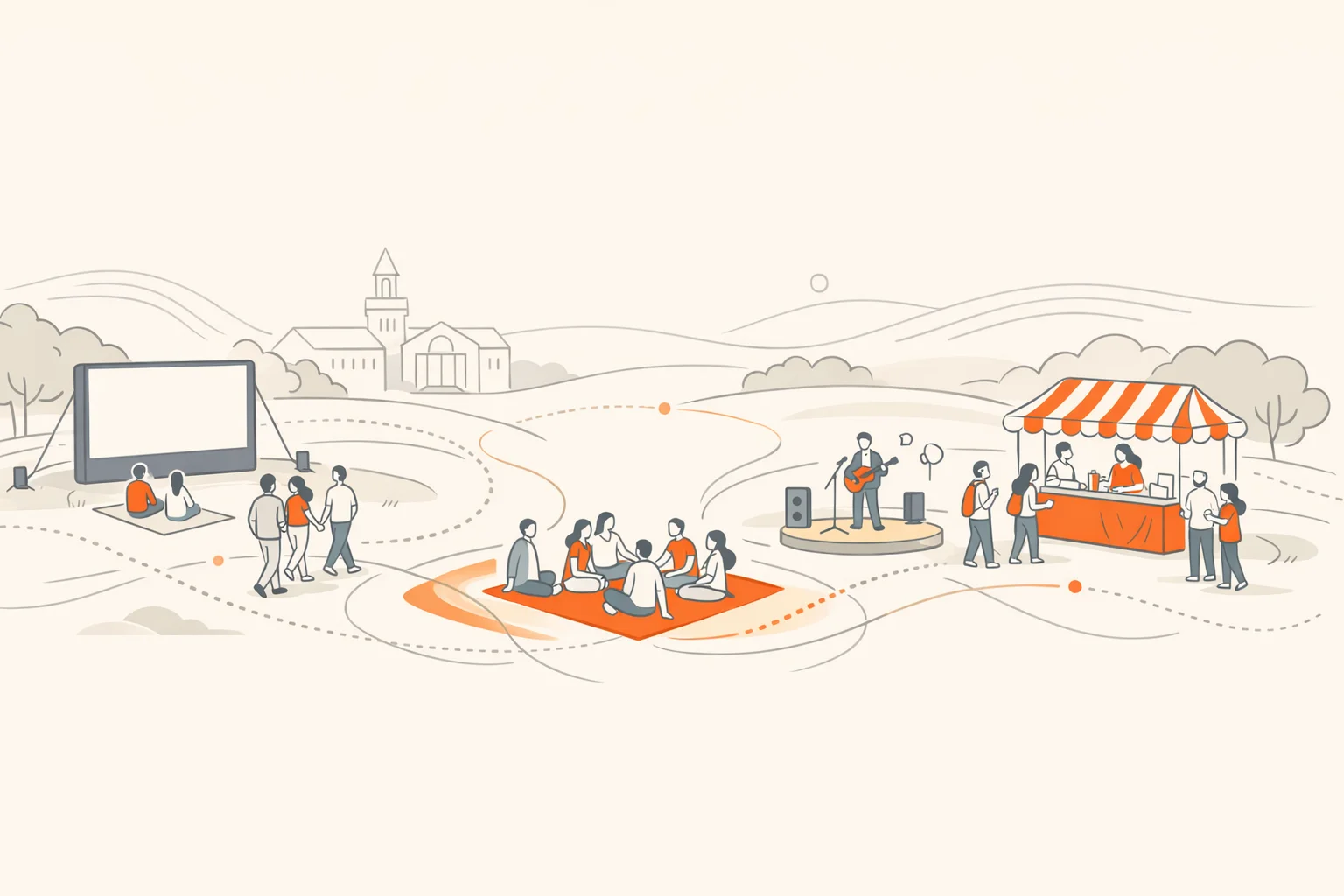
Between sections, you’ll see a few campus images from our original post. Same spirit, upgraded picks.
What it’s for: Building energy, place‑knowledge, and real connection during orientation, welcome weeks, and major campus moments.
Why it works: Interactive challenges turn passive “show up and listen” into active exploration. You can blend photo, video, GPS, QR, and trivia tasks, run it in the app or a browser, and capture participation data organizers can use next year. If you’re orchestrating new‑student programs or club fairs, Scavify is the quiet engine that makes everything feel alive.
Natural fit moment: Orientation week, residence life events, admitted‑student days, alumni weekends.
Note: If you’re new to us, Scavify’s scavenger hunt app is built for exactly these high‑engagement campus use cases.
Docs is still the default for group papers, lab reports, and last‑minute peer edits. Real‑time co‑editing and comments eliminate the version‑chaos that tanks group grades. It’s also where many courses share handouts and templates, so staying inside Docs smooths handoffs with instructors.
If you want receipts beyond “everyone uses it,” research has repeatedly shown collaborative tools like Docs can increase engagement and quality of writing in higher‑ed settings (UAE case study; practical overview via ERIC).
Most students don’t need another to‑do app; they need one place where tasks, notes, readings, and project timelines live together. Notion’s databases, linked views, and templates make that doable without duct tape. Build a simple dashboard with courses, reading lists, assignment pipelines, and weekly plans.
Pattern we see: the students who stick with Notion keep it boring and consistent. One page per course. A single “inbox” database. Two or three filtered views they actually open daily.
If you haven’t used spaced repetition yet, it’s the single most durable study upgrade you can make. Anki automates what memory research has shown for decades: spacing and active recall beat massed practice and re‑reading by a mile (Cepeda et al.; accessible overview here). Anki’s manual explains the core ideas plainly (active recall + spacing).
Use it for: vocab, pathways, formulas, mechanisms, definitions, cases. Keep cards small. Daily reviews matter more than marathon builds.
For quick turnarounds or when a class already has shared sets, Quizlet remains a good rep machine. Its Learn mode adapts practice to your performance, and recent updates emphasize AI‑assisted study flows and conversational practice (Learn is a Plus feature; product updates here).
Watch out: the strongest features now live behind a subscription. Decide if your classes warrant it or default to Anki for deeper courses.
Zotero saves sources from the web with one click, stores PDFs and notes, and drops properly formatted citations into Word, Google Docs, or LibreOffice. It’s free, open, and built for collaboration as your capstones and research groups grow (official site; details about).
Tip: Pair Zotero with a quick generator like Citationsy when you only need a one‑off reference (Citationsy). But keep your long‑term library in Zotero so nothing disappears after finals.
Writing is thinking you can submit. Grammarly helps with clarity, concision, and tone as you draft. It won’t make your argument, but it will keep you from losing points to fixable issues. Use suggestions as prompts, not autopilot, and keep your instructor’s style preferences above all.
Handouts. Lab notes. Whiteboard sketches. Adobe Scan converts them into sharp, searchable PDFs, and saves them to the cloud so you can annotate from anywhere (Adobe Scan docs). This replaced Microsoft Lens, which Microsoft retired from iOS and Android in early 2026 (retirement notice).
If your university runs Canvas, install the Student app. It keeps announcements, submissions, grades, and discussions in your pocket and even supports offline access for key content, depending on your institution’s settings (Instructure guide; App Store listing here).
Why it matters: Fewer email misses, faster clarification, and one place to check due dates. In 2025, Canvas also announced deeper AI integrations for instructors, which means more course workflows will flow through the app going forward (Axios coverage).
Time blocking works until it meets a shifting lab, a late bus, and a surprise quiz. Structured gives you a simple daily timeline, quick drag‑and‑drop to reflow plans, and a built‑in focus timer. It syncs across iPhone, iPad, Mac, Apple Watch, and has web access, with Pro features for calendar integration and AI‑drafted days (Structured; feature rundown here and here).
How students use it: pin class blocks first, then drop study sprints and office hours around those anchors. Replan when a lab overruns instead of abandoning the day.
Most budgets die because they look backward. YNAB is forward‑looking: every dollar gets a job, and you adjust on the fly when reality changes. Crucially, college students get a free year with verification, which removes the biggest adoption barrier (YNAB College Program; how to enroll support doc).
Why it matters: In 2023, Intuit closed Mint and migrated users to Credit Karma, changing the personal‑finance app landscape (Intuit announcement). YNAB remains the most durable pick for students who actually want to learn a budgeting habit.
It’s the tiny frictions that poison shared living: who bought soap, who owes for the Uber to the field trip, who always “forgets.” Splitwise keeps a neutral ledger of IOUs, splits, receipts, and settle‑ups so you can live with friends and stay friends (Splitwise; quick start guide).
Noonlight turns your phone into a panic button that can quietly request police, fire, or medical help with location data, even when you can’t speak. It also integrates with wearables and other apps (overview; how it works help center).
When to use it: late walks across campus, off‑campus meetups, solo rideshares. Set it up before you need it.
Stretch your food budget and reduce waste by grabbing unsold meals from local cafes and grocers at the end of the day. Too Good To Go is a certified B‑Corp and continues to expand partnerships across North America and Europe (education hub; recent coverage Axios and TechRadar).
Caveat: “Surprise bags” vary. Great for flexible eaters. If you have dietary restrictions, check participating vendors in advance.
Getting to class on time is half the game. Transit shows real‑time arrivals, service alerts, and multimodal directions across buses, trains, scooters, and walking. It’s rolling out official partnerships with agencies, which improves data quality (Transit app and updates).
Alternatives where you live: Citymapper in bigger metros (site), your university’s shuttle app, or the local agency’s official app.
You don’t need 30 apps. You need a core that reinforces the right behaviors:
Put those pieces in place before week two. Then let the system carry some of the load while you do the work only you can do.