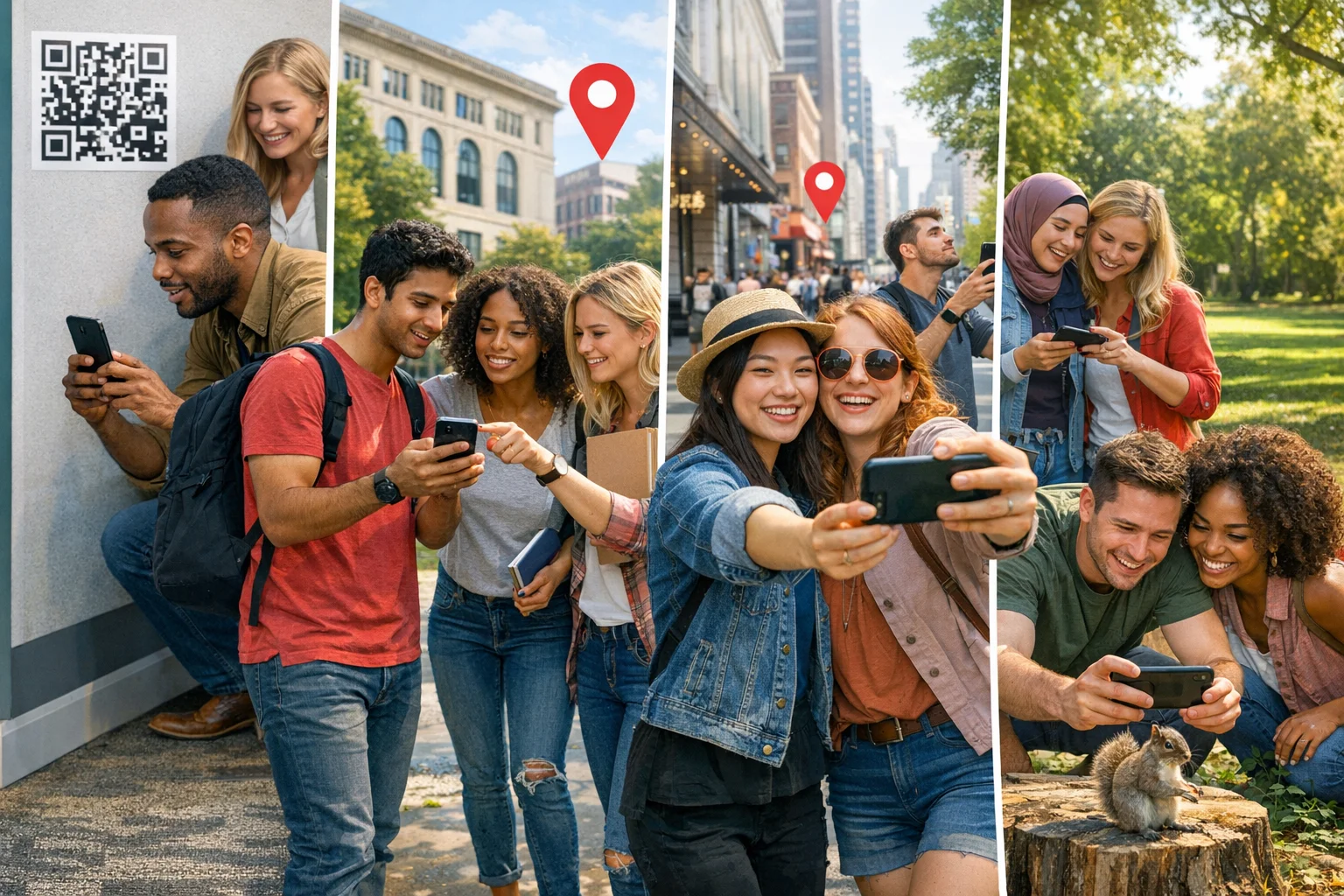
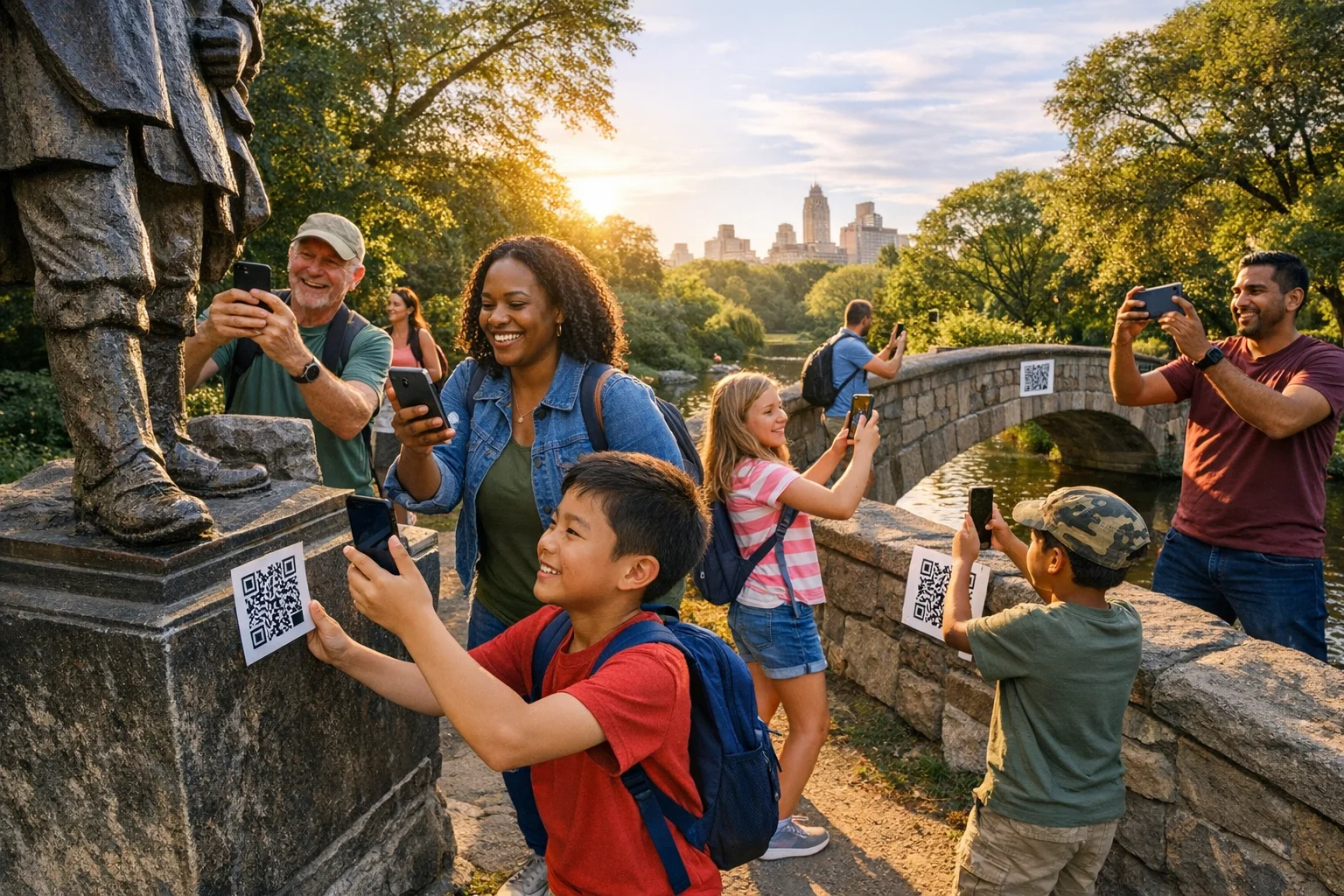
A well-designed scavenger hunt turns passive participation into active discovery. It’s a time-boxed set of small missions people complete together: finding, solving, creating, moving, and noticing. It works at a birthday party, in a 5th-grade classroom, across a corporate campus, around a city block, in a museum, or on Zoom. It creates movement, moments, and measurable outcomes.
At a Glance
- Use hunts to spark connection, learning, and momentum without heavy logistics.
- Start with a clear route to success: themes, tasks, constraints, and scoring.
- Pick from 85 ideas below, including 40 fully ready-to-run prompts.
- Keep sessions shorter and purposeful; debrief to lock in outcomes.
- Make it polished with app-based tasks, auto-scoring, and live leaderboards.
What a scavenger hunt is
A scavenger hunt is a sequence of bite-size challenges—find an item, solve a riddle, capture a photo, check in at a location, answer a question—that participants complete to earn points. The best hunts balance clarity (what to do) with curiosity (how to do it), and they work because they shift people from listening to participating.
Why this format works across teams, schools, and events:
- Active learning beats passive intake. Meta-analyses show that replacing lecture with active strategies improves performance and reduces failure rates in undergraduate STEM courses. Translate that insight to your team meeting or museum night: give people something to do, not just something to hear. (pubmed.ncbi.nlm.nih.gov)
- Game elements can increase motivation. Thoughtful use of points, levels, and collaboration can boost engagement and learning when aligned to objectives, not gimmicks. (link.springer.com)
- Movement matters. Even light, social activity nudges people toward the weekly movement targets most adults struggle to reach, which is a welcome side effect of “walk-and-find” style hunts. (cdc.gov)
- Psychological safety fuels team outcomes. The Google Project Aristotle research highlights dynamics like psychological safety and clarity. Hunts can build those dynamics when they reward sharing, small risks, and quick iteration together. (rework.withgoogle.com)
40 ready-to-run scavenger hunt examples
Each prompt is immediately usable. Choose a few, set a time limit, and you’re rolling. Use the challenge type and point value to balance difficulty.
Indoor
- [Photo | 25 pts]: Recreate a famous painting using only office supplies.
- [Q&A | 20 pts]: Find a safety poster and record the top rule in five words.
- [QR Code | 30 pts]: Scan the hidden code under something that keeps time.
Outdoor
- [Photo | 25 pts]: Capture three textures: bark, brick, and water ripples.
- [GPS Check-in | 40 pts]: Check in where wind changes direction most often.
- [Q&A | 20 pts]: Count steps on the main staircase and submit the number.
City
- [Photo | 35 pts]: Find public art with a circle motif; frame three circles.
- [GPS Check-in | 45 pts]: Check in at the oldest marker within five blocks.
- [Q&A | 30 pts]: Ask a local for a secret lunch spot; share its clue.
Photo-forward
- [Photo | 25 pts]: Spell the team name using letters found in signage.
- [Photo | 30 pts]: Mirror-reflection selfie where two teammates appear twice.
- [Photo | 40 pts]: Forced-perspective shot “holding” a landmark in hand.
Riddles
- [Q&A | 30 pts]: “I speak without a mouth.” Find it, submit where it lives.
- [QR Code | 35 pts]: “Many keys, no locks.” Scan where the answer plays.
- [Photo | 25 pts]: “I have hands but cannot clap.” Show two versions.
Office
- [Photo | 20 pts]: Photograph an object older than three teammates combined.
- [Q&A | 25 pts]: Identify the company’s first product using internal artifacts.
- [QR Code | 30 pts]: Scan the code hidden near the emergency rendezvous map.
Neighborhood
- [Photo | 25 pts]: Find a front door with an unexpected color; match it.
- [Q&A | 20 pts]: Count unique dog breeds spotted; list three with owners’ ok.
- [GPS Check-in | 35 pts]: Check in at the highest visible address number.
Classroom
- [Multiple Choice | 20 pts]: Which display shows last unit’s key concept?
- [Photo | 20 pts]: Build a triangle with classroom objects; label its angles.
- [Q&A | 25 pts]: Find a word with a prefix and suffix; define both parts.
Birthday
- [Photo | 20 pts]: Reenact a childhood photo of the guest of honor.
- [Q&A | 25 pts]: Find a hidden note with a favorite song lyric line.
- [Video | 35 pts]: Record a 5-second cheer using the birthday person’s nickname.
Holiday
- [Photo | 25 pts]: Capture three items that fit the holiday’s color palette.
- [Q&A | 20 pts]: Share one tradition’s origin in a single clear sentence.
- [Video | 30 pts]: Film a 10-second team carol with a surprise percussion.
Campus
- [GPS Check-in | 40 pts]: Check in at the oldest tree on campus.
- [Photo | 25 pts]: Recreate the mascot pose in front of an emblem.
- [Q&A | 30 pts]: Find the building named after a scientist; share their field.
- [QR Code | 30 pts]: Scan the code near student services that welcomes newcomers.
Road trip
- [Photo | 20 pts]: Document three state names seen on license plates.
- [Q&A | 25 pts]: What landmark does today’s exit number secretly reference?
- [Video | 30 pts]: 8-second roadside history fact at a safe pull-off.
Virtual
- [Q&A | 20 pts]: Share a childhood object within arm’s reach; describe in seven words.
- [Photo | 25 pts]: Screenshot a perfect grid of reactions during a countdown.
- [Video | 30 pts]: 6-second team wave where each person triggers the next.
Design notes we’ve learned the hard way:
- Keep virtual rounds short and varied. Long webcam blocks drain energy; smaller groups and brief bursts help. Stanford’s Virtual Human Interaction Lab research points to “nonverbal overload” as a key driver of Zoom fatigue, and shows shorter, smaller sessions feel more connecting than long ones. (vhil.stanford.edu)
- Classrooms love movement plus meaning. Teachers report smoother parent nights and collaborative gains when hunts replace sit-and-get sessions. (edutopia.org)
- Museums and galleries thrive with game mechanics. Gamified or QR-enabled tasks can deepen visitor engagement when tied to clear learning goals. (sciencedirect.com)
Challenge templates you can copy and customize
Use these as modular building blocks. Swap nouns for your location, theme, or learning targets. You’ll find seven categories with plug-and-play prompts. Collectively, they add 45 more ideas to reach our 85 total.
Clue hunts (location-to-location)
- [Q&A | 30 pts]: “Feet of stone face fountain.” Find who watches the water.
- [GPS Check-in | 40 pts]: “Where pages travel but books don’t live.” Check in.
- [QR Code | 30 pts]: “Echo lives here at noon.” Scan where sound bounces.
- [Photo | 25 pts]: “Metal bird sleeps skyward.” Capture and name its purpose.
- [Q&A | 25 pts]: “Numbers climb, light falls.” Submit what the numbers measure.
- [Photo | 30 pts]: “Find the window that looks like a fan.” Frame the pattern.
- [Q&A | 35 pts]: “History whispers between flags.” Share the smallest date.
Item hunts (collect or document)
- [Photo | 20 pts]: Three objects forming a primary-color triad, labeled.
- [Photo | 25 pts]: Two textures that feel opposite; caption the contrast.
- [Q&A | 20 pts]: Something recycled repurposed well; explain in eight words.
- [Photo | 20 pts]: A triangle, a spiral, and symmetry in the wild.
- [Photo | 25 pts]: A tool older than any teammate; add a one-line story.
- [Q&A | 20 pts]: An item from five different letters of the alphabet.
- [Photo | 30 pts]: A shadow that looks like an animal; identify the species.
Photo prompts (creative constraints)
- [Photo | 25 pts]: Everyone midair at once without jumping off anything unsafe.
- [Photo | 30 pts]: One color dominates the frame; no editing allowed.
- [Photo | 35 pts]: Reflection shot where the photographer is invisible.
- [Photo | 25 pts]: Rule-of-thirds portrait of a stranger’s pet with permission.
- [Photo | 30 pts]: Alphabet hunt: five letters in order across different signs.
- [Photo | 25 pts]: Symmetry-breaker: nearly mirrored scene with one odd twist.
- [Photo | 20 pts]: Texture macro that becomes unrecognizable; reveal in caption.
Riddles (wordplay to place or object)
- [Q&A | 30 pts]: “I’m taken before you see me.” Submit what I measure.
- [Photo | 25 pts]: “I follow you at noon, vanish by night.” Show two forms.
- [Q&A | 30 pts]: “I turn but do not walk.” Name my job today.
- [Photo | 25 pts]: “I open worlds, yet never move.” Show two examples.
- [QR Code | 35 pts]: “I’m scanned to tell a tale.” Find and scan me.
- [Q&A | 30 pts]: “I hold many stories, none my own.” Identify the keeper.
- [Photo | 25 pts]: “No mouth, strong voice.” Capture the source singing.
Teamwork missions (cooperation mechanics)
- [Video | 35 pts]: 8-second chain reaction: each person triggers the next.
- [Photo | 30 pts]: Human machine: build three moving parts with teammates.
- [Q&A | 25 pts]: Swap roles and explain one teammate’s hidden skill succinctly.
- [Video | 40 pts]: Blindfold guide walk: 5 steps, clear commands, consent first.
- [Photo | 25 pts]: Assemble letters from shirts to spell a shared value.
- [Q&A | 30 pts]: Two-minute brainstorm: three better ways to welcome newcomers.
- [Video | 35 pts]: Silent charades depicting today’s theme in three scenes.
Themed tasks (events, seasons, missions)
- [Photo | 25 pts]: Local cuisine “close-up” that hides what it is.
- [Q&A | 25 pts]: Share one community legend in a clean one-sentence summary.
- [Photo | 20 pts]: Find the season’s first color change; annotate the leaf.
- [Video | 30 pts]: 10-second commercial for your town’s nicest unsung spot.
- [Photo | 25 pts]: Three triangles in architecture; caption style and era.
- [Q&A | 30 pts]: One tradition’s surprising origin in under twelve words.
- [Photo | 25 pts]: “Opposites attract” collage from two places ten steps apart.
Creative challenges (produce, remix, perform)
- [Video | 35 pts]: Elevator pitch of today’s theme in exactly seven words.
- [Photo | 25 pts]: Book spine poem: three titles forming a coherent line.
- [Q&A | 25 pts]: Haiku about a building or object you just discovered.
- [Video | 30 pts]: 6-second stop-motion of an object “traveling” somewhere.
- [Photo | 25 pts]: Found-typeface alphabet: A to F from your surroundings.
- [Q&A | 20 pts]: One useful tip for first-timers here; keep it vivid.
- [Video | 35 pts]: Mini music cue using only environmental sounds nearby.
Implementation nuance that keeps these templates from feeling childish:
- Make success visible. Scoring, progress bars, and galleries turn private wins into social momentum. The gamification literature finds collaboration plus light competition especially effective when aligned to goals. (link.springer.com)
- End with a quick debrief. Across disciplines, structured debriefs consistently improve outcomes. Ten minutes to share “what worked, what surprised, what we’ll keep” is time well spent. (pubmed.ncbi.nlm.nih.gov)
Filters by audience and setup
Use these quick selectors to cut to the right format fast.
By audience
- Kids (ages 6–12): Keep reading demands low, movement high, and wins frequent. Use photo and item hunts with obvious success criteria. Pair readers with non-readers. Keep rounds short.
- Teens: Add status-worthy photo constraints, peer-judged creativity points, and time pressure. Mix riddles with location clues.
- College students: Campus lore, faculty easter eggs, and program-specific puzzles land well. Use QR codes for self-serve reveals near services. (sciencedirect.com)
- Work teams: Focus on cooperation dynamics over trivia. Use missions that require perspective sharing, quick planning, and joint creation. Protect psychological safety with opt-in tasks and clear boundaries. (rework.withgoogle.com)
- Public events/tourism: Use GPS check-ins at story-rich spots and family-friendly prompts. If you’re in museum-like spaces, tie tasks to interpretation goals, not random “find it” lists. (nature.com)
By time available
- 15-minute huddle: 5 tasks, one block, single location. Photo-only or Q&A-only round. Instant gallery share.
- 30-minute sprint: 8–10 tasks within a contained area. Mix photos and quick riddles. One creative closer.
- 60–90-minute circuit: 12–18 tasks across zones with a midpoint check-in. Include 2–3 higher-value missions.
By location constraints
- Indoor: Favor riddles, QR codes, and photo composition challenges. Keep noise low and foot traffic clear.
- Outdoor: Use GPS check-ins and movement tasks. Build in weather fallbacks and hydration.
- Large group: Stagger start lists, rotate zones, and use unique tie-breakers. Public leaderboard only shows top third to avoid demotivation.
- Low-budget: Use what’s already there. Phones as cameras, public art as anchors, free QR generators, and facilitators as judges.
Accessibility and safety
- Design with access first. Plan routes and materials to be accessible; provide alternatives for any task that assumes sight, hearing, stairs, or complex gestures. Follow recognized guidance for accessible events. (adata.org)
- Consent and courtesy. Always ask permission before photographing people or private property. Avoid tasks that pressure personal disclosure.
- Virtual pacing. Favor shorter sessions, optional video, and built-in breaks; this aligns with findings around videoconference fatigue. (neuroscience.stanford.edu)
- Movement, not marathon. Avoid distance races; aim for steady walking and discovery. Adults working toward weekly movement goals benefit from light activity woven into everyday life. (cdc.gov)
Free downloadable tools (copy-ready)
You can copy these into a doc, print, or paste into your event board. They’re deliberately minimal and field-tested.
Clue sheet (participant handout)
- Hunt name:
- Time window:
- Team name:
- How to win: Highest points. Ties break by earliest submission of final task.
- Ground rules: Be kind, be safe, ask permission, stay accessible, respect traffic.
- Submission method: App gallery, QR scans, or facilitator check.
- Judge criteria: Clear match to prompt, creativity bonus where noted.
- Tasks:
1.
2.
3.
4.
5.
6.
7.
8.
Answer key & scoring rubric (facilitator)
- Task ID | Max pts | Auto or Judge | Notes
- 01 | 25 | Auto | GPS inside zone OK
- 02 | 20 | Judge | Look for caption clarity
- 03 | 30 | Auto | QR decode must match
- 04 | 25 | Judge | Composition and safety
- 05 | 35 | Auto | Check time window met
- 06 | 20 | Judge | One-line definition accuracy
- 07 | 30 | Auto | Count within +/- 1 accepted
- 08 | 40 | Judge | Creativity bonus +5 optional
Planning checklist
- Objectives: What should participants learn, notice, or feel?
- Audience profile: Access needs, group size, device mix.
- Map & zones: Distances, bottlenecks, weather alternatives.
- Task mix: 60 percent straightforward, 30 percent creative, 10 percent stretch.
- Materials: QR codes posted, clues printed, backup pens, tape, water.
- Staffing: Start-line, rovers, judging, MC for awards.
- Timing: Briefing, active window, gallery share, debrief.
- Risk & access: Permissions, route safety, accessible equivalents.
- Data plan: What will you measure and share after?
Facilitator guide (condensed)
- Brief (3 minutes): Goals, rules, how to submit, examples of “good.”
- Run (20–60 minutes): Visible timer, occasional hints in chat/PA.
- Gallery (5–10 minutes): Show 8–12 highlights, call out specific moves.
- Debrief (8 minutes): “What worked, what surprised, what we’ll keep.” Evidence supports brief debriefs improving outcomes. (pubmed.ncbi.nlm.nih.gov)
- Awards (3 minutes): Three micro-awards beyond winner: Most Resourceful, Best Assist, Sharpest Eye.
Prize ideas
- Experiences: Coffee with execs, museum passes, early lunch release card.
- Artifacts: Custom stickers, enamel pins, team trophy that travels.
- Choices: Winner picks next team snack or playlist.
Printable micro-pack (plug-and-play)
- Theme:
- Mission list (10 tasks): 6 simple, 3 creative, 1 stretch.
- Map thumbnail: Circle boundaries, list no-go areas.
- QR index: Code names, locations, and purpose.
- Accessibility notes: Equivalents for every location-dependent task.
Run any of these in Scavify
Scavify turns any of the ideas above into a polished live experience with:
- Challenge variety: Photo, video, GPS check-ins, QR scans, multiple choice, and Q&A in one flow.
- Automation: Auto-scoring where possible, galleries that populate as teams submit, and leaderboards that update instantly.
- Ease of launch: Build in a browser, play in the app or mobile web; no special hardware.
- Scale flexibility: Works for a single classroom, a 500-person conference, or a city activation.
A quick path we see work well:
1) Pick a spine. Choose 10–15 tasks from the lists above that match your goals and space.
2) Draft your run-of-show. Brief 3 minutes, play window 30–60 minutes, gallery 5–10, debrief 8.
3) Build. Paste tasks into Scavify, set points, add GPS zones or QR codes as needed.
4) Pilot. Walk it once. Confirm access alternatives, signs, and safety.
5) Run live. Keep energy by spotlighting great submissions mid-run.
6) Debrief and share. Export highlights and a short recap while the buzz is fresh.
Field patterns to adopt:
- Shorter virtual sprints over marathons. The research on videoconference fatigue supports smaller groups and briefer sessions. (vhil.stanford.edu)
- Tie tasks to outcomes. In museums and classrooms, align prompts with interpretation or learning targets; don’t let “find it” drift into noise. (nature.com)
- Encourage movement without overexertion. Light walking and standing interactions are enough. (cdc.gov)
- Protect psychological safety. Clear opt-outs, no gotcha tasks, and celebrate assists as much as wins. (rework.withgoogle.com)
FAQs
What is a scavenger hunt, in one sentence?
A time-boxed series of small missions—find, solve, create, move—that teams complete for points, designed to make participation active.
How long should a good scavenger hunt last?
Shorter than you think. For most groups, 30–60 minutes of active play plus a 10–15 minute gallery and debrief keeps energy high without fatigue, especially for virtual sessions where shorter, smaller meetings feel more connecting. (vhil.stanford.edu)
How do I make sure it doesn’t feel childish for adults?
Design for outcomes, not cute. Use cooperation tasks, creative constraints, and place-based stories. Align the “why” to team goals and psychological safety, not icebreaker trivia. Google’s research into effective teams underscores the payoff of safe, purposeful collaboration. (rework.withgoogle.com)
Are scavenger hunts useful for learning, not just fun?
Yes. Active formats outperform passive intake on average. Build prompts that require retrieval, application, or explanation, and you’ll see better retention and participation. (pubmed.ncbi.nlm.nih.gov)
How do I score fairly when creativity is involved?
Blend auto-scored tasks (GPS, QR, multiple choice) with judged tasks using a clear rubric. Share examples of “meets” and “exceeds” before launch. Keep creativity bonuses small so they don’t overshadow clarity.
What’s the safest way to run hunts in public spaces?
Define clear boundaries, require permission for photographing people, avoid street crossings as tasks, and provide accessible alternatives for any location-dependent mission. Design with accessibility from the start using recognized event planning guidance. (adata.org)
How do I keep virtual hunts engaging?
Run in short rounds, vary task types, use breakout squads, and build in short off-camera breaks. The videoconference fatigue research supports brief, small-group interactions over long, all-hands calls. (neuroscience.stanford.edu)
Do QR codes and GPS really add value?
When they reveal story and structure the route, yes. In museum-like environments, QR-enabled interactions and clear interpretive goals can deepen engagement; GPS check-ins keep pacing honest outdoors. (sciencedirect.com)
If you’re turning this into a team event, campus orientation, or public activation, build from the ready-to-run list, use the templates to round out your task mix, and run it live in Scavify for smooth scoring and instant momentum. Then share a crisp highlight reel and the three best moments. That’s how a hunt becomes a story people keep telling.