Solutions
Your first hunt, live this afternoon.
Free to start · No download for participants
Use these questions and games to start better conversations, reduce awkwardness, and help groups connect quickly.

Groups warm up faster when the activity respects their time, protects autonomy, and creates a reason to talk beyond “go around and introduce yourself.” That’s the pattern we keep seeing across team offsites, orientations, trainings, and event kickoffs.
Well-designed ice breakers prime people to connect, not perform. Light structure helps. Choice helps more. A clear end point helps most.
A final nudge from research: quick, low-stakes conversation reliably boosts positive social emotions and belonging, even for people who expect to hate it. Timebox it, keep prompts concrete, and momentum does the rest. See also the role of psychological safety in effective teams; the tone you set in the first ten minutes matters. Google’s re:Work guide on team effectiveness and recent studies on small talk back this up. (rework.withgoogle.com)
Use this quick filter and you’ll choose well most of the time:
If you do nothing else: choose pairs over whole-group, constrain time, and offer choice. Most rooms open up from there.
Each option includes what it’s good for, quick setup, and remote twists. Use pairs or trios by default. Scale up only when you must.
1) This or That, Then Why
Use when: You need instant chatter without oversharing.
How: Show 6 everyday pairs (coffee/tea, early bird/night owl). People pick, then share one “why” with a partner.
Remote: Post pairs in chat or slides. Speed rounds in breakout rooms.
Tip: Mix obvious with oddly specific to spark stories.
2) Common Ground Blitz
Use when: Strangers need fast rapport.
How: In trios, list as many oddly specific things they share as possible within a few minutes.
Remote: Shared doc for each trio.
Watch for: Competitive overdrive; remind folks it’s playful.
3) Two Truths, One Stretch
Use when: You want the classic, but fresher.
How: Two true facts plus one “stretch goal” they’d love to try this year. Partners guess the stretch.
Remote: Poll reactions to guess.
Why it works: Future-oriented keeps it light.
4) Emoji Bio
Use when: You need sub-60-second intros.
How: Ask for three emojis that describe their week, role, or mood. Share with a neighbor.
Remote: Drop emojis in chat; pair shares out one highlight.
Tip: Offer an alternative for screen-reader users: three nouns.
5) Object Prompt: What’s on Your Desk?
Use when: Hybrid teams need equal footing.
How: Hold up one object within reach; share its tiny backstory.
Remote: Works naturally on camera.
Keep it light: Everyday items only.
6) The 60-Second Map
Use when: You want origin stories without life stories.
How: Mark a regional map (wall or slide). People point to a meaningful place and give one sentence on why.
Remote: Collaborative map screenshot with annotate tools.
Tip: Offer “dream destination” as an opt-in alternative.
7) Photo Roulette (Safe Mode)
Use when: You need laughs fast.
How: Ask people to open their camera roll and jump to a random month/year. Share the first non-personal photo and the 10-second story.
Remote: Screen-share opt-in or just describe it.
Guardrails: “Skip if private” is always fine.
8) One-Word Check-In, Then Compare
Use when: You want temperature without group therapy.
How: Pick one word for “how I’m arriving,” then compare with a partner and swap one practical nudge to help.
Remote: Type words in chat, pair up in breakouts.
Tip: Close the loop with a quick whole-room word cloud.
9) Speed Connections
Use when: Large group, low time.
How: Two rounds of 90-second pair chats using two simple prompts on the slide. Rotate once.
Remote: Breakouts auto-rotate.
Pro move: Repeat after lunch with new prompts to refresh energy.
10) Show & Tell: Tool of the Trade
Use when: Cross-functional teams need context.
How: Each person shows a tool or artifact they rely on and explains one way it makes work easier.
Remote: Cameras or screenshots.
Keeps it practical: No personal artifacts required.
11) Five-Finger Poll
Use when: You need movement and a quick read.
How: Pose a scaling question (1–5) and have people hold up fingers, then pair to explain their number.
Remote: Zoom reactions or chat numbers.
Bonus: Use it to calibrate expectations for the day.
12) Word Association Chain
Use when: You want playful focus.
How: Start with a theme word on screen. In pairs, people riff a chain of associated words for a minute, then pick their favorite link and share why.
Remote: Shared notes page for the chain.
13) Desk Safari
Use when: You want quick creativity without drawing.
How: In pairs, assemble an imaginary “animal” using items within reach; name it and give one trait.
Remote: Works on camera; screenshot gallery optional.
Outcome: Laughter breaks tension.
14) Lightning Learn
Use when: You want knowledge cross-pollination.
How: Ask each person to share one 20-second tip they wish more people knew about their job.
Remote: Use a speaker queue in chat.
Why it lands: Useful first, social second.
15) The Tiny Debate
Use when: You need energy.
How: Pick a trivial topic (best office snack). Partners pick a side and argue playfully for 60 seconds, then switch.
Remote: Works in breakouts.
Set tone: “Kind, silly, and brief.”
16) Playlist Pairing
Use when: Teams bond over music.
How: Share the title of one song that fits the week’s vibe and why.
Remote: Drop into a shared playlist after.
Accessibility: Invite non-music alternatives: a book title or movie scene.
17) Scavenger Snap
Use when: You want people moving a little.
How: Show a micro-list (something red, something round, something that makes your job easier). In pairs, find one item and tell the 10-second story.
Remote: On-camera item showings work fine.
Keep it brisk: One item per person.
18) The Note You’d Send
Use when: You’re kicking off a long session.
How: “Write a one-line note to future-you at the end of today. What would make you glad you came?” Share with a partner.
Remote: Post-it camera shot or chat.
Link to agenda: Helps align expectations.
19) Reverse Q&A
Use when: New leader or guest needs to connect.
How: Instead of introductions, pairs write one question they wish people would ask them at work. Swap questions and answer each other.
Remote: Shared doc captures good questions for later.
20) Mini “Pecha-Kucha” Intros (3 Slides, 30 Seconds Each)
Use when: You have a projector and a bit more time.
How: People bring three image-only slides: where I’m from, what I’m curious about, one proud project.
Remote: Screen-shares in a rapid queue.
Guardrails: Strict time, images over text.
21) Guess the Origin: Name, Nickname, Backstory
Use when: You want personal without prying.
How: Volunteers offer a nickname or username they’ve used. Partners guess its origin, then hear the real story.
Remote: Chat works.
Opt-in only: Never force “real name” talk.
22) Sketch Your Role (Stick Figures Welcome)
Use when: You want empathy across roles.
How: Quick doodle of “what my role actually does.” Trade with a partner and narrate what you see.
Remote: Whiteboard tools or paper-on-camera.
Tip: Applaud terrible art.
23) One-Minute Mentor
Use when: Mixed seniority rooms need a bridge.
How: Pairs trade one piece of advice they received that actually helped, plus when it applies.
Remote: Breakouts.
Outcome: Practical, human, short.
24) Micro-Standup
Use when: Teams need to align fast.
How: In trios, each answers: yesterday’s invisible win, today’s priority, one blocker.
Remote: Mirrors Agile standups, but lighter.
Why it works: Real work beats forced fun.
25) Prop Prompt: The Mysterious Object
Use when: You want surprise.
How: Hand out or screen-show a curious object photo. Pairs invent a plausible alternative use in 45 seconds.
Remote: Share a single slide; rooms improvise.
Debrief: Fast share-out of three favorites.
26) Would You Rather: Work Edition
Use when: You need safe specificity.
How: Seed with work-adjacent choices (10 tiny wins or one big win?). People choose and explain to a partner.
Remote: Polls help pick the next prompt.
Keep it non-personal: No health, family, or finances.
27) The Two-Minute Takedown (of a Problem, Not a Person)
Use when: You want momentum into working time.
How: People pair up, name one friction point, and spend one minute each sharing a small tactic that helped them.
Remote: Breakouts and a shared tip doc.
Result: You transition straight into the day with practical energy.
If you like facilitation recipes, the Atlassian Team Playbook’s icebreaker plays offer simple, adaptable patterns you can steal and tweak. (atlassian.com)
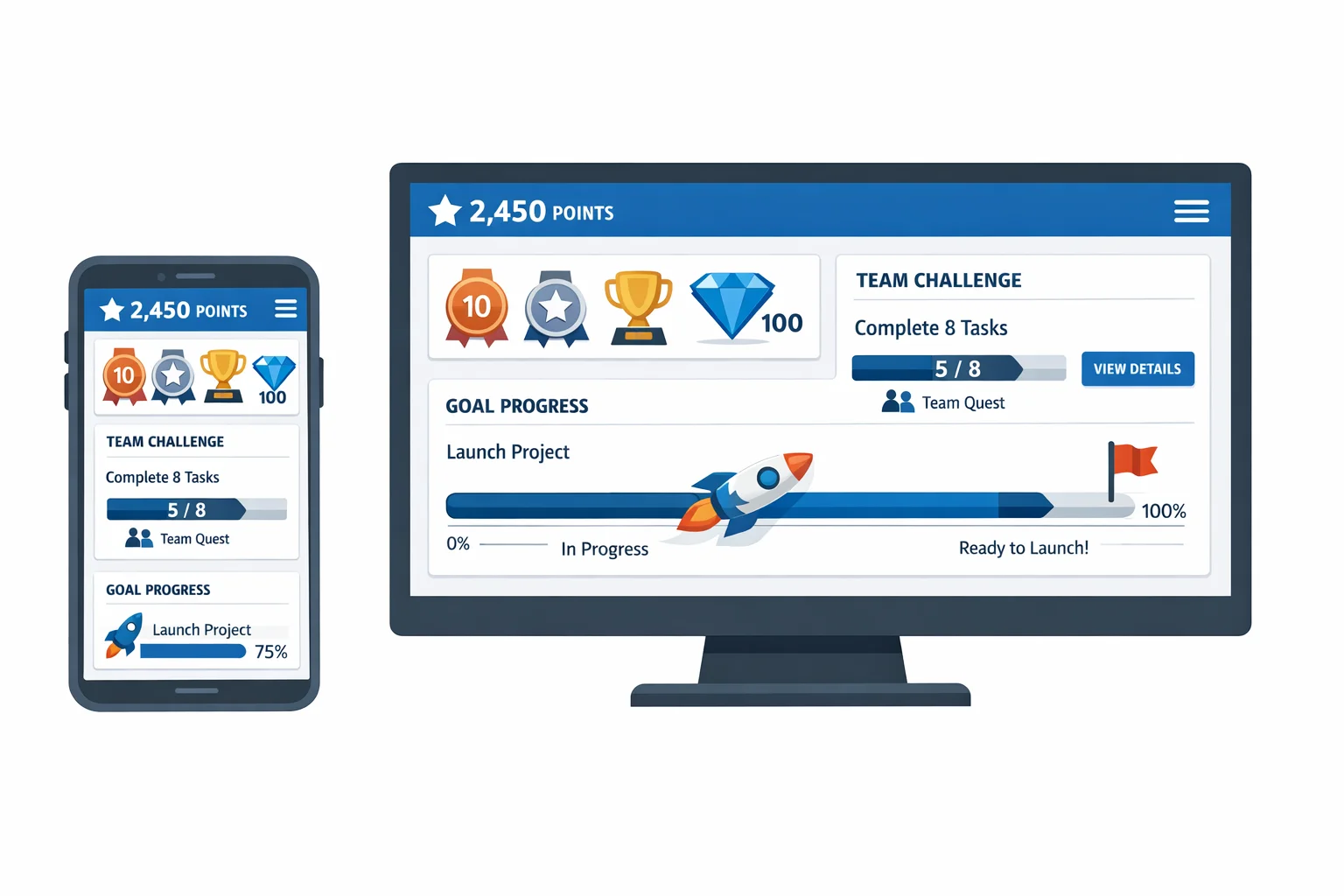
For larger groups, hybrid rooms, or when you want photos, polls, and auto-rotation without wrangling logistics, an app keeps things moving. This is where Scavify often shows up in our world: quick-to-launch challenges, automatic scoring, and browser-or-app flexibility when not everyone wants to download something.
Here are five plug-and-play prompts as in-app challenges:
When a group is small and co-located, keep it analog. When you have headcount, space, or time complexity, offload admin to software and keep your attention on the people.
A useful ice breaker reduces social risk, increases specificity, and points the room toward what’s next. Pairs or trios, low-disclosure prompts, and tight timeboxes are the reliable ingredients. Link the activity to your agenda so it feels like a step, not a sideshow.
Short. Think a few minutes, not a quarter hour. You want a spark, not a campfire. If it’s going well, leave them wanting more and move into the next activity while energy is high.
No. Skip them when stakes are high and time is tight, or when the team already has a warm norm and wants to get moving. Use them at inflection points: new groups, new projects, long sessions, or to reset after a lull.
Lower the disclosure bar, use pairs, offer opt-outs, and keep it practical. Give choices. Everyday prompts create inclusion without forcing personal revelations. Consent and clarity beat charisma.
Yes, in small doses. Remote work cuts down on informal hallway talk. Deliberate, short connection rituals replace some of that missing glue. Evidence on small talk’s emotional upside and belonging supports doing a little, not a lot. Link it to the work. (journals.aom.org)
Several strands. Google’s internal Project Aristotle work highlights psychological safety as a key condition for team effectiveness, and short, safe exchanges help set that tone. Research on small talk and “weak ties” shows benefits for positive emotion and belonging when kept brief and everyday. (rework.withgoogle.com)
Name the elephant: “This is short and optional.” Then pick a prompt that’s obviously useful for the work ahead. Respect the clock. Skepticism tends to melt when people feel agency and purpose.
Absolutely. Repeating a familiar, effective ritual is better than risking a clunker for novelty’s sake. Swap prompts inside the same structure to keep it fresh without changing the mechanics.
If you need inspiration later, bookmark a couple of go-to formats from practical libraries like the Atlassian Team Playbook’s icebreakers. Then keep your bag small: two pair-based options, one movement option, and one remote-friendly option will carry you through most rooms. (atlassian.com)