Solutions
Your first hunt, live this afternoon.
Free to start · No download for participants
Learn how gamification works with clear examples, practical use cases, and tips for education, work, and engagement.
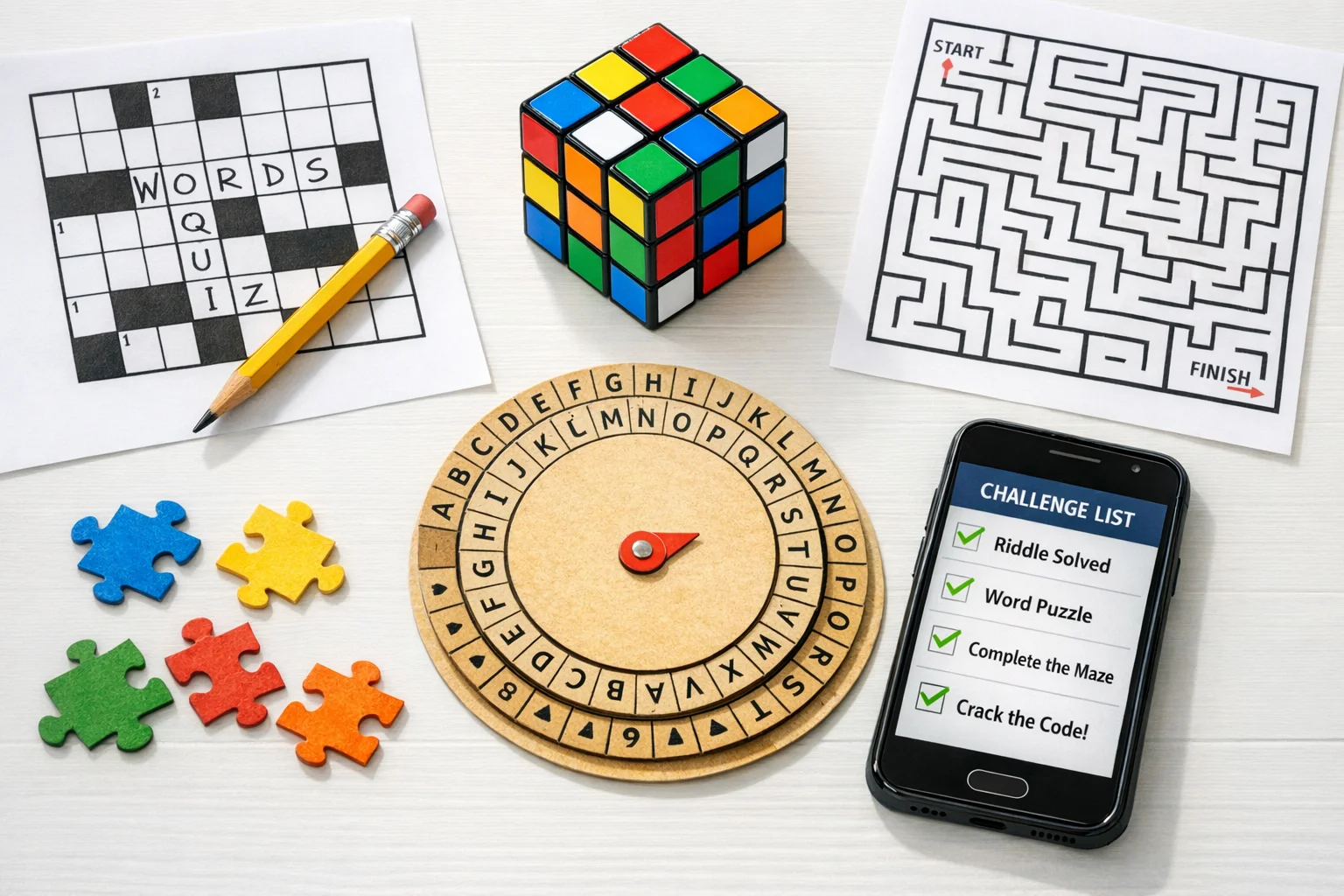
Gamification can lift a course or flatten it. The difference isn’t the badges or the splashy theme. It’s whether the design choices line up with how people actually learn and what they’re trying to accomplish.
Below you’ll find a no-spin, research-aware guide with examples that we’ve seen work across classrooms, campuses, and trainings.
Gamification is the intentional use of game design elements in non‑game contexts. That’s the academically accepted definition, and it’s useful because it separates “full games used for learning” from “courses that borrow game mechanics to make real tasks feel more gameful.” See the original framing by Deterding, Dixon, Khaled, and Nacke. From game design elements to gamefulness: defining gamification. (uwaterloo.ca)
Two quick distinctions keep planning clean: - Game‑based learning/serious games are full games built to teach something. - Gamification layers mechanics like levels, narrative, quests, feedback loops, and social structures onto ordinary learning activities.
Patterns from credible syntheses are consistent:
A 2020 meta‑analysis across K–12 and higher ed found a medium overall effect on academic performance (Hedges’ g ≈ 0.50) with design and duration moderating results. Does gamification improve student learning outcome?. (sciencedirect.com)
Another meta‑analysis reported positive but modest effects on cognitive, motivational, and behavioral outcomes when implementations included thoughtful elements like story, avatars, and clear feedback. The Gamification of Learning: a Meta‑analysis. (link.springer.com)
For digital and online programs, a systematic review found increased engagement with gamification, with variability tied to which mechanics were used and how. Does gamification increase engagement with online programs? A systematic review. (pmc.ncbi.nlm.nih.gov)
The short version: gamification can help, but only when the mechanics support authentic practice, feedback, and progress toward real goals.
A consistent failure pattern is treating game elements as decoration. Swap that for a design lens teachers and facilitators can actually use: the MDA framework. In practice, that means you decide on the desired learning Aesthetics (e.g., mastery, curiosity, collaboration), select Dynamics that create those experiences (e.g., quests, co‑op goals, branching paths), and then pick Mechanics (e.g., retrieval quizzes, progress bars, team checkpoints) that make those dynamics happen. MDA: A Formal Approach to Game Design and Game Research. (cs.northwestern.edu)
When courses click, we usually see: - Practice feels purposeful. Challenges mirror assessments and on‑the‑job tasks. - Progress is visible and personal. Learners compare against last week’s self, not just a leaderboard. - Feedback loops are tight. People know what to fix and try again quickly.
Anchoring game mechanics to learning science keeps the fun from floating away.
Retrieval beats re‑reading. Frequent, low‑stakes recall tasks strengthen memory better than more exposure. Build quests around retrieval, not just recognition. See the classic work on the testing effect. Test‑Enhanced Learning: Taking Memory Tests Improves Long‑Term Retention. (psychologicalscience.org)
Spacing wins over cramming. Structure challenges to revisit material after increasing intervals. Gamified calendars and streaks should reinforce spaced review, not binge sessions. Distributed Practice in Verbal Recall Tasks: A Review and Quantitative Synthesis. (evullab.org)
Motivation is fragile when rewards feel controlling. Competitive points and extrinsic rewards can crowd out intrinsic motivation if used poorly. Favor autonomy, competence, and relatedness signals. See the meta‑analysis on rewards and intrinsic motivation and the SDT overview. A meta‑analytic review of experiments examining the effects of extrinsic rewards on intrinsic motivation. Self‑Determination Theory and the Facilitation of Intrinsic Motivation, Social Development, and Well‑Being. (selfdeterminationtheory.org)
Feedback fuels progress. Make sure every challenge feeds back something learners can use now. A broad research base shows formative feedback’s sizable impact when it’s specific and timely. Focus on Formative Feedback. (journals.sagepub.com)
These are patterns we’ve seen consistently beat “points for showing up.” Adjust difficulty, time, and content for your context.
1) Mastery paths with boss checks - Set up units as levels. Learners unlock the next level only after clearing a short “boss” that requires retrieval and application, not recognition. Offer two attempts with targeted feedback after each try. This aligns with retrieval practice and clear progression.
2) Spaced quest series - Break a big concept into five micro‑quests released across two weeks. Each quest briefly reactivates the previous one before introducing one new wrinkle. Calendar nudges and streaks reward consistency, not all‑night runs.
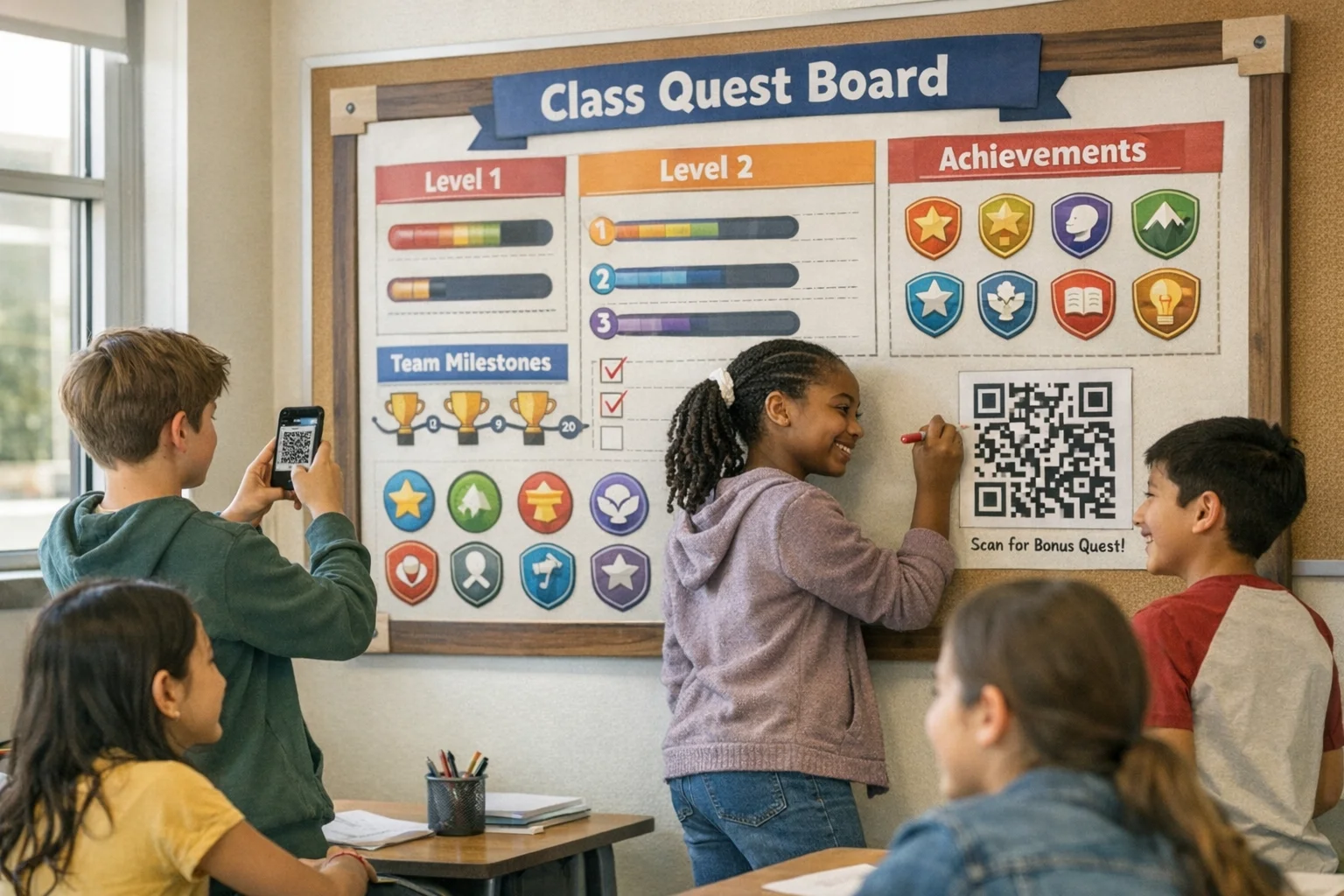
3) Personal best boards, not just leaderboards - Display each learner’s “best streak,” “fastest accurate solve,” and “most improved this week.” Surface cooperative milestones (e.g., “class cleared 100 puzzles”) to reduce zero‑sum pressure that can undermine motivation. Mapping to SDT’s competence and relatedness beats pure rank‑ordering.
4) Branching scenarios with narrative currency - Give choices that matter. Each correct decision earns “insight tokens” that unlock hints later. Missteps trigger meaningful feedback and alternate routes. The goal is a story of growth, not a perfect run.
5) Co‑op challenges with rotating roles - Group quests where roles rotate: explainer, skeptic, summarizer, checker. Points accrue to the team only if roles are fulfilled, creating positive interdependence and practice explaining concepts out loud.
6) QR‑based campus or lab quests - Learners physically check in at locations, scan posted QR codes, and complete short application tasks. It turns passive tours into active orientation. This format is especially effective during campus onboarding, new‑hire lab walk‑throughs, or museum‑style courses.
If you like running mobile challenges, an app can save admin time: build quests in minutes, automate points, and track progress live. This is where a tool like Scavify naturally shows up: browser + app flexibility, automation, and scale make it easy to turn orientations, trainings, or review weeks into interactive, trackable experiences.
Use these as is or tailor to your content.
You can bolt this onto an existing course without rebuilding the house.
1) Clarify outcomes and mis‑takes. Write three statements: what success looks like, the two most common errors, and what transfer should look like a month later.
2) Choose your Aesthetics. Decide which feelings the experience should foster: mastery, curiosity, collaboration, ownership. Keep this list visible while designing.
3) Map Dynamics to Aesthetics. If you want collaboration, pick co‑op quests with shared unlocks. If you want mastery, pick branching practice with retries.
4) Select Mechanics that drive the Dynamics. Retrieval micro‑quizzes, spaced release schedules, tokens that purchase hints, rotating team roles, personal best dashboards. Use as few as possible to achieve the Dynamic you want.
5) Design the first two weeks only. Get it running fast. Ship a minimum set of quests, fast feedback, and a visible progress map.
6) Instrument feedback loops. Add immediate item‑level feedback where confusion is common, and delayed reflection prompts where transfer matters.
7) Pilot with a small group. Invite a handful of learners to break things. Fix friction before full launch.
8) Launch with clarity. Give a one‑page “How this helps you learn” guide. Tell people what counts, how to retry, and what the goals are.
9) Adjust weekly. Watch where learners stall or race. Tune difficulty, add hints, and rebalance points to keep attention on learning behaviors.
Most dashboards overcount clicks and undercount learning. Track:
Evidence suggests that combining retrieval, spacing, and feedback into the cycle is what moves the needle, so your analytics should reflect those elements rather than just points accumulated. Test‑Enhanced Learning. Distributed Practice meta‑analysis. Focus on Formative Feedback. (psychologicalscience.org)
A pattern we keep seeing: the mechanics are shiny, the learning is fuzzy. Watch for these traps.
Pick tools that make the right thing easy:
Scavify fits these needs when you want to turn orientations, trainings, or review weeks into active, trackable programs with minimal overhead. Use it where mobile, on‑the‑move engagement matters and you need to see participation data live.
Gamification adds selected game elements (levels, quests, feedback loops) to real learning tasks. Game‑based learning uses full games designed to teach. The Deterding definition is the north star here. Defining gamification. (uwaterloo.ca)
Across multiple syntheses, well‑designed implementations show small‑to‑moderate gains in academic performance and engagement. The effect size depends on design quality, duration, and alignment to objectives. Educational Research Review meta‑analysis. Educational Psychology Review meta‑analysis. Systematic review on online engagement. (sciencedirect.com)
Competition can energize some learners but deflate others, and heavy reliance on public rank‑ordering can crowd out intrinsic motivation. Use leaderboards sparingly, add personal‑best and team‑goal views, and ensure progress pathways aren’t zero‑sum. Meta‑analysis on rewards and intrinsic motivation. Negative effects mapping. (selfdeterminationtheory.org)
Start with three: retrieval micro‑quests, spaced scheduling, and immediate, specific feedback. They’re the highest‑yield moves and straightforward to implement. Testing effect. Spacing meta‑analysis. Formative feedback review. (psychologicalscience.org)
Keep rewards informational, not controlling. Recognize progress and competence, give choice where possible, and tie points to meaningful actions like correct retrieval or quality explanations, not mere attendance. SDT is the guiding frame. Self‑Determination Theory overview. (selfdeterminationtheory.org)
They can, when they frame why a task matters and sustain attention across weeks. But fiction can’t fix weak practice. Use narrative to set stakes and context, then let feedback and progression do the heavy lifting. The meta‑analysis suggests story/avatars help when paired with solid mechanics. Gamification of Learning meta‑analysis. (link.springer.com)
As a rule, give immediate, specific feedback on procedural or factual tasks and slightly delayed, reflective feedback on complex transfer tasks. The feedback literature supports both, depending on the learning goal. Formative feedback synthesis. (journals.sagepub.com)
Pick one unit. Add a 7‑day spaced micro‑quest series with daily retrieval prompts, personal‑best tracking, and two boss checks with targeted feedback. Keep the interface simple, celebrate progress publicly only with opt‑in, and watch the retry patterns to tune difficulty.
If you need a mobile‑first format for orientation or training, spin it up in an app to automate the logistics and see live participation; just keep the mechanics tied to retrieval, spacing, and meaningful feedback.