Solutions
Your first hunt, live this afternoon.
Free to start · No download for participants
Use team building activities for teachers to create real participation, with instructions, timing, group-size guidance, low-prep options. Choose confidently.
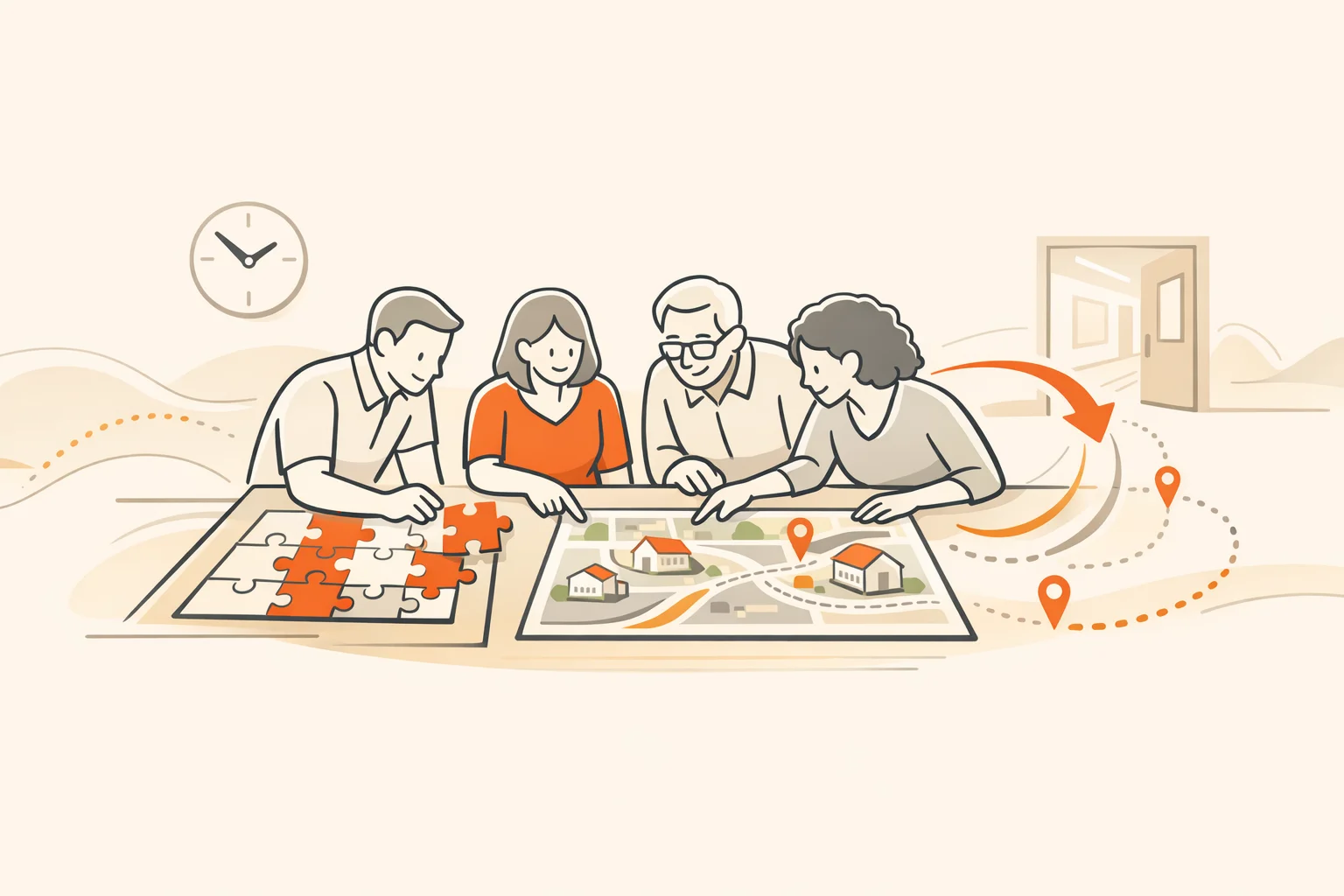
Teachers don’t need more meetings. They need moments that build trust, swap working ideas quickly, and make the day run smoother. The best team building for teachers does exactly that. It feels like practice, not performance. It creates useful artifacts you’ll reuse next week. And it respects how school days actually move.
We’ve run enough orientations, PD days, and department kickoffs to notice a pattern: activities work when they’re short, purposeful, and connected to real teaching. The 20 ideas below do that. Each includes why it works, how to run it, and easy tweaks for remote or hybrid teams.
A reliable pattern: teachers engage when the activity helps them teach tomorrow. That’s not a slogan. Meta-analyses of team building show measurable benefits when activities target role-relevant skills and coordination, not generic “fun.” (journals.sagepub.com)
The same holds in schools. International surveys find teachers who engage in specific collaborative activities more frequently report higher success meeting lesson aims, even after accounting for background factors. Translation: collaboration that touches instruction tends to pay off. (oecd.org)
Two practical anchors matter most:
Nobody quits a game they are winning. Give teachers early, guaranteed wins.
Different activities reinforce different teaching moves. That’s useful when you’re aligning PD with the major types of teaching you practice across the school year:
International research and RAND’s national teacher panels both show collaboration patterns vary widely, but structured collaboration tied to instructional practice is where value shows up. Use that as your north star. (oecd.org)
A short, low-stakes way to open the year or a PD day.
Why it works. Movement wakes up the room and raises the odds people meet someone new. You also surface shared context fast.
How to run it. Post four prompts around a space: “One small win,” “One puzzle,” “One tool I’m trying,” “One wish for students.” Groups rotate, jot quick notes, and initial anything they want a follow-up on. End by starring 1–2 items per poster to carry forward.
Remote tweak. Use four breakout rooms with a shared doc per room.
A tight creative warm-up you can use anytime.
Why it works. Short, playful writing lowers the stakes and gets voices moving. It also mirrors narrative techniques we teach students.
How to run it. In trios, one person starts a sentence. Each person adds one line. End at five minutes, share the best line, and connect it to a classroom move you might try.
Hybrid tweak. Mix in a shared doc for line-by-line writing.
Two teachers shadow the same student at different times, then compare notes.
Why it works. It builds empathy and yields concrete adjustments that improve flow and access.
How to run it. Each teacher shadows for a single period. Meet for 15 minutes to compare patterns and identify one nudge to try this week.
Remote tweak. Review a day’s worth of submitted work and LMS analytics through the lens of one student persona.
Blend familiar protocols into a crisp, energetic cycle.
Why it works. Protocols structure talk so everyone contributes. They also support inquiry-based and collaborative teaching moves.
How to run it. In fours, one teacher brings student work or a lesson. Do 6 minutes of warm/cool feedback, 6 minutes of gallery suggestions, 6 minutes to pick one edit and plan it.
Remote tweak. Use shared slides with timer prompts.
Open a meeting with a tactile puzzle that requires roles.
Why it works. Light challenge plus roles equals automatic collaboration. It’s a safe way to talk about communication norms after.
How to run it. Give each table a small puzzle box or set. Assign roles like reader, builder, checker, reporter. Debrief what helped.
Remote tweak. Use an online logic puzzle and visible roles in the chat.
A classic, with a professional twist.
Why it works. Time pressure and limited materials expose planning vs. improvising tendencies. Debrief connects directly to lesson launch design.
How to run it. Small groups build the tallest freestanding tower that supports a marshmallow. Debrief: what did you try first, when did you test, and what mirrors lesson planning?
Remote tweak. Paper-only prototypes on camera, then a rapid gallery of photos.
Use a short, purpose-built quest to explore new spaces, policies, or tools.
Why it works. Movement plus mission creates energy. Done right, hunts encode real information and build team identity. Evidence on team effectiveness favors clear goals, mutual accountability, and safe risk-taking; a well-designed hunt checks those boxes. (rework.withgoogle.com)
How to run it. Build 6–8 challenges around new procedures, spaces, or routines. Keep it tight and practical.
Remote tweak. Convert to a browser-based quest with photo, video, trivia, and QR tasks.
If you want a flexible scavenger hunt app that runs in a mobile browser or an app with automated scoring, activity feeds, and a live leaderboard, that’s our lane.
Pairs build the same object with only one partner able to see the model.
Why it works. Surfaces clarity, questioning, and feedback habits. You’ll hear your own directions.
How to run it. Place a simple model behind a screen. The “seer” explains while the “builder” works. Swap roles and debrief: what instruction moves translated best?
Remote tweak. The “seer” describes a slide diagram while the partner draws in a blank slide.
A tight observation loop that respects schedules.
Why it works. Frequent, brief visits plus quick feedback spread effective moves fast. National panels continue to find collaboration is common but uneven; cycles like this raise the floor. (doi.org)
How to run it. In pairs, visit for 10–15 minutes during an agreed window, leave one warm/one wondering note, and try one seen move within a week.
Remote tweak. Share short clips and annotate with time-stamped comments.
Like speed dating, but for go-to tools and handouts.
Why it works. Teachers leave with immediately usable resources.
How to run it. Set up tables by theme: formative checks, anchor charts, sentence stems, lab setups. Rotate quickly; the presenter shows the resource and the classroom moment it solves.
Remote tweak. Use a shared folder and two-minute lightning talks.
Tackle one real problem together with structured roles.
Why it works. Keeps attention on students and moves groups from venting to action.
How to run it. One teacher frames a student-learning problem. Roles: facilitator, clarifier, idea-catcher, timekeeper. Generate options, pick one, and set a date to report back.
Remote tweak. Use a template with the problem, evidence, constraints, and first step.
Make hard conversations productive.
Why it works. Structures protect candor and equalize airtime. They also directly support culturally responsive teaching.
How to run it. Use rounds: share a moment when a school routine advantaged or disadvantaged a student. Listen, reflect, propose one adjustment. Assign a small team to test and report back.
Remote tweak. Anonymous prompts collected in advance, then facilitated breakouts.
A classroom-sized escape built from folders and envelopes.
Why it works. Pressure plus play creates collaboration. The reset conversation about roles and misdirections maps cleanly to group work with students.
How to run it. Three puzzles, one red herring, one final word lock. Keep the debrief focused: how did we communicate, and what do we want students to mirror?
Remote tweak. Use a digital lock sequence with shared slides.
Trade bite-sized feedback on unit plans or assessments.
Why it works. Fast, actionable critique delivered by multiple peers beats one long read.
How to run it. Everyone brings one artifact and one question. Set up stations. Rotations leave short, specific comments. End by choosing one edit to try this week.
Remote tweak. Comment directly on shared docs with a two-sentence limit per commenter.
A place-based quest that helps new or returning staff internalize logistics.
Why it works. People remember what they’ve navigated together. It also reduces first-week friction for students.
How to run it. Teams use a simple map and clue set to check in at key spaces, learn a protocol, and complete one quick task at each stop.
Remote tweak. Turn it into a virtual tour with photos and short clips.
Gratitude that isn’t vague.
Why it works. Specific, evidence-based praise reinforces effective moves and builds trust.
How to run it. In pairs, share one appreciation tied to a concrete moment you witnessed. Capture them on a shared slide to revisit at the next meeting.
Remote tweak. Asynchronous appreciations in a dedicated channel with screenshots or artifacts.
A quick human warm-up with a professional twist.
Why it works. You still get the icebreaker lift, but each person also shares one practice that’s working.
How to run it. Two personal truths and one short explanation of a teaching move you rely on. Table guesses which is which, then the presenter drops a one-sentence “how to try it.”
Remote tweak. Poll to guess the “teach.”
Protect the humans who carry the school.
Why it works. Adult social and emotional learning strengthens climate, instruction, and teacher well-being when it’s embedded and ongoing. CASEL’s adult SEL resources outline concrete strategies districts use. (casel.org)
How to run it. Start meetings with a 90-second check-in, a one-breath reset before heavy topics, and an optimistic close.
Remote tweak. Set a 10-minute Friday drop-in for a collective reset.
Make the invisible routines visible and shared.
Why it works. When teams agree on a few consistent moves, students get more instructional time and fewer mixed signals.
How to run it. Pick two hallway, transition, or tech routines to standardize. Co-create the script and the visual. Try it for two weeks, then refine.
Remote tweak. Standardize LMS naming and posting rituals across courses.
Short clips, big payoff.
Why it works. Seeing practice beats describing it. Curated clips build a shared mental model of “what good looks like.”
How to run it. Ask teachers to film a 30–60 second moment that worked. Screen 8–10 clips, annotate with what to borrow Monday, and archive.
Remote tweak. Asynchronous playlist with timestamped comments.
| What you’re running | Best use | Tradeoffs |
|---|---|---|
| Classic icebreakers | Quick energy lift and connection | Short-lived impact if not tied to instruction |
| Collaborative cycles (protocols, studios) | Spread concrete teaching moves | Needs light facilitation to stay focused |
| Scavenger hunts (place-based or virtual) | Onboard staff to spaces, routines, and culture fast | Design matters; avoid trivia that isn’t useful |
If you’re making the case to a leadership team:
Most teams don’t need louder activities. They need small, repeatable structures that make it easier to try something on Tuesday and talk about it on Friday. Start with one activity from this list. Make the teaching move explicit. Capture what worked. Then run it again next month with a different lens.
That’s how team building stops feeling like a detour and starts feeling like how your staff gets better together.