Solutions
Your first hunt, live this afternoon.
Free to start · No download for participants
Explore play classroom games online with standout examples, selection guidance, setup steps, mistakes to avoid, and ideas you can adapt quickly.
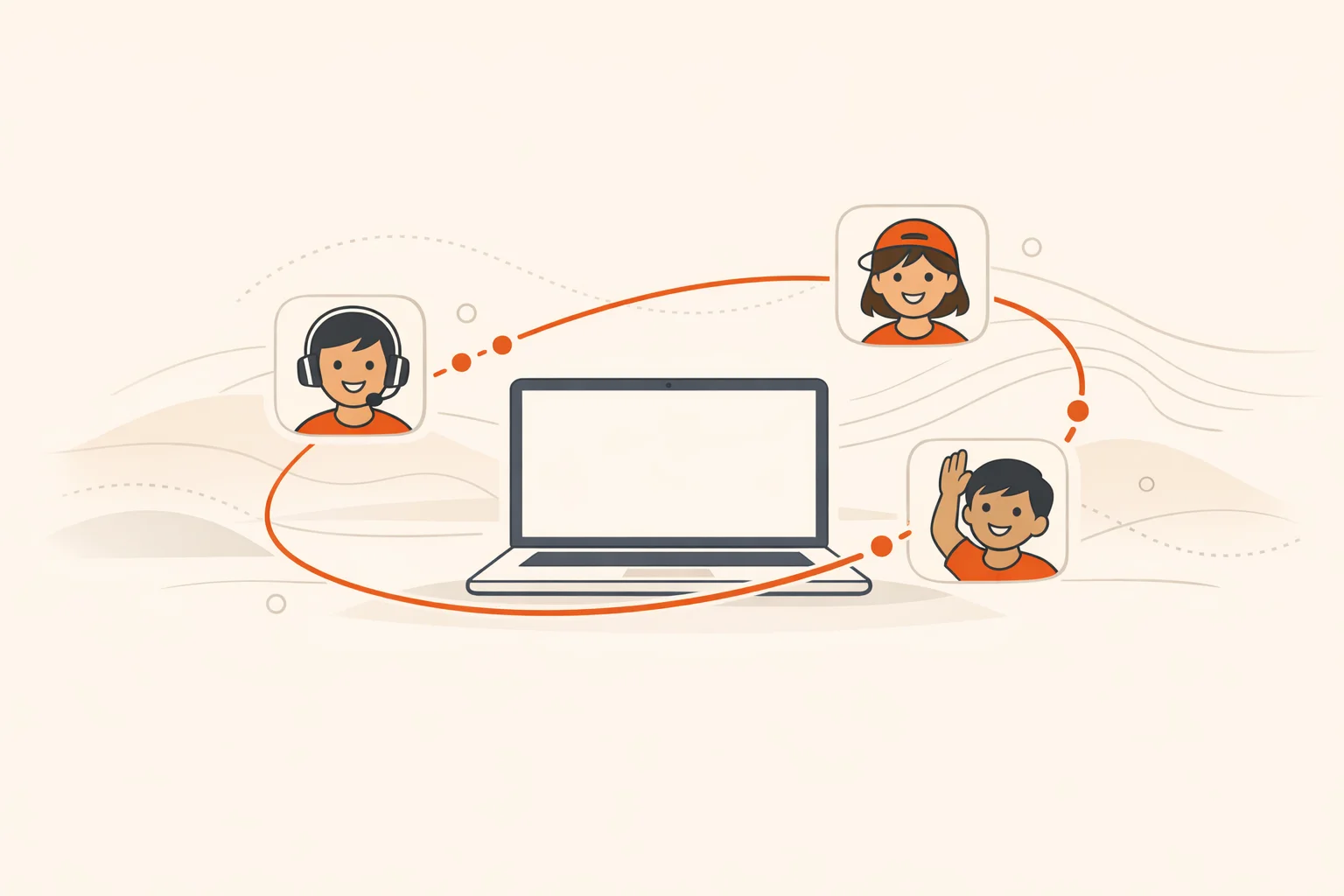
Teachers don’t need more noise; they need games that work. The kind that pull students into the lesson in under five minutes, keep everyone involved, and leave a trace of learning you can see. After running thousands of interactive experiences, a pattern keeps showing up: the best online classroom games are simple, repeatable formats you can dress with today’s content. This guide gives you the 15 that earn their keep.
Online games are more than a perk. They’re a practical way to turn passive listening into active learning. A large body of research on active methods shows consistent gains in understanding and lower failure rates when students do something with the material rather than watch you do it. Pair that with retrieval practice, spacing, and clean multimedia design, and your “game time” becomes review time, formative assessment, and participation engine all at once.
The list below includes set‑ups, teaching moves, and small variations that shift a quiet call into an actual learning session. Use the selection guide first, then grab the run‑of‑show to make any of these plug in fast.
You’ll get further if you match format to job.
Nobody quits a game they’re winning. Your first 60 seconds decide the rest.
Why it works: Timed, low‑friction checks turn attention into action and give you formative data instantly. A literature review across 90+ studies found consistent engagement benefits when teachers used quiz platforms thoughtfully.
How to run it: Build 8–12 items on today’s targets. Alternate question types: recall, application, misconception. Run 2 short rounds, then one final “all‑or‑nothing” question where teams must justify the answer in one sentence.
Tools: Kahoot, Quizizz, Quizalize, or your LMS quiz. For research context, see a literature review of Kahoot across 93 studies.
Variation: Swap speed for depth. Give partial credit for the best explanation posted in chat.
Why it works: Visual explanation exposes thinking quickly and leverages multimedia design principles. Peers learn by comparing drawings and labels.
How to run it: In a whiteboard tool, give a prompt like “Draw and label the nitrogen cycle in 90 seconds.” Students hold up drawings to camera or share boards. Award points for correct structure plus one “clarity” bonus chosen by peers.
Tools: FigJam, Canva Whiteboards, Google Slides.
Variation: Teacher draws with intentional errors; students race to spot and correct them.
Why it works: Sequenced puzzles force teams to connect clues and apply content under light pressure. Students stay because there’s a finish line.
How to run it: Build 3–4 locks in Google Forms or slides. Each lock is a content task: decode a vocabulary cipher, balance an equation, fix a broken procedure. Hints cost points.
Tools: Google Slides + Forms, or your LMS pages.
Variation: Make the final lock a student‑generated question other teams must solve.
Why it works: Students move ideas, not seats. Argumentation becomes a visible, social process.
How to run it: Post 4 prompts on a board (e.g., “Which renewable should our town prioritize?”). Teams rotate every 2 minutes: read, add a claim with evidence, then upvote the clearest point from another team.
Tools: Padlet‑style wall, collaborative slides, or discussion board.
Variation: Close with a speed debate: 30 seconds per side using the highest‑voted evidence.
Why it works: Movement resets attention. Tying items to content creates memorable anchors and light joy.
How to run it: Call rapid prompts tied to the lesson. Students show an item to camera or snap a photo. Points for first accurate find, bonus for the fastest explanation of “why it fits.”
Privacy note: If collecting photos or videos from minors, follow district policy and the FTC’s COPPA guidance.
Optional upgrade: Turn a unit into a week‑long quest using a scavenger hunt app so students can submit photos, videos, and short answers asynchronously with automatic scoring.
Why it works: Inductive reasoning without the hand‑holding. Students practice asking better questions.
How to run it: You or a student hides an everyday object just off camera. Teams ask yes/no content‑tied questions to narrow possibilities. Five questions, then one guess with a rationale linked to vocabulary.
Variation: Replace object with a concept. “I’m thinking of a process we used in unit 2…”
Why it works: Fast cycling through terms builds retrieval strength and exposes partial understanding.
How to run it: Create a stack of 20 terms. Round 1: define. Round 2: use in a sentence tied to today’s topic. Round 3: draw. Students tag a teammate before time runs out.
Tools: Slides, paper cards, or an online spinner.
Variation: Allow a 15‑second “phone a peer” each round.
Why it works: Preference questions lower the barrier to entry. Demanding evidence turns it into reasoning.
How to run it: Pose a dilemma tied to content: “Would you rather invest in wind or solar for our town’s grid?” Students choose a side in chat, then must post one piece of evidence and one tradeoff before earning points.
Variation: Secret switch. Halfway through, assign a few students to argue the other side.
Why it works: Spotting near‑misses forces deeper processing than answering standard questions.
How to run it: Present three statements: two correct, one “almost.” Students vote on the imposter and then explain why the wrong one fails. Award points for the best fix.
Variation: Let students author the next trio based on the day’s notes.
Why it works: Hands‑on manipulation turns abstract variables into something students can feel.
How to run it: Pick an interactive simulation or data set. Give a 4‑minute challenge with a clear target: “Create a constant‑velocity motion graph that matches this story,” or “Balance the charges to light the bulb.”
Tools: Use free, research‑backed PhET Interactive Simulations or a Desmos activity. For classroom orchestration, see Desmos’ activity ideas.
Variation: Screenshot the final state and annotate the key choice that made it work.
Why it works: Role‑play gives students stakes. They see how facts meet policy.
How to run it: Assign roles (council member, business owner, resident). Present a local issue linked to standards. Students research, then play a short policy simulation.
Tools: If you want a structured option, iCivics games are built for single‑period civics experiences; see Teaching with iCivics Games.
Variation: After play, each role writes one new constraint the class didn’t consider.
Why it works: Narrative glues ideas together and makes recall easier later.
How to run it: Show three images or emojis. Team 1 writes two sentences connecting them to today’s concept. Team 2 continues. Keep it moving for four turns, then end with “title the story” using the target vocabulary.
Variation: Add a 10‑word cap per turn to force precision.
Why it works: Mixed‑modality recall blends recognition, production, and classification in one quick loop.
How to run it: Display a 3x3 grid for 20 seconds containing terms, diagrams, and numbers. Hide it. Teams recreate as much as they can and explain one relationship between squares.
Variation: Students design the next grid from their notes.
Why it works: Short labeling tasks hit the sweet spot between recall and application.
How to run it: Share an unlabeled diagram (cell, sentence, map). Students drag labels or type numbers in 90 seconds. Award a bonus for one sentence explaining a tricky label.
Variation: Each team invents a decoy label that other teams must detect.
Why it works: The combination of private thinking, a commitment to an answer, and peer explanation is potent.
How to run it: Post one meaty problem. Students solve silently and submit a quick poll. Pair with someone who chose differently. Each records a 20‑second micro‑explanation; class votes on which explanation clarified the key idea.
Research note: This blends retrieval and explanation, both linked to stronger learning in controlled studies. A helpful overview of retrieval effects is in The Power of Testing Memory.
What makes an online classroom game educational, not just entertaining?
Tie every action to a learning goal and require evidence or explanation for points. If you can strip the content out and the game still “works,” it’s entertainment. Short cycles of attempt, feedback, and retry are the backbone.
How long should a game take during a standard 45–60 minute class?
Directionally, think 8–15 minutes per game format with at least two brief rounds. Keep the first win under a minute to hook participation, then escalate just enough to stretch thinking.
Which platforms are teacher‑proven for quizzes and polls?
Kahoot, Quizizz, and Quizalize are common. A review of 93 Kahoot studies notes consistent engagement gains when teachers align questions to outcomes and balance speed with understanding.
What research backs using games at all?
A meta‑analysis of 225 studies found active methods improved exam scores and reduced failure rates versus lecture. Pair that with retrieval practice research and spacing effects to turn play into durable learning.
How do I keep quieter students engaged?
Offer multiple ways to participate each round: typing, drawing, speaking, reacting, or submitting a short video after class. The UDL Guidelines are a reliable checklist for inclusive options.
What about student photos and names in game platforms?
Collect only what you need for learning, secure it, and delete on schedule. For students under 13, review the FTC’s COPPA guidance and your district’s policy before enabling uploads or public leaderboards.
Where can I find quality simulations and structured activities?
For science and math, use free PhET Interactive Simulations. For math discussion and modeling, explore Desmos classroom activities. For civics, try iCivics.
Finish with this simple rhythm: pick the job, pick the format, promise an early win, and end with one sentence of reflection. Most classes don’t need more flair. They need a fair way to play, a reason to care, and a clean path to show what they know.