Solutions
Your first hunt, live this afternoon.
Free to start · No download for participants
Try 15 online games for employee engagement, with free and hosted options, setup instructions, timing, group-size guidance, and practical facilitation tips.
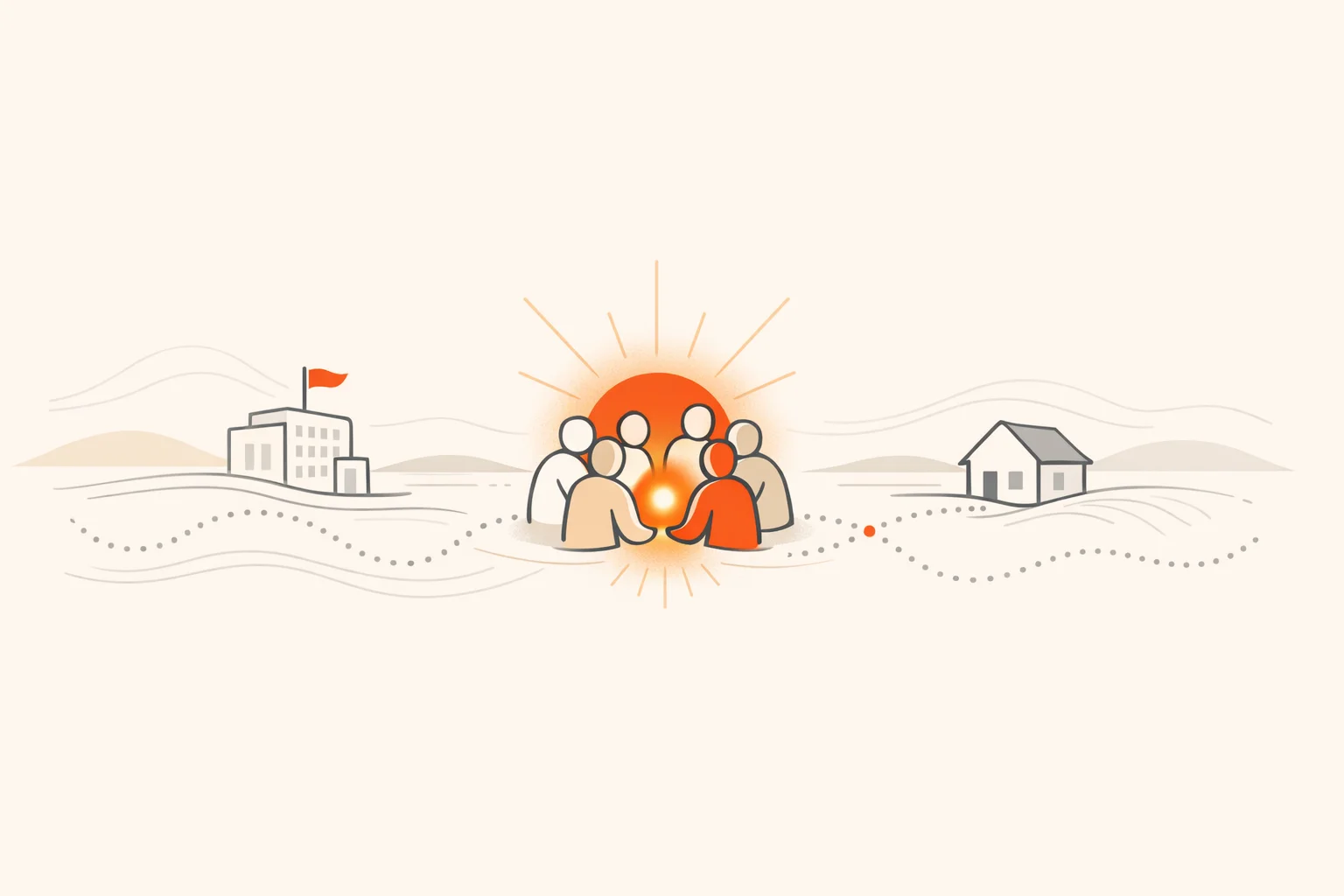
Online games are one of the few engagement moves that reliably light up a Zoom room without forcing fake enthusiasm. Used well, they lower the social friction, get more voices into the mix, and convert passive attendees into active participants. Used poorly, they feel like a mandatory birthday song.
This guide is built from the patterns we keep seeing across orientations, all‑hands, workshops, and distributed teams: what actually gets people to lean in, what burns time, and how to scale without losing energy. You’ll get 15 specific games (free and hosted), quick setup instructions, timing and group‑size guidance, plus facilitation tips that prevent the dreaded “any volunteers?” silence.
Most teams don’t lack meetings; they lack moments where people feel safe to speak and energized to contribute. Games create just enough structure and psychological cover for contribution. That’s the lever. Research on effective teams highlights the role of psychological safety: people participate more when the cost of being wrong is low and the rules of interaction are clear, a pattern echoed in Google’s re:Work guidance on team effectiveness.
There’s also a simple throughput effect: short, structured interactions raise the percentage of attendees who contribute at least once. In turn, contribution reinforces belonging. Gallup’s 2024 data shows engagement and wellbeing move together globally, even as averages stagnate, which is one more reason to be intentional here (Gallup 2024 key insights; press overview).
Nobody quits a game they’re winning. Start with an easy first round.
A flexible, multi‑challenge format that works for energizers, onboarding, or multi‑week engagement programs. Mix photo, video, GPS check‑ins, QR scans, and trivia so different people shine. If you need browser + app flexibility, automation, and scale, this is where it shows.
Best for: Hybrid or remote teams; orientations; company challenges; conference activations.
Why it works: Variety of challenge types spreads the spotlight, live feeds create momentum, and points/leaderboards nudge participation without pressure.
What you need: A modern scavenger hunt app, a short challenge list, and a clear start/finish window.
How to run it: - Set 10–20 mixed challenges that map to your goal (people, place, product, culture). - Kick off with a guaranteed‑win task to earn first points fast. - Use the live feed to highlight creative entries and call teams by name. - Close with a quick debrief and showcase 3–5 favorite submissions.
Time: From a 15‑minute burst to multi‑day programs.
Group size: Scales from small squads to company‑wide with team grouping.
Cost: Self‑serve and hosted options available.
Facilitation tips: - Offer a creativity bonus so quieter contributors have a path to win. - Keep any single task under a few minutes of effort.
A team word game where clue givers guide their side to the right words while avoiding the assassin. The browser version makes setup simple.
Best for: Cross‑functional groups; communication practice; icebreakers with substance.
Why it works: Forces concise communication and shared mental models without feeling like training.
What you need: Video call plus Codenames Online.
How to run it: - Randomize teams and rotate clue givers every round. - Encourage one brief debate, then commit to a guess quickly. - Swap teams between rounds to remix connections.
Time: Roughly 15–30 minutes for a couple of rounds.
Group size: 4–8 active per room; add parallel rooms for more.
Cost: Free browser play.
Facilitation tips: - Set a soft time cap per turn to keep pace. - Remind clue givers to use category bridges, not inside jokes.
A sketch‑and‑guess telephone game that escalates into delightful chaos. Great as a mid‑meeting energy reset.
Best for: Creative icebreakers; mixed seniority groups; camera‑off friendly play.
Why it works: No drawing skill required, and the final “reveal” sequence creates shared laughter.
What you need: Video call plus Gartic Phone.
How to run it: - Start with the Classic mode, then try variations once the room warms up. - Use screen share for final reveals so everyone reacts together. - Save a “best of” screenshot to drop in the wrap‑up email.
Time: 10–25 minutes per session.
Group size: 4–12 per lobby works smoothly.
Cost: Free browser play.
Facilitation tips: - Seed a few work‑friendly prompts in chat to avoid blank starts. - Turn on a soft background playlist to reduce silent‑drawing awkwardness.
Hosted party games (Quiplash, Fibbage, Drawful variants) that people join from phones via a room code. A strong choice for all‑hands social time.
Best for: Company social hours; large groups in a single main room; hybrid events with a central host.
Why it works: Low barrier to entry and a broadcast‑style flow that keeps the focus on shared laughter.
What you need: One host device running a Party Pack from Jackbox Games, screen share, and players on phones at jackbox.tv.
How to run it: - Pick games with audience modes so non‑players still vote. - Pre‑vet a PG‑friendly pack for work settings. - Rotate hosts between rounds to vary the on‑screen energy.
Time: 20–60 minutes.
Group size: Dozens can participate via audience mode; 3–8 active players per round.
Cost: Paid packs; one host purchase serves the group.
Facilitation tips: - Use a scoreboard overlay or simple shout‑outs between rounds to pace the session. - Save screenshots of top answers for internal comms later.
Drop your team into a random Street View location and race to figure out where you are. It’s world trivia meets detective work.
Best for: Global teams; light competition; observational skills.
Why it works: Quick rounds, satisfying reveals, and lots of natural teamwork talk.
What you need: Video call plus GeoGuessr.
How to run it: - Play in teams and designate a “navigator” to lock in guesses. - Agree on a talk‑then‑decide rhythm: 45 seconds of clues, then commit. - Alternate between official maps and custom ones that highlight your regions.
Time: 15–30 minutes for multiple rounds.
Group size: 3–6 per team; scale with parallel games.
Cost: Free and paid plans available.
Facilitation tips: - Encourage non‑obvious clues first (road markings, vegetation, sun angle) before signage. - Celebrate the bold wrong guesses. They’re half the fun.
A live quiz platform with fast feedback and big‑screen excitement. Useful for onboarding knowledge, product refreshers, or just playful trivia.
Best for: Trainings, product knowledge checks, town halls.
Why it works: Rapid cycles of question, answer, reveal keep attention tight.
What you need: Host account and Kahoot! on a shared screen; players join from phones.
How to run it: - Mix easy wins with a few stretch questions. - Insert an image‑based question early to teach the UI. - End with a poll question to gather a quick read on the session.
Time: 10–20 minutes for 10–15 questions.
Group size: Scales well to large groups.
Cost: Free and paid tiers.
Facilitation tips: - Use team mode when bandwidth is limited to reduce device load. - Pair trivia with a tiny prize to amplify focus.
A live host guides your group through a real escape room via video while you direct the actions and crack puzzles together. It’s collaborative by design. A reliable provider is The Escape Game’s Remote Adventures.
Best for: Quarterly team events; cross‑team bonding; milestone celebrations.
Why it works: Built‑in narrative, time pressure, and clear roles keep everyone involved.
What you need: A reputable host, stable video platform (often provided), and calendar holds.
How to run it: - Split into rooms of 6–8 and book simultaneous start times. - Assign quick roles (reader, note‑taker, clue tracker) to create participation lanes. - Schedule a short debrief to share favorite puzzles and strategies.
Time: About an hour for the adventure plus 10–15 minutes to debrief.
Group size: Works from small teams to hundreds via multiple rooms.
Cost: Paid, per‑group or per‑seat.
Facilitation tips: - Ask the host for cognitive‑load breaks every 15–20 minutes. - Record the debrief highlights for internal storytelling.
A platform hosting hundreds of modern board games with built‑in rules and timers, from casual to thinky.
Best for: Recurring game clubs; skills like planning, tradeoffs, and negotiation.
Why it works: Wide selection and automated rules lower the learning curve.
What you need: Accounts on Board Game Arena and a video call.
How to run it: - Start with quick titles (Just One, Coloretto, Can’t Stop) before deeper cuts. - Set table rules for table talk and turn timers. - Use tournament brackets for multi‑week seasons.
Time: 20–60 minutes per session depending on title.
Group size: 3–5 per table; many tables in parallel for larger groups.
Cost: Free with optional premium.
Facilitation tips: - Keep first plays to under 30 minutes so nobody stalls out. - Pair new players with a “rules buddy.”
An asynchronous icebreaker that turns team facts into weekly guess‑who quizzes. Low‑effort, repeatable, and surprisingly connective.
Best for: Distributed teams across time zones; ongoing engagement.
Why it works: Micro‑touches over time build familiarity without calendar pressure.
What you need: A team account at QuizBreaker and a short set of icebreaker questions.
How to run it: - Seed 10–15 icebreakers, then let the system automate weekly rounds. - Share top streaks in a monthly wrap‑up post. - Encourage photo answers when appropriate for richer clues.
Time: Minutes per week.
Group size: Any; scales easily.
Cost: Paid plans with trials available.
Facilitation tips: - Rotate a “spotlight” answer into all‑hands slides. - Keep prompts inclusive and work‑safe by default.
A social deduction game about trust, deception, and observation. Works best when people already know each other a little.
Best for: Bonded teams; casual social hours; end‑of‑quarter wind‑downs.
Why it works: Light chaos creates memorable moments and inside jokes.
What you need: The game on devices plus a voice channel; details at Innersloth.
How to run it: - Keep lobbies small and rounds short. - Enforce a no‑talk rule during tasks; discussion only in meetings. - Rotate roles so new players get a turn as Impostor.
Time: 20–45 minutes.
Group size: 5–10 per lobby.
Cost: Low‑cost game; broad platform support.
Facilitation tips: - Use text chat for quieter players if voice gets rowdy. - Keep one “friendly settings” template to avoid meta‑arguments.
Turn culture, shared interests, or recent wins into a fast game of bingo. It’s low‑stakes and easy to theme for seasons or launches.
Best for: New‑hire cohorts; company kickoff mornings; cross‑team mixers.
Why it works: Simple mechanics and high interaction as people compare squares.
What you need: A generator like Bingo Baker and a video call.
How to run it: - Build a People Bingo card around safe, fun prompts. - Encourage quick pair‑shares to confirm squares. - Offer a small prize for the first line and full card.
Time: 10–20 minutes.
Group size: Any; players work from unique cards.
Cost: Free and paid features.
Facilitation tips: - Seed squares that nudge cross‑team chats: “Has shipped a feature with X team.” - Cap total rounds so it ends on energy, not attrition.
Find the spy who doesn’t know the shared location. Conversation‑first and perfect for practicing targeted questions.
Best for: Communication practice; new teams learning to ask better questions.
Why it works: Forces specific, observable questioning without getting personal.
What you need: Video call plus a lobby on netgames.io.
How to run it: - Post a short list of “good question” examples. - Keep rounds brisk and rotate the spy role often. - Debrief one sharp question each round to model the skill.
Time: 15–30 minutes.
Group size: 5–8 per room.
Cost: Free browser play.
Facilitation tips: - Encourage specificity: “How busy is it at noon?” beats “Do you like it there?” - Remind people to answer in character, not as themselves.
Build custom trivia in multiple formats (grid, list, wheel, tic‑tac, and more). Good for product knowledge or pure fun.
Best for: Training reinforcement; launch education; themed socials.
Why it works: Familiar game shows wrapped around your content.
What you need: A host account at TriviaMaker and a shared screen.
How to run it: - Mix question types to vary cognitive load. - Insert a few gimme questions to keep the scoreboard close. - Add one “explain your answer” round for depth.
Time: 15–30 minutes.
Group size: Works from small teams to large groups.
Cost: Free and paid tiers.
Facilitation tips: - Let teams huddle in breakout rooms between questions to widen participation. - Use image or audio clues to wake up different learners.
Fast, creative recall with a shared letter and categories. The web generator keeps it simple.
Best for: Quick energizers; language‑light groups; cross‑time‑zone drop‑ins.
Why it works: Short rounds, lots of small wins, and laughs over edge‑case answers.
What you need: Video call and the Swellgarfo generator.
How to run it: - Play one practice round to teach scoring. - Encourage unique answers; duplicates cancel out. - Do a lightning final with a tougher letter.
Time: 10–15 minutes.
Group size: 3–8 per room.
Cost: Free browser tool.
Facilitation tips: - Keep categories work‑friendly and inclusive. - Appoint a scorer to avoid rules debates.
A cooperative shouting classic. Each player has controls and instructions that must be called out and executed by teammates. It’s delightful chaos in short bursts.
Best for: Energy spikes; practicing calm communication under pressure.
Why it works: The only way to win is to make each other successful in seconds‑long windows.
What you need: The mobile app (Spaceteam) and a voice channel.
How to run it: - Pair first‑timers with veterans for a quick tutorial run. - Set one norm: repeat and confirm instructions before acting. - Keep sessions brief to end on a laugh.
Time: 10–20 minutes in short flights.
Group size: 2–8 per session.
Cost: Free with optional add‑ons.
Facilitation tips: - Debrief one minute on what made instructions clear. - Use it as a warmup before collaboration‑heavy work.
Pick something browser‑based and phone‑friendly so nobody gets left out by device limitations. Codenames Online, Kahoot!, and Scavify hunts work well across setups.
Keep active groups in the 4–8 range, then scale horizontally with multiple rooms. Bigger than that, the number of turns per person drops and energy follows.
Short formats thrive in 10–20 minutes; hosted experiences often need about an hour. Pad five minutes for setup and a few minutes for a close so wins feel official.
Yes with curation. Favor inclusive prompts, avoid inside jokes, and use PG‑friendly settings in party games. Rotate teams to spread status and keep it friendly.
Choose at least one camera‑optional game per session. Drawing, trivia, and scavenger hunt submissions don’t require faces to be effective.
Set a clear purpose, keep rounds short, and celebrate creativity. Avoid over‑explaining. The tone you model as facilitator sets the bar.
Absolutely. Pair Kahoot! or TriviaMaker with product content, use Scavify to scaffold behavior change through repeated challenges, and debrief for transfer to work.
Alternate quick touchpoints (QuizBreaker, 10‑minute Kahoot!) with a larger hosted experience each quarter. This keeps novelty without burning time.
If you want a flexible, challenge‑based format that scales from a 15‑minute energizer to a global program, Scavify’s approach pairs variety with automation and lets people play in a browser or the app without friction. When engagement needs to be active rather than performative, that mix tends to win.