Virtual corporate events can be excellent or excruciating. The difference isn’t your platform or your swag box. It’s the choices you make about human attention, interaction, and recognition.
Below is a practical playbook built from patterns we see across hundreds of online team experiences, conferences, trainings, and activations. It’s specific, not theatrical. And it works.
At a Glance
- Human first: Shorter segments, visible wins, and real interaction beat long broadcast blocks.
- Interaction ratio: Aim for interaction roughly every 5–8 minutes to reset attention and collect signals.
- Small groups scale: Breakouts multiplied by clear roles trump “open mic” chaos.
- Measure the curve: Watch attendance drop‑off, chat velocity, and challenge completion to tune the next run.
What people actually want from virtual corporate events
Most corporate streams turn into passive TV. People tab over because nothing is expected of them. When events feel human online, it’s usually because four things happen fast:
- Context is clear. Why we’re here, what we’ll do, what success looks like.
- Interaction feels safe. Low‑risk prompts before high‑stakes sharing.
- Recognition is visible. Effort and outcomes get noticed in real time.
- Momentum builds. Frequent, purposeful beats replace long monologues.
A pattern we keep seeing: events with many small acknowledgments outperform those with one big finale. Recognition correlates with better participation and wellbeing, which lines up with the broader employee engagement evidence. See how Gallup links meaningful recognition to stronger wellbeing and engagement. (gallup.com)
Format choices that create connection fast
You don’t need a TV truck. You need a few decisive moves.
- Shorter blocks. Keep segments tight. Long monologues flatten energy.
- Upfront friction‑killers. Clear tech checks and simple access. Skip elaborate registration hoops.
- Camera norms with purpose. Research suggests cameras off can reduce fatigue without harming participation in certain contexts. Offer “camera optional” for focused segments and “cameras on” for small‑group work where facial cues help. See this HBR summary on camera use and fatigue. (hbr.org)
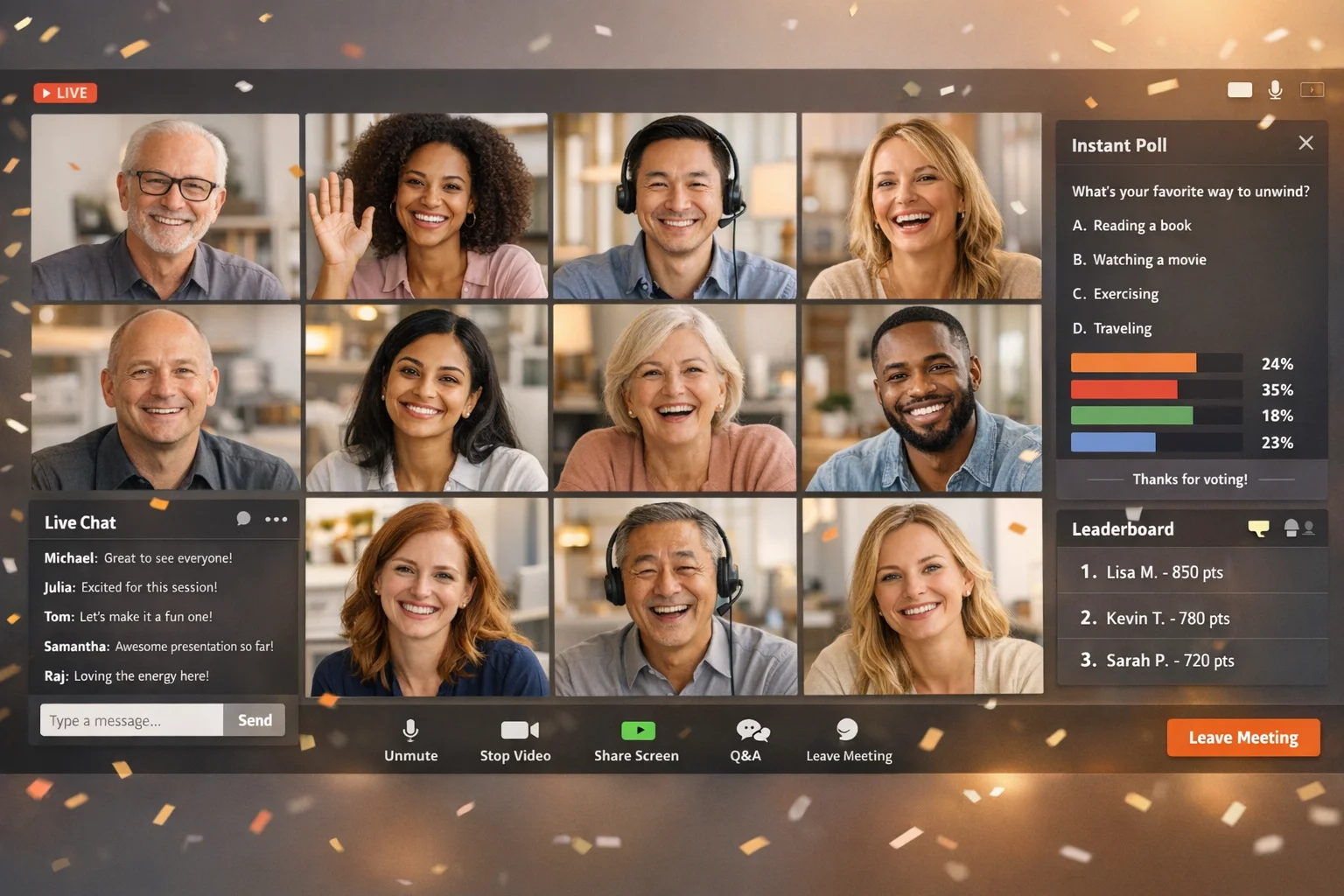
- Micro‑interactions. Polls, quick chats, and emoji bursts give people a low‑effort way to show up.
- Breakouts with structure. Small rooms need prompts, a timebox, and someone to report back.
One more reality check: virtual video creates cognitive load. Reducing nonstop face grids and self‑view lowers fatigue. Stanford’s analysis on nonverbal overload is a useful explainer; design with it in mind. See the Stanford breakdown of “Zoom fatigue” causes and fixes. (news.stanford.edu)
Designing interactivity on purpose
Interaction is not “ask if there are any questions.” It’s an intentional rhythm.
- Open with a win. A 30‑second poll, word cloud, or easy challenge earns attention and lowers the barrier to speak later.
- Sequence from low risk to high. Start with emoji or chat, then small‑group talk, then selective spotlighting.
- Use constraints. Give prompts with time limits or word caps. Constraints create focus.
- Rotate modalities. Text chat, polls, on‑camera moments, collaborative docs, app‑based challenges.
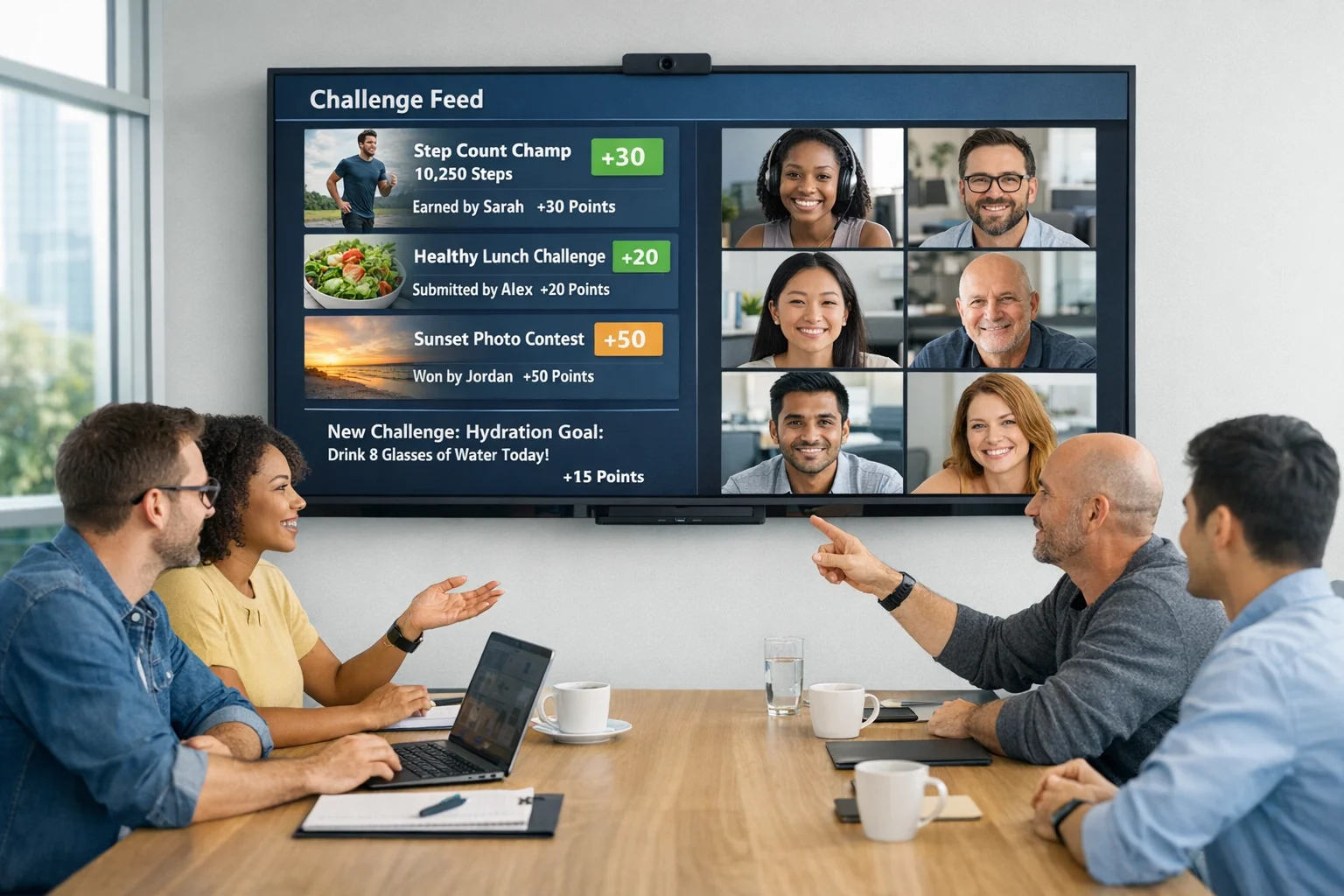
- Bake in recognition. Name top contributors, highlight creative submissions, and show progress bars.
In our experience, what usually shifts the dynamic is when participants see evidence their input moves the event. A leaderboard tick, a live collage of photos, a running donation counter. Proof beats promises.
Agenda blueprints for common goals
Use these as starting points. Adjust length and pacing to fit your audience.
Team building sprint (60–90 minutes)
- Cold open (2–3 minutes): Music + countdown + chat prompt: “Where are you joining from?”
- Host welcome (5): Purpose, how to interact, what to expect.
- Energizer challenge (10): Quick scavenger or photo hunt. Visible leaderboard.
- Small‑group mission (20): Breakouts solve prompts, capture proof via app or shared doc.
- Showcase (15): Hosts spotlight 3–5 clever submissions.
- Recognition sweep (5): Shoutouts, badges, raffle draws.
- Closing nudge (2): What to try back at work, where to find highlights.
All‑hands that isn’t a broadcast (45–75 minutes)
- Segmented updates: Execs share headlines in 3–5 minute blocks, each followed by a poll or Q&A.
- Ask me anything: Pre‑collected questions first to avoid dead air, then live follow‑ups.
- Moment of recognition: Peer‑nominated wins with receipts (photos, clips, screenshots).
- Actionable next steps: Clear follow‑ups, not vague inspiration.
Onboarding or training that sticks (60–120 minutes)
- Orientation path: Short content bursts alternating with applied mini‑challenges.
- Peer map: New hires meet a cross‑functional buddy group in breakouts.
- Scenario practice: Quick role plays or decision trees; capture takeaways in chat for a living “cheat sheet.”
- Progress markers: Show module completions and celebrate milestones.
Customer or community event (60–120 minutes)
- Interactive demo: Participants click, type, or choose paths in real time.
- Co‑creation wall: Crowdsource feature wishes or ideas and vote.
- Proof gallery: Share attendee wins and use cases, not just slides.
- Follow‑through: Keep a light cadence of digital touchpoints that turn a one‑off event into a continuous community, a direction many organizers are prioritizing. See how Bizzabo frames the shift to year‑round digital communities. (bizzabo.com)
Production that supports people, not performance
Overproduced virtual shows feel distant. Underproduced ones feel chaotic. Find the middle.
- Audio first. People forgive imperfect video before they forgive bad sound. Use headsets or decent mics.
- Clean visuals. Minimal slides. Big type. More faces, fewer bullets.
- Run of show. A simple grid with columns for time, owner, tech element, and interaction.
- Producer and host are different jobs. One runs the tech and backstage. The other watches energy and keeps the room human.
- Segment handoffs. Each block ends with a line that points to the next. “Drop your answer in chat, then meet your breakout team.”
- Accessibility at the core. Captions on, readable contrast, describe visuals verbally, plan for keyboard‑only users.
Measuring what matters and improving next time
People think virtual is hard to measure. It’s not. It’s just different.
- Attendance curve: The minute‑by‑minute line tells you if you’re pacing well. Spikes and dips reveal where energy changes.
- Chat velocity: Messages per minute show when participants lean in.
- Poll participation: Response counts reveal clarity and interest.
- Challenge completion: Finished tasks tell you what was doable and what dragged.
- Recognition moments: Track how many people were named, featured, or rewarded.
Tie these signals to your outcomes. If you’re aiming for learning, look at correct responses and scenario decisions. If it’s culture, track recognition spread and peer‑to‑peer shoutouts. For engagement, remember that regular recognition and meaningful feedback align with stronger wellbeing and involvement, a throughline in Gallup’s global engagement research. (gallup.com)
Budgeting smart at three levels
Budgets vary. The priorities don’t.
- Scrappy: Prioritize a great host, a tight run of show, one or two high‑impact interactive elements, and basic prizes that ship digitally.
- Standard: Add a producer, nicer audio kits for speakers, branded visuals, and a structured challenge or two with light automation.
- Premium: Layer in multiple hosts, motion graphics, bespoke challenges, and proactive moderation. Keep the experience crisp, not bloated.
What rarely pays off: pouring spend into swag while skimping on the moments where people actually participate.
Common mistakes and what to do instead
- Mistake: Starting slow with logistics slides.
Do this: Open with a quick win and set norms while energy is high.
- Mistake: “Any questions?” to a silent room.
Do this: Seed 2–3 questions and run a quick poll first.
- Mistake: Breakouts without structure.
Do this: Provide a prompt, a timebox, and a reporter.
- Mistake: One giant prize at the end.
Do this: Many small recognitions throughout.
- Mistake: Expecting cameras on for hours.
Do this: Mix modes; design camera‑on moments where they matter and allow recovery windows. See the camera‑use research summary. (hbr.org)
Quick, high‑yield engagement ideas
Steal these. Adapt fast.
- Lightning poll gauntlet: Three 20‑second polls to surface the room’s stance.
- Emoji barometer: “How ready are you for this topic?” Drop one emoji to answer.
- Two truths and a task: Breakout pairs share two facts, then complete a micro‑challenge together.
- Artifact show‑and‑tell: “Grab something on your desk that explains your role.”
- Caption contest: Flash a funny on‑brand image; best caption wins.
- Speed debate: 60 seconds per side on a playful, relevant prompt.
- Collaborative map: Pin where you’re joining from; share one local food rec.
- Micro‑donation unlocks: Hit a participation threshold to trigger a charitable gift.
- Live build‑along: Everyone produces a simple output simultaneously, then posts a screenshot.
- Win wall: A running slide of real participant wins; add as you go.
Challenge examples for virtual events
- [Photo | 20 pts]: Show your most “you” desk object in one shot.
- [Video | 40 pts]: Recreate a famous movie line using office supplies.
- [Q&A | 30 pts]: Which teammate joined the company most recently?
- [Multiple Choice | 25 pts]: Guess the year our first product shipped.
- [GPS Check‑in | 50 pts]: Snap a pic at the nearest public art piece.
Where scavenger hunts and app‑based challenges fit
Sometimes the fastest path to “human” is to get people doing something together. That’s where structured challenges shine: they turn viewers into participants.
A few places app‑based challenges overperform:
- Team building sprints where you need instant rapport without awkward icebreakers.
- Onboarding when you want new hires exploring people, tools, and culture hands‑on.
- Conferences where you need exhibitors, sessions, and sponsors to feel discoverable and fun.
- Training when practice beats slides.
Scavify shows up naturally here. The platform’s challenge variety, automation, ease of launch, and browser + app flexibility help teams ship interactive moments fast without wrangling five tools. And it scales up or down without turning simple events into a production.
Logistics checklist and timeline that actually works
Work in phases instead of trying to perfect everything at once.
- Define outcome and audience. Be specific about the change you want and who needs to make it.
- Pick your interaction anchors. 2–3 signature moments you will execute with care.
- Draft a lean run of show. Owners, durations, and the interaction for each block.
- Cast the room. Host, producer, moderator, and a recognition spotter.
- Prep speakers. Tech checks, framing, and concise stories over dense slides.
- Build your challenge set. Mix quick wins with a couple of creative lifts.
- Dry run. Practice transitions, fail a poll on purpose, test breakout prompts.
- Event day rhythm. Open with momentum, watch the curve, and adjust on the fly.
- Post‑event actions. Share highlights, recognize contributions, and send one meaningful follow‑through task.
FAQs
What platform should we use for virtual corporate events?
Pick the platform your audience already uses comfortably unless you have a clear reason not to. Production quality matters less than interaction design. Prioritize features for breakouts, polling, and chat moderation.
How long should a virtual corporate event be?
Long enough to achieve your outcome, short enough to keep energy honest. Many teams find 60–90 minutes effective for team events and 45–75 minutes for all‑hands. The more interaction you plan, the longer you can sustain attention.
Should we require cameras on?
Not universally. Use “camera optional” during focused listening and “cameras on” for small‑group work. This aligns with research suggesting camera choice can reduce fatigue without hurting participation. See HBR’s research summary. (hbr.org)
How do we prevent Zoom fatigue?
Design recovery windows, limit self‑view, vary modalities, and avoid long face‑grid marathons. Stanford’s analysis of nonverbal overload offers practical fixes like reducing close‑up faces and mirror video. See Stanford’s breakdown and recommendations. (news.stanford.edu)
What’s the best way to recognize people virtually?
Often and specifically. Use live shoutouts, badges, small prizes, and highlight reels. Frequent, meaningful recognition aligns with higher engagement and wellbeing, a throughline in Gallup’s workplace findings. (gallup.com)
How do we make sponsor segments feel less like ads?
Give sponsors a role in the experience: useful mini‑workshops, expert AMAs, or prizes tied to participant actions. Limit slide dumps and measure on engagement signals, not just impressions.
What metrics should we track besides attendance?
Watch the attendance curve, chat velocity, poll response rates, breakout completion, and how many people received recognition. Use these to tune pacing and content for the next event.
When do virtual scavenger hunts work best?
When you need fast rapport, cross‑functional mixing, or applied learning. They’re especially good for onboarding, all‑hands energizers, and conference discovery because they convert passive watching into concrete action.
Virtual corporate events don’t need to be louder. They need to be more considerate of attention, clearer about interaction, and generous with recognition. Design for those and the “virtual” part stops being a hurdle and starts being an advantage.