Solutions
Your first hunt, live this afternoon.
Free to start · No download for participants
Discover remote-friendly team building ideas that help distributed teams connect, participate, and have fun without awkwardness.
Hybrid teams are here to stay, but a lot of “team building” still assumes everyone’s in the same room. The result is predictable: in‑person folks bond, remote folks watch. This guide fixes that with activities built for presence equity, simple setup, and zero forced fun.
A pattern we keep seeing: teams run an in‑person activity, then bolt on a webcam and hope for the best. The fix is to design for remote first, even when most people are on site. That means a single audio stream, everyone visible in the same canvas, and rituals that give quieter participants guaranteed turns.
Presence equity is the north star. Practical cues help: meet in one shared digital space, rotate facilitation, and script explicit handoffs from in‑room to remote speakers. Microsoft researchers recommend planning hybrid sessions around inclusion from prep to follow‑up, not just the live hour. Their hybrid meetings guide distills this into concrete moves like preparing materials for both environments and balancing synchronous with async collaboration. Microsoft Research hybrid meetings guidance. (microsoft.com)
Finally, agree on norms before you play. Clarify camera expectations, meeting times across time zones, chat vs voice, and how decisions get documented. A lightweight working agreement makes activities smoother and prevents friction from masquerading as “personality clash.” The Atlassian Team Playbook offers a clear, facilitator‑ready format if you want a template. Atlassian Working Agreements Play. (atlassian.com)
Below are activities we’ve run and refined for hybrid groups. Each favors shared artifacts, simple tools, and inclusive pacing. Mix two or three for a punchy 60–90 minutes, or sprinkle one into recurring meetings as a standing ritual.
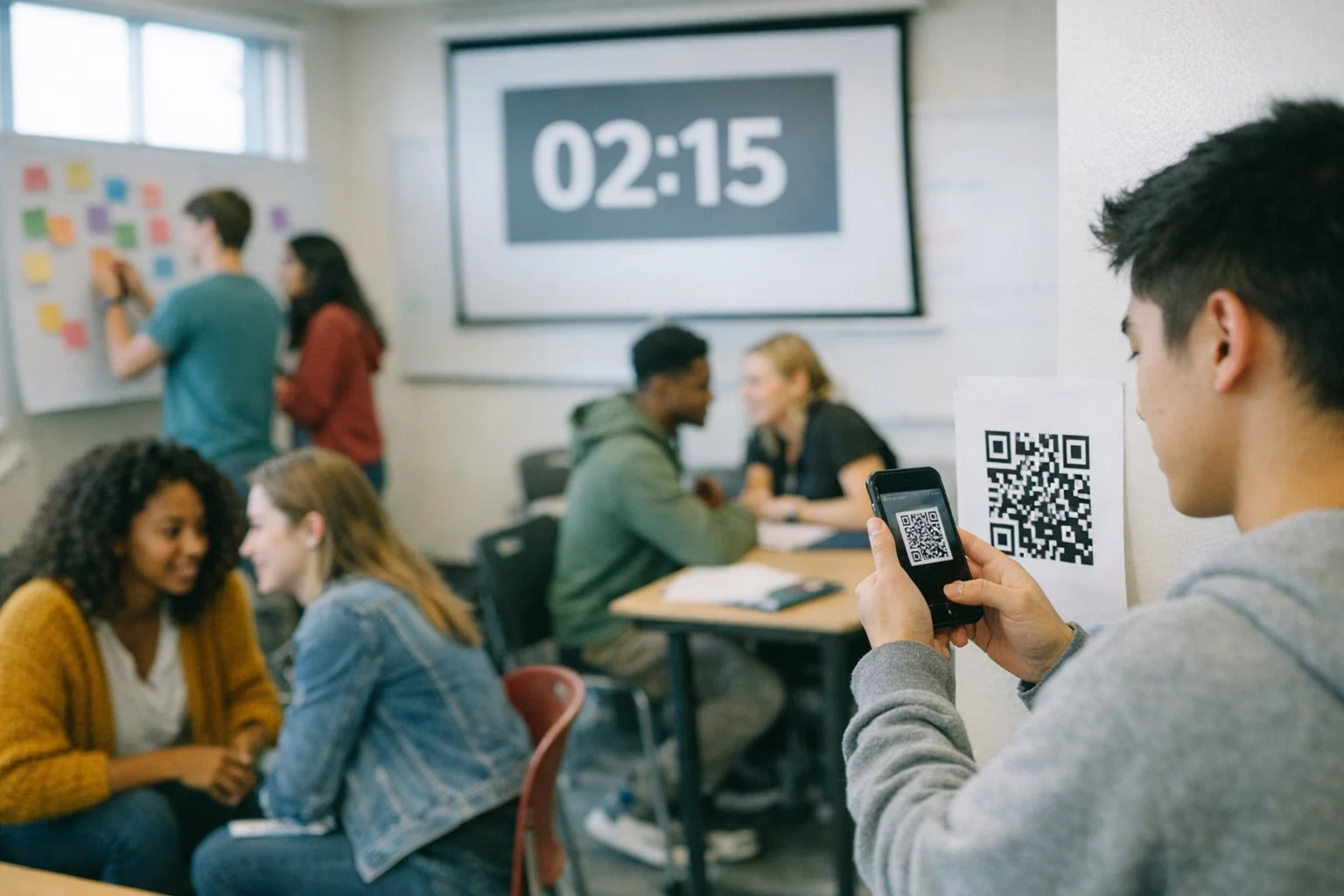
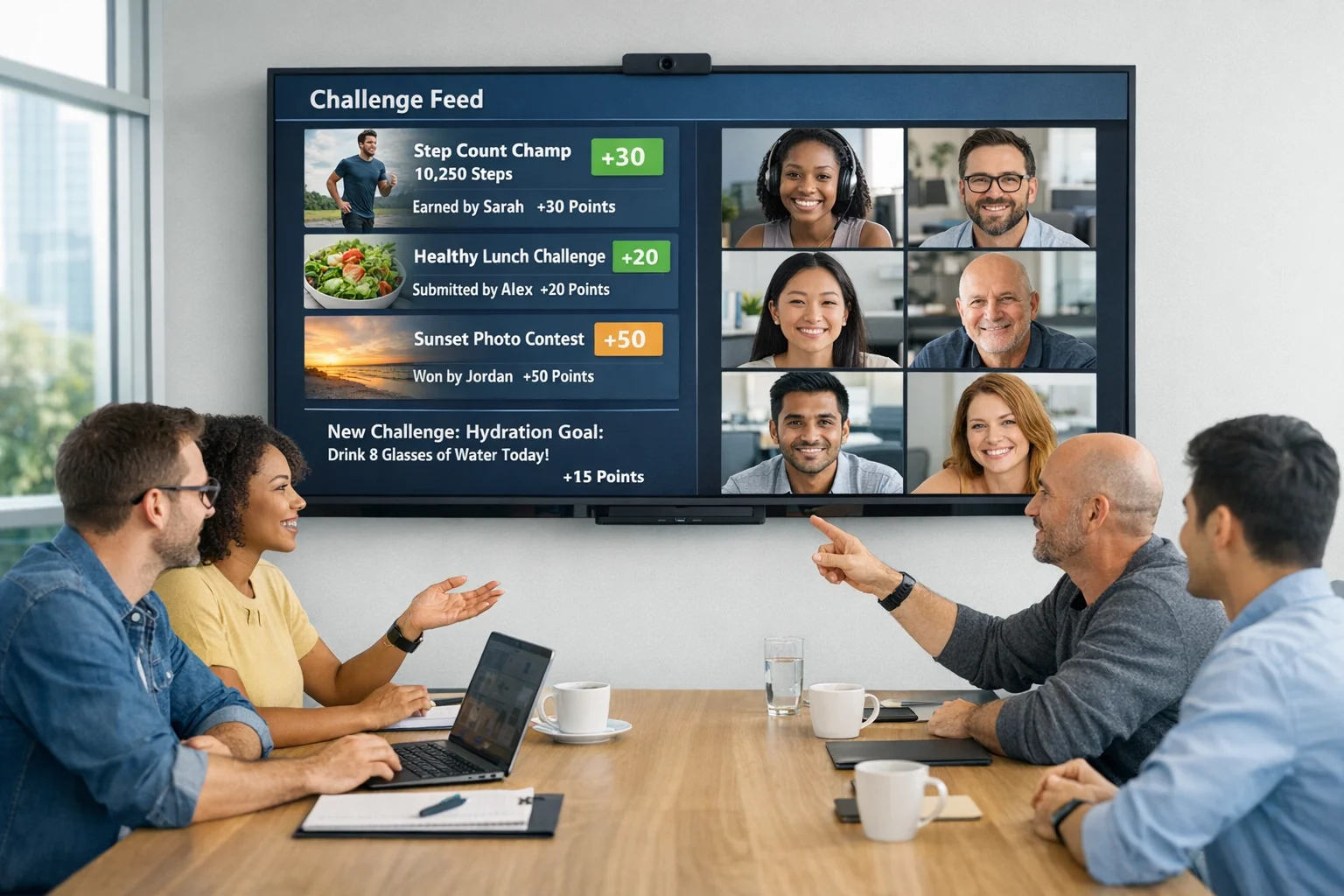
What it is: a fast photo‑driven scavenger challenge where on‑site participants and remote teammates compete and collaborate in the same feed.
How to run: create a set of themed prompts, add time‑boxed rounds, and let people submit from phones or browsers. Use live leaderboards to keep energy tight, not frantic. Debrief by spotlighting creative entries.
Make it inclusive: enforce one stream of judging and chat so remote creativity lands with the same weight as in‑room theatrics. Use accessibility‑friendly prompts and allow alt text on submissions.
If you use Scavify, the automation handles scoring, submissions, and photo feeds across app and browser. That frees you to notice participation patterns and nudge quieter folks at the right moments.
Sample prompts you can paste directly:
What it is: a twist on the classic. Each person shares two true facts and one “stretch” that would be true with a small change.
How to run: small groups guess the stretch, then discuss the change that would make it true. It sparks goals without veering into forced vulnerability.
Make it inclusive: run it in breakout rooms sized so remote folks aren’t outnumbered. Use chat to collect guesses so remote and in‑room voices hit at once.
What it is: people introduce a quirky object from their current environment and tell a 60‑second story.
How to run: set a tight timer and rotate quickly. Optional theme like “objects with secret histories.”
Make it inclusive: display every speaker as a tile in the same grid. If you’re in a conference room, each person still joins on their own laptop with mic muted.
What it is: a live map of hometowns, favorite places, or current locations that becomes a lightweight team artifact.
How to run: use a shared whiteboard or map tool. Give everyone two pins with short captions. Rapid tour the highlights.
Make it inclusive: pre‑seed the map so early speakers model brief captions. Offer a text‑only option for folks who prefer writing to talking.
What it is: micro‑groups create a five‑image story from whatever’s around them, then present in 90 seconds.
How to run: assign story prompts, set a timer, and share via a common board. Vote on clever use of constraints.
Make it inclusive: on‑site groups split into corners and still upload through the same digital board, not by pointing a camera at a table.
What it is: people share a go‑to snack, mocktail, or coffee ritual, then post a photo of their version later that week.
How to run: keep the live portion brief, then collect follow‑ups asynchronously in your team channel.
Make it inclusive: provide non‑alcoholic and allergy‑safe ideas. Encourage substitutions and celebrate improvisation.
What it is: each person brings a rough 10 percent idea they’re noodling on. The team adds one improvement or connection.
How to run: timebox to a few minutes per person. Capture notes in a single doc so contributors see their fingerprints later.
Make it inclusive: rotate who goes first. Use a facilitator to call on remote participants before opening group discussion.
What it is: 2–3 minute talks on a personal topic people enjoy teaching others: coffee methods, football chants, regional slang.
How to run: build a quick sign‑up. Keep the tempo brisk. Record short clips for future onboarding.
Make it inclusive: auto‑caption the session and share materials in advance for those who prefer prep.
What it is: codify how your hybrid team communicates, meets, and decides. It is not paperwork. It is friction removal.
How to run: identify 3–5 hotspots like response times, meeting norms, or decision logs. Draft options, pick defaults, and schedule a revisit. For a ready‑made format, pull from the Working Agreements Play. Atlassian Working Agreements Play. (atlassian.com)
Make it inclusive: capture agreements where everyone can see them. Annotate who to ask when exceptions are fine.
What it is: a short cooperative puzzle path with clues split between digital artifacts and simple physical props.
How to run: ship a small envelope to remote folks and set up a shared drive for digital clues. Groups solve in parallel and post a final code phrase.
Make it inclusive: ensure no puzzle requires being physically co‑located to progress. Every clue should be solvable from either side with information exchange.
What it is: build a team playlist around prompts like “track 1 of your 2026 summer” or “song you code to.”
How to run: collect tracks with one‑line context. Play snippets while people guess whose pick it is.
Make it inclusive: share the playlist link so remote audio quality matches the room. Caption the track names in chat.
What it is: a fast pass where each person thanks someone specific for a recent, observable action.
How to run: set a strict cap of one sentence per recognition. Capture them in a running doc.
Make it inclusive: go clockwise through the participant list in your meeting tool, not “popcorn style” that favors the room.
What it is: a focused window where everyone contributes to a cause from wherever they are: transcribing archives, writing cards, or micro‑mentoring.
How to run: pick one or two options and give clear links and time. Debrief with quick reflections and next steps.
Make it inclusive: provide choices that work across time zones and bandwidth. Skip anything that depends on a local partner only some can access.
What it is: pairs go for a short walk while on a call or move around the office if weather is uncooperative. Prompts keep it light.
How to run: pair people randomly and post three conversation starters. Regroup for a quick share.
Make it inclusive: suggest indoor movement or stretching for those who cannot or prefer not to walk outside.
Pick for energy and purpose, not novelty. If your goal is connection across offices, choose formats that mix locations by design rather than pitting sites against each other. If you need momentum on real work, use rituals that produce artifacts you will reuse.
A quick filter we trust:
Hybrids fail when access is assumed. Bake in basics: share materials in advance, enable live captions, describe visuals out loud, and check color contrast on shared boards. Harvard’s accessibility guidance for hybrid events is a practical checklist teams can adapt. It covers advance materials, captioning, interpreter access, and camera framing that supports lip reading. Harvard accessibility guidance for hybrid events. (accessibility.harvard.edu)
Equity is also cultural. SHRM’s guidance on inclusive hybrid habits puts special focus on running meetings that include both in‑room and remote participants intentionally, then continuing the conversation in the team’s chosen channel after the meeting. That tiny handoff keeps remote contributors inside the decision loop. SHRM guidance on inclusive hybrid practices. (shrm.org)
In our experience, these moves consistently flip passive attendance into active participation.
A real hybrid activity gives remote and in‑room people the same path to contribute: a shared canvas, equal speaking turns, and outcomes captured where both can see them. Anything that relies on proximity for progress turns remote teammates into spectators.
Short blocks win. A tight 30–60 minutes with two or three focused activities keeps attention high and minimizes the tech tax. Longer events can work if you build in natural breaks and switch modalities.
Use a single audio stream, require everyone to interact through the same digital tool, and rotate facilitation between locations. Prep materials in advance and close the loop with a written recap so decisions are visible to all. Microsoft researchers emphasize balancing live time with asynchronous follow‑ups to keep inclusion intact. Microsoft Research hybrid meetings guidance. (microsoft.com)
Stable room audio, a camera that frames faces instead of a ceiling, and a large screen showing remote tiles. Keep laptops in the room muted and on camera so everyone is equally visible in the grid. Favor browser‑based tools to cut friction.
Rotate inconvenient times, record when appropriate, and prefer asynchronous contributions for activities like playlists, recipe swaps, or photo hunts. Post prompts early and keep windows open long enough for each zone to participate.
Yes. Use an app or browser that unifies submissions, scoring, and chat. Design prompts that anyone can do from anywhere, then spotlight a mix of entries during the recap. Tools like Scavify exist to do exactly this without spreadsheets or manual tallying.
Share instructions in writing, enable captions, and invite alternative ways to participate such as text responses instead of speaking. Harvard’s accessibility checklist for hybrid events is a solid baseline to adapt. Harvard accessibility guidance for hybrid events. (accessibility.harvard.edu)
If you want a low‑lift way to try this, a hybrid photo hunt is a reliable first win. Scavify’s challenge variety, automation, and app plus browser flexibility make it simple to launch for 10 or 1,000 without treating remote teammates like an afterthought. When participation is this easy, people actually show up.