Solutions
Your first hunt, live this afternoon.
Free to start · No download for participants
Compare the best mobile apps for conferences by features, setup, audience fit, reporting, and use case. Find the strongest fit for your audience and goals.
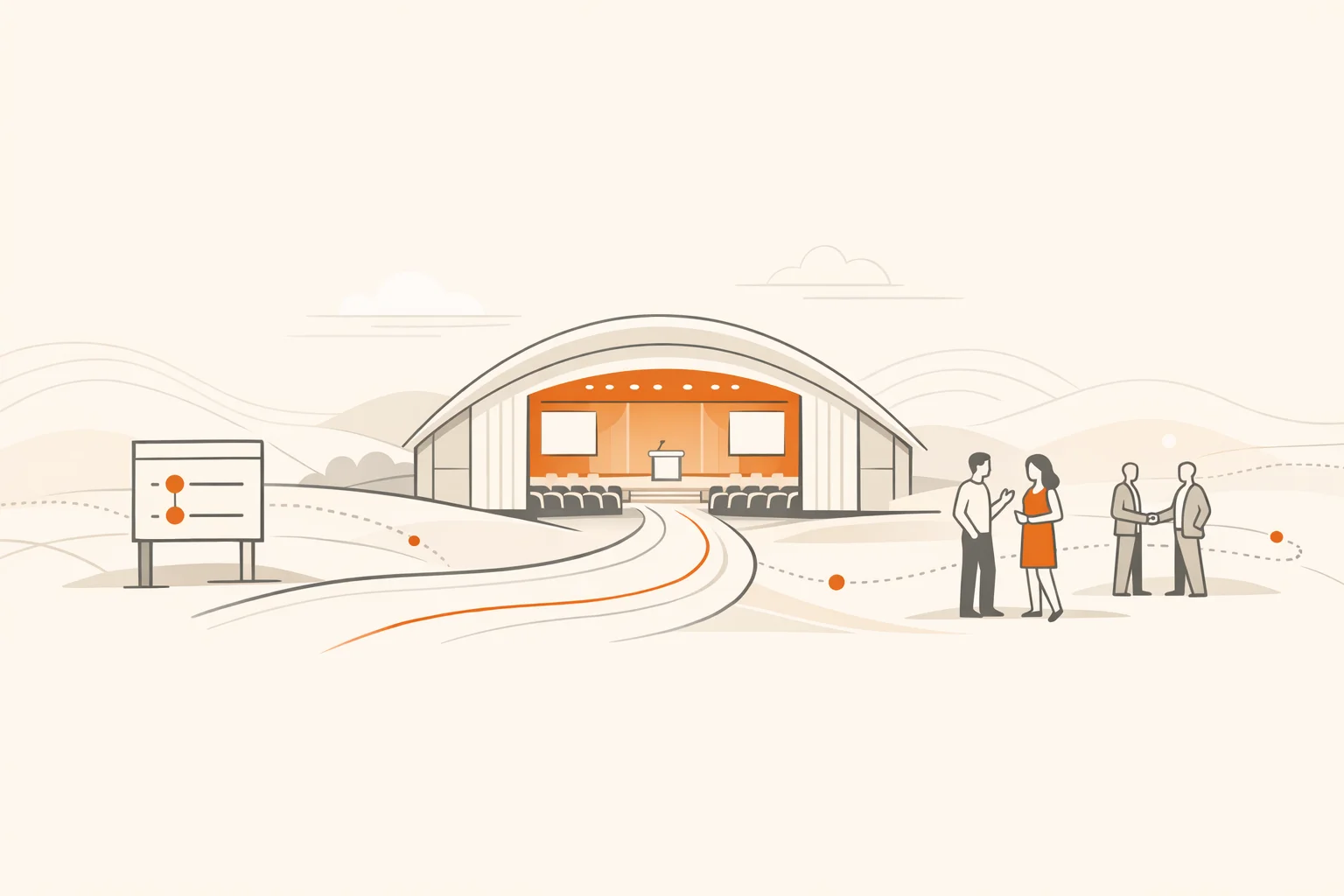
Conference apps have matured. The best ones cut through noise, move people to the right rooms on time, help them meet the right people, and give organizers real data they can use. The worst feel like a glossy schedule that nobody opens twice. After hundreds of events, a pattern keeps showing up: the right app for your conference depends less on brand and more on fit for your format, culture, and goals.
This guide compares ten leading mobile apps for conferences as of 2026. We focus on attendee experience, setup reality, networking depth, sponsor value, onsite operations, analytics, and where each platform quietly excels. Use this to narrow fast, then validate with a short pilot or sandbox build.
Most teams overbuy functionality and underplan adoption. What usually shifts the dynamic is simple: fast access to the right information, clear prompts for action, and frictionless ways to meet people. Industry coverage keeps pointing in the same direction: AI is useful when it personalizes journeys and removes steps for attendees, not when it adds menus. That theme runs through recent summaries from Skift Meetings and analysis on how AI can personalize networking and decision-making from PCMA.
Nobody quits a game they feel they are winning. Design your first app touch to be a guaranteed win.
Who it’s for: Large multi-track conferences that want registration, mobile app, and onsite ops under one roof.
Where it shines: Enterprise-grade workflows, badge printing, session scanning, and increasingly rich attendee tools in the mobile app. Cvent’s latest releases continue to add in-app assistance and travel details inside the Attendee Hub app, a signal that the product is closing loops attendees actually feel (release notes).
Watch‑outs: Governance can slow configuration. Expect to invest in content ops and templates to move fast.
Notable features: Robust announcements, in-app guides, and expanding travel tabs inside the app for a single source of truth (Cvent).
Who it’s for: Programs that prize a polished attendee app with strong maps, announcements, and networking toggles.
Where it shines: Clear agenda UX, strong push notifications, and feature-level controls to tune networking for your culture. Documentation remains best-in-class, which shortens implementation and training (features overview, intro guide).
Watch‑outs: Registration, streaming, and advanced studio pieces exist but may be more than some conferences need.
Notable features: Attendee networking modules you can enable or restrict, with announcements that deep-link to tasks (Webex Events KB).
Who it’s for: Associations and mid-size events that want a familiar, all-in-one app attendees recognize.
Where it shines: Solid agenda and notifications, approachable networking, and popular gamification modules like photo contests and passport challenges (Whova event app features).
Watch‑outs: Match your use of contests and boards to your culture. Overuse can feel like noise.
Notable features: Business card scanning, community boards, and in-app messaging tied to profiles (Whova).
Who it’s for: Organizers who want broad customization, hybrid support, and a flexible CMS.
Where it shines: Custom branding, live polling, Q&A, and gamification inside a unified suite. Good balance for teams that need control without heavy lift (mobile app, hybrid platform).
Watch‑outs: Set guardrails on customization. Give content owners patterns so the app stays consistent.
Notable features: Personalized agendas, targeted push notifications, and a clear CMS workflow for non-technical staff (EventMobi CMS).
Who it’s for: Events with high-value networking and exhibitors who expect measurable meetings.
Where it shines: AI-guided discovery, meeting scheduling, and a growing in-app assistant to answer questions and route users. The new “Sherlock” helper hints at where event apps are going in 2026: useful, conversational guidance (mobile app, Sherlock).
Watch‑outs: Quality of suggestions depends on clean profiles and clear categories. Plan your data model first.
Notable features: Lead capture for exhibitors, discussion spaces, and in-app registration for simpler programs (Swapcard features).
Who it’s for: Teams that value speed to launch, clean design, and a straightforward admin experience.
Where it shines: Simple builds, strong schedule UX, and engagement add-ons like leaderboards and polls that are easy to turn on (Guidebook support).
Watch‑outs: Keep scopes simple. Guidebook can do a lot, but the magic is in focused use.
Notable features: AI-assisted schedule import and refreshed app UI aimed at faster setup and better adoption (feature updates).
Who it’s for: Deal-making conferences where one-to-one meetings drive the value of the ticket.
Where it shines: Strong matchmaking, structured meeting slots, and clear analytics on meetings held. Organizer controls for networking rules are practical and specific (event app, networking settings).
Watch‑outs: You need time-boxed meeting windows and a layout that makes those meetings easy to find.
Notable features: AI-powered matches, group meetings, and meeting ratings to understand quality, not just quantity (Brella help).
Who it’s for: Marketing-led programs that want an event OS with emphasis on community and pipeline.
Where it shines: Mature suite, sponsor tooling, and a steady drumbeat of research on what drives networking. Their 2025 outlook captured a useful truth: in-person connections matter more than ever, but formats need a rethink to deliver them (Bizzabo networking analysis).
Watch‑outs: Plan your activation formats. The tech is only as good as the time and prompts you protect.
Notable features: Integrated mobile experience with session tools, community spaces, and sponsor placements.
Who it’s for: Flagship, high-stakes conferences that demand bespoke experiences and white-glove support.
Where it shines: Enterprise build quality, custom first screens, and a seasoned delivery team for complex programs (Eventbase).
Watch‑outs: Budget and timelines need to match ambition. Use when premium differentiation is the point.
Notable features: Deep branding, tailored navigation, and advanced map and content modules for large venues.
Who it’s for: Conferences that want to turn passive breaks into active discovery, sponsor quests, and friendly competition without creating extra work for staff.
Where it shines: It adds an engagement layer attendees actually touch. Photo, video, QR, GPS, and trivia challenges create motion across the venue, push people to sponsors, and generate measurable behaviors you can report. If you are already using a conference suite, Scavify sits alongside it and handles the activation piece. If you are starting from scratch, it can carry an entire “discovery game” for your event. It is also a scavenger hunt app teams trust for team building, onboarding, tourism activations, and, yes, conferences.
Watch‑outs: Define win conditions and prize paths early so participation feels meaningful, not novelty.
Notable features: Challenge variety, automation, easy launch, browser or app play, and scale flexibility.
| Need | Conference suite | Engagement layer (Scavify) |
|---|---|---|
| Registration, tickets, badges, ops | All-in-one workflow | Not the core job |
| Live agenda, maps, notifications | Built-in | Complements the suite |
| Networking and meetings | Solid, varies by platform | Drives encounters through missions |
| Sponsor lead capture | Native forms and scanners | Traffic and actions at booths |
| Hands-on attendee participation | Limited interactivity | Photo, video, QR, GPS, trivia |
| Behavior analytics | Session and click data | Action-level data from challenges |
If your event has more than one track, sponsors, or networking goals, yes. The utility bar is higher now, but modern apps centralize information, reduce staff load, and, when configured well, improve meetings and sponsor ROI. Skift and PCMA both point to AI’s emerging role in making these experiences simpler, not louder (Skift, PCMA).
Cvent Attendee Hub and Webex Events consistently handle multi-track agendas, scanning, and badge workflows at scale. Both have current documentation and frequent releases, which matters for teams with compliance and training needs (Cvent, Webex Events).
Brella and Swapcard are built for meetings. Their matching and scheduler flows are strong, but they still need well-defined time blocks and spaces. Done right, they can outproduce general suites for deal-making programs (Brella, Swapcard).
Give attendees one immediate win, then use targeted pushes to pull them into the next useful action. Guidebook’s engagement modules and Whova’s contests can help, but the program design is the real driver (Guidebook, Whova).
Yes. Many teams run a suite for agenda and ops, plus Scavify for hands-on participation that moves people through the venue and toward sponsors. It is a clean division of labor that often lifts both networking and sponsor results.
Sandbox your top two. Build a mini-agenda, push two announcements, set up one sponsor flow, and script one networking block. Put five real attendees through it and watch what they tap without prompting.
The leading platforms publish accessibility and privacy documentation and allow fine-grained controls on networking and data capture. Validate your specific needs during procurement and keep your consent language plain.
Collecting everything and planning to “analyze after.” Decide upfront which decisions the data will drive and build the dashboards now. Bizzabo’s research on networking trends underscores that structure beats volume every time (Bizzabo).
In the end, the best mobile app for your conference in 2026 is the one your audience will actually use because it helps them do one thing immediately. Start there. Then add the layers your goals require. That is how you move from a glossy schedule to an event that feels alive.