Solutions
Your first hunt, live this afternoon.
Free to start · No download for participants
Discover remote-friendly team building ideas that help distributed teams connect, participate, and have fun without awkwardness.
Remote team building shouldn’t feel like a mandatory talent show. When it works, it looks like real collaboration with a little extra spark: short, purposeful, lightly competitive, and kind to time zones. The following ideas come from running hundreds of distributed experiences where people actually participate because they want to.
A pattern we keep seeing: when activities mirror how the team already collaborates, participation jumps. If your team lives in docs and chat, a 12-minute, camera-optional ritual beats an hour of forced fun every time.
Asynchronous habits free up live sessions for actual connection. Teams that document work, move status to async, and keep meetings for human moments see better energy in the room. GitLab’s all-remote playbook is blunt about it: push more to async so you can spend synchronous time bonding. (handbook.gitlab.com)
And yes, fun matters. But durable engagement comes from recognition and progress, not novelty alone. Gallup’s multi-year research with Workhuman links consistent recognition with higher engagement and lower burnout, which is exactly what distributed teams need. (gallup.com)
Below are field-tested activities organized for minimal prep, clear outcomes, and zero awkwardness. Each includes why it works and a quick run pattern.
1) Two Wins & a Hurdle
Why it works: Real context, quick momentum, natural peer help.
How to run: Everyone drops two small wins and one hurdle in chat; group rapid-fires suggestions for the hurdles.
Time: 10–12 minutes.
2) Snapshot Show & Tell
Why it works: Humanizes without oversharing.
How to run: Prompt: “Show one object on your desk with a story.” Camera-optional; photos in chat welcome.
Time: 7–10 minutes.
3) 5-Minute Sketch-Off
Why it works: Light creativity, fast laughs.
How to run: Use a whiteboard tool; prompt a silly brief (e.g., “Design our mascot’s coffee mug”). Vote with emojis.
Time: 6–8 minutes.
4) Tool Tip Swap
Why it works: Tangible value the same day.
How to run: Three volunteers demo a 90-second tip each; links in doc.
Time: 8–12 minutes.
5) Emoji Standup
Why it works: Quick read of team mood.
How to run: Everyone posts 3 emojis for status/mood/blocker; facilitator pulls one thread to discuss.
Time: 5 minutes.
6) Guess the Desk
Why it works: Personal without prying.
How to run: Team submits cropped workspace photos; group guesses the owner.
Time: 10–15 minutes.
7) Micro-Learning Lightning Talks
Why it works: Builds expertise and confidence.
How to run: Two people give 3-minute demos on something they actually use. Q&A in chat only.
Time: 10–12 minutes.
8) Silent Brainwriting (Async)
Why it works: Inclusive ideation that beats loudest-voice wins.
How to run: Create a doc with a clear question. Everyone adds ideas silently for 10 minutes, then clusters and votes.
Time: 15 minutes async + 10 minutes live.
9) Walk & Talk 1:1s
Why it works: Movement changes tone; easier rapport.
How to run: Pair people for audio-only walks with 3 prompts. Rotate monthly.
Time: 20–25 minutes.
10) Mini Debate Club
Why it works: Friendly disagreement sharpens thinking.
How to run: Fun topics or low-stakes work debates. 2 minutes prep, 3 minutes each side, 1-minute rebuttals, emoji vote.
Time: 12–15 minutes.
11) Team Playlist Build
Why it works: Low-effort culture artifact.
How to run: Theme of the month (e.g., “deep focus”). People add one song with a 10-word note. Share link.
Time: 5 minutes live; async ongoing.
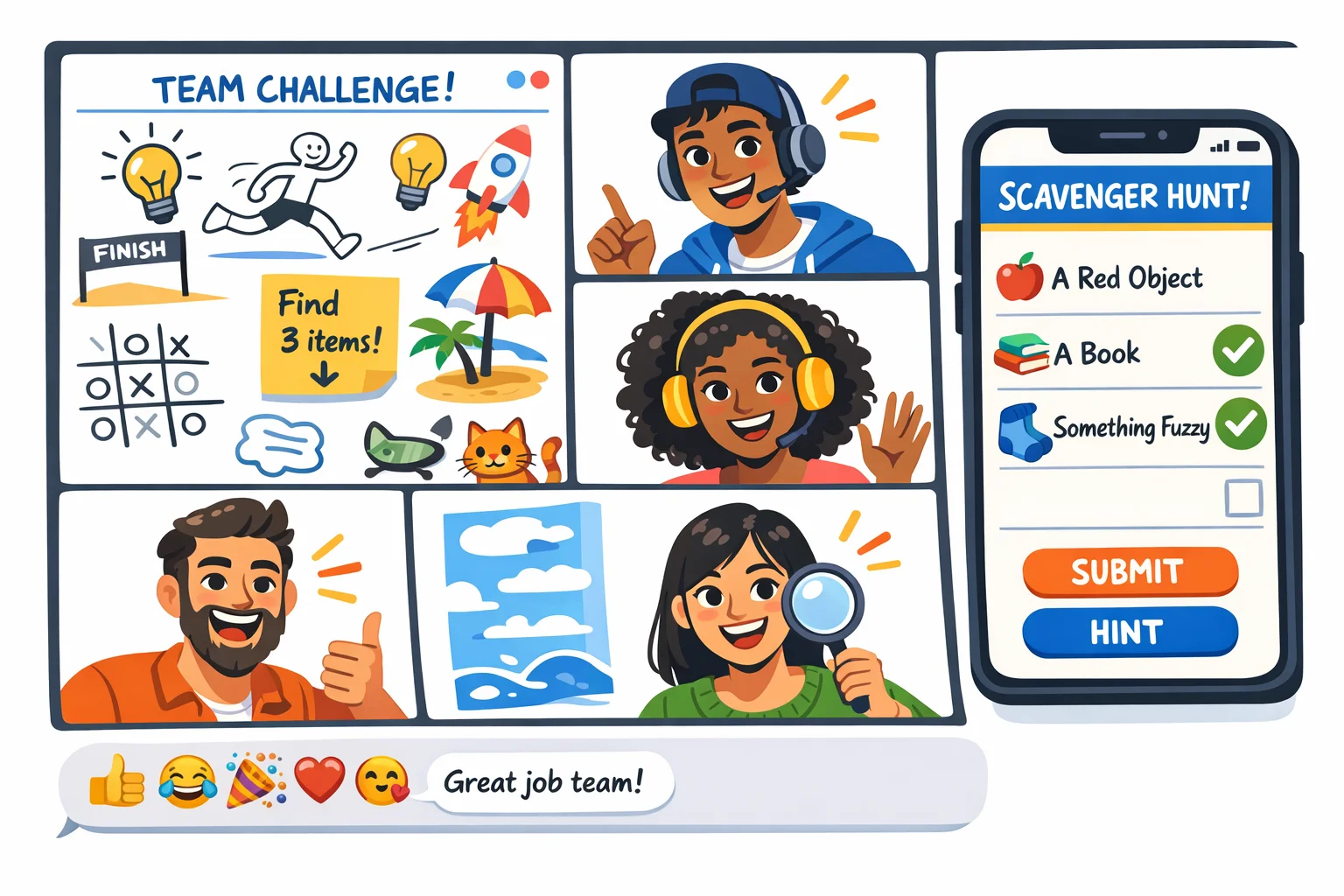
12) Remote Micro-Scavenger Hunt
Why it works: Fast pattern-breaker that gets people moving.
How to run: Use a browser-friendly/app option like Scavify for a 15–20 minute hunt. Mix photo, Q&A, and QR challenges that reference real team lore.
Time: 15–20 minutes.
Challenge examples:
13) “Unblock Me” Office Hours Game
Why it works: Makes help-seeking social.
How to run: People bring one sticky problem. The group has 5 minutes to propose solutions. Keep score for “Most Useful Nudge.”
Time: 15–20 minutes.
14) Caption This
Why it works: Quick humor without effort.
How to run: Share one odd image. Everyone submits captions in chat; top three read aloud.
Time: 6–8 minutes.
15) Mystery Guest
Why it works: Cross-team connection minus the calendar chaos.
How to run: Invite a partner team member. 5 rapid-fire questions, 5 minutes of AMA.
Time: 12–15 minutes.
16) Pixel Portraits
Why it works: Shared imperfection is funny and bonding.
How to run: Everyone draws a teammate in a simple paint tool. Reveal gallery, quick applause.
Time: 10–12 minutes.
17) Co-Working Focus Sprint
Why it works: Creates momentum and a small win together.
How to run: 2-minute goal share, 15-minute silent work, 3-minute show-and-tell. Cameras optional.
Time: 20 minutes.
18) Playtest Hour
Why it works: Real feedback wrapped in play.
How to run: Try a new feature or workflow. Give scores on “Delight,” “Confusion,” and “Speed.”
Time: 20–30 minutes.
19) Culture Cards (Virtual)
Why it works: Turns values into stories.
How to run: Use a virtual deck or prompts. Each person picks a value and tells a 60-second “value-in-action” story.
Time: 12–18 minutes.
20) Async Photo Bingo
Why it works: Ongoing background camaraderie.
How to run: Create a 3x3 card with prompts like “unexpected desk buddy” or “best snack.” Post photos all week; bingo earns a shoutout.
Time: 5 minutes setup; async weeklong.
21) Micro Kudos Round
Why it works: Recognition fuels engagement and retention.
How to run: End one meeting a week with 60 seconds of kudos. Specific, behavior-based shoutouts only.
Time: 1–2 minutes. (gallup.com)
22) Guess the Roadmap
Why it works: Builds product intuition.
How to run: Share three upcoming items and one decoy. Team votes and explains why. Reveal the truth.
Time: 10 minutes.
23) Values-Tagged Trivia
Why it works: Trivia with meaning beats random facts.
How to run: Mix 60% light trivia, 40% org history and values. Award “Most Creative Hint.”
Time: 15–20 minutes.
24) Show Your Shortcuts
Why it works: Tiny productivity boosts compound.
How to run: Everyone demos one keyboard shortcut or automation. Capture in a living doc.
Time: 8–10 minutes.
25) Question of the Week
Why it works: Low-effort ritual that keeps threads warm.
How to run: Post one prompt Monday (e.g., “What’s one small tool you’d rebuy?”). Share highlights live Friday.
Time: 3 minutes live; async replies.
Start with cadence, not a calendar. Anchor one short ritual weekly, one medium activity monthly, and one deeper session quarterly. Keep the door open for teams to opt in and out.
Protect sync time. Move status and updates to async so live sessions can be social and creative. Remote veterans treat async documentation as the price of admission for better meetings. (handbook.gitlab.com)
Use a simple health check. Borrow a lightweight “health monitor” to check team clarity, decision speed, and morale every few weeks. It keeps activities tied to outcomes, not novelty. (atlassian.com)
Design for recognition. Close most activities with 60 seconds of kudos. Frequent, specific recognition correlates with higher engagement and less burnout in distributed teams. (gallup.com)
Mix async and live. Many of the ideas above have an async version. The win is accessibility across time zones and personalities.
Automate the logistics. Use tools that handle invites, prompts, scoring, and photo/video submissions so facilitators can focus on people. If a scavenger hunt fits your culture, Scavify’s browser-plus-app flexibility and automation make launches fast without handholding.
Short rituals like Two Wins & a Hurdle, Emoji Standup, and Caption This land well because they’re clear, low-prep, and easy to join camera-off. They create touchpoints without derailing work and scale across time zones.
Weekly for a micro-ritual, monthly for a 15–30 minute activity, and quarterly for a deeper session is a reliable starting point. Adjust to workload and team feedback rather than locking into a rigid schedule.
Make participation lightweight and varied: chat-first prompts, emoji voting, and camera-optional activities. Push prep and status to async so people arrive with attention to spare, then timebox live segments tightly. (handbook.gitlab.com)
Async Photo Bingo. People post on their own time; a Friday highlight reel delivers the shared laugh. Silent Brainwriting is another async-friendly format that levels the playing field for quieter voices.
Pick formats that practice real skills: Tool Tip Swap, Show Your Shortcuts, or Playtest Hour. Close with a recognition round to reinforce desired behaviors. Regular health checks keep the focus on outcomes. (atlassian.com)
Activities don’t replace good management, but cultures that mix async discipline, focused meetings, and recognition see better engagement. Classic randomized research found work-from-home arrangements boosted productivity by around 13% in one large company, which underscores the value of designing remote work intentionally. (gsb.stanford.edu)
You’ll want a collaborative doc or whiteboard, a chat space with reactions, and something to automate prompts and scoring when you play. For scavenger hunts, photo/video challenges, and check-ins, Scavify’s automation and cross-device access keep coordination light.
Use a simple pulse: one quick health check each month, a two-question post-activity poll, and qualitative notes in your team doc. If sentiment, participation, and small wins trend up, you’re on track. If not, swap formats and keep the cadence steady.
Most teams don’t need bigger events. They need tighter rituals that respect attention, invite contribution, and reward what good looks like. Design for that, and people will show up without being asked.