Solutions
Your first hunt, live this afternoon.
Free to start · No download for participants
Discover remote-friendly team building ideas that help distributed teams connect, participate, and have fun without awkwardness.
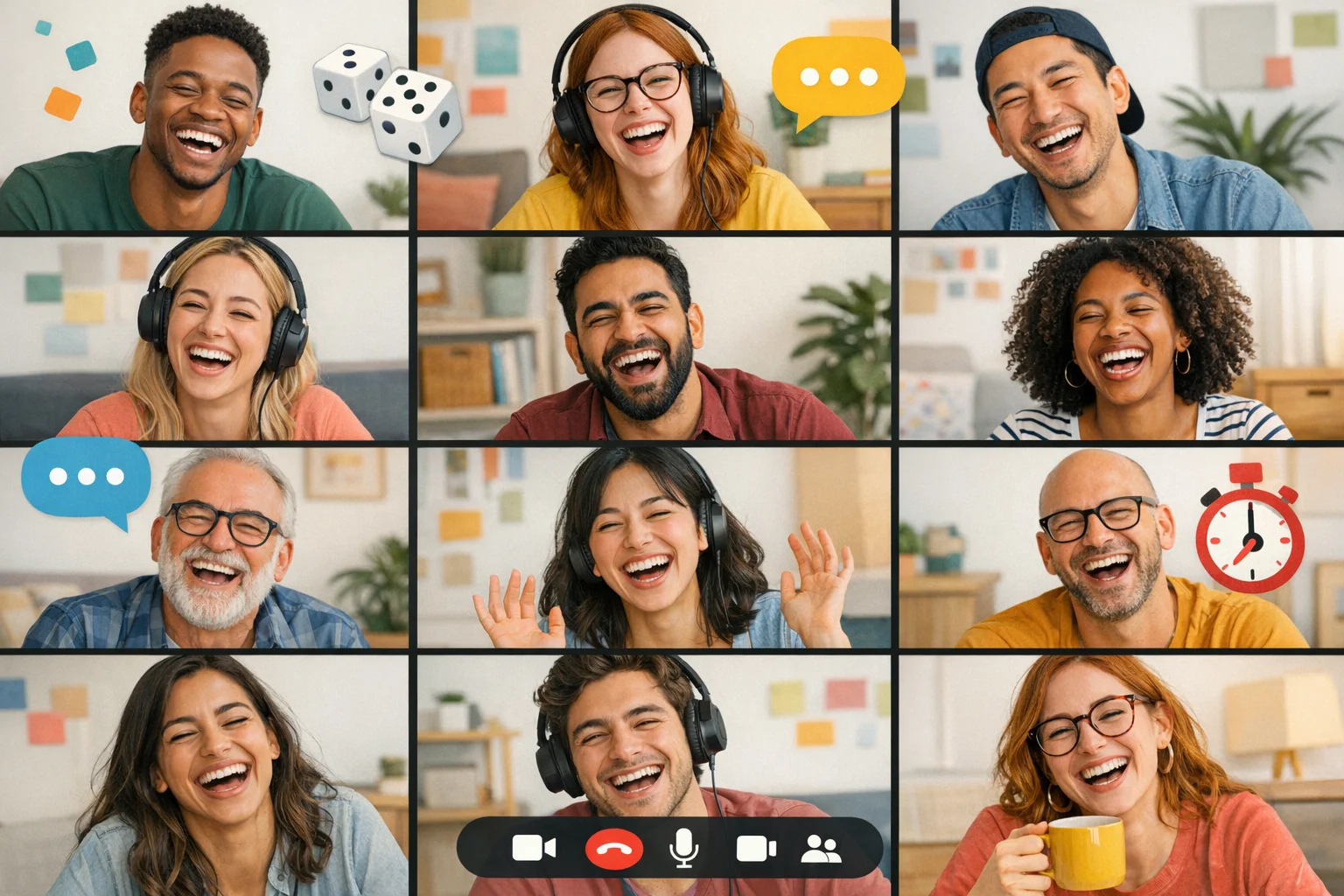
Virtual games can be great. Or forced. The difference is design. The right formats lower social friction, move fast, and make participation feel natural. Below are 25 proven, remote-friendly games plus a simple run-of-show you can copy. They’re short, specific, and built for the realities of video calls, chat, and distributed schedules.
Well-designed play cuts through screen fatigue by giving focus, boundaries, and a reason to contribute. The research on video meeting exhaustion points to causes like constant self-view, hyper-gaze, and reduced movement. Countering that with brief rounds, camera choice, and movement-friendly prompts makes a measurable difference. See Stanford’s explanation of the four main drivers of “Zoom fatigue” and suggested fixes for each in this clear overview. Stanford’s explainer on Zoom fatigue. (news.stanford.edu)
A pattern we keep seeing: most teams don’t need bigger productions, they need cleaner constraints. Pick games with these qualities:
If you want a research-backed north star, Google’s work on effective teams puts psychological safety at the center. Games that make it easy to contribute without social risk help build exactly that. Check the concise guide to the five dynamics of team effectiveness. Google’s guide on understanding team effectiveness. (rework.withgoogle.com)
In our experience, what usually shifts the dynamic isn’t the game itself, it’s how you host it.
Remote veterans have also learned that collaboration habits matter more than any single event. If you want structural improvements alongside the laughs, it’s worth skimming this practical primer on remote collaboration norms. HBR’s guide to collaborating effectively when remote. (hbr.org)
Each game is designed for video, chat, or an app-based challenge format. Use what you’ve already got: Zoom/Meet/Teams, chat, a shared doc/whiteboard, and a timer. Optional scoring keeps stakes light and energy up.
1) Lightning Scavenger Hunt
Players: 4–300
Time: 10–15 minutes total, 60–90 seconds per prompt
How to play: Share rapid “find” prompts. Players race to bring items on camera or drop photos in chat. Award points per round.
Why it works: Movement, surprise, and low social risk.
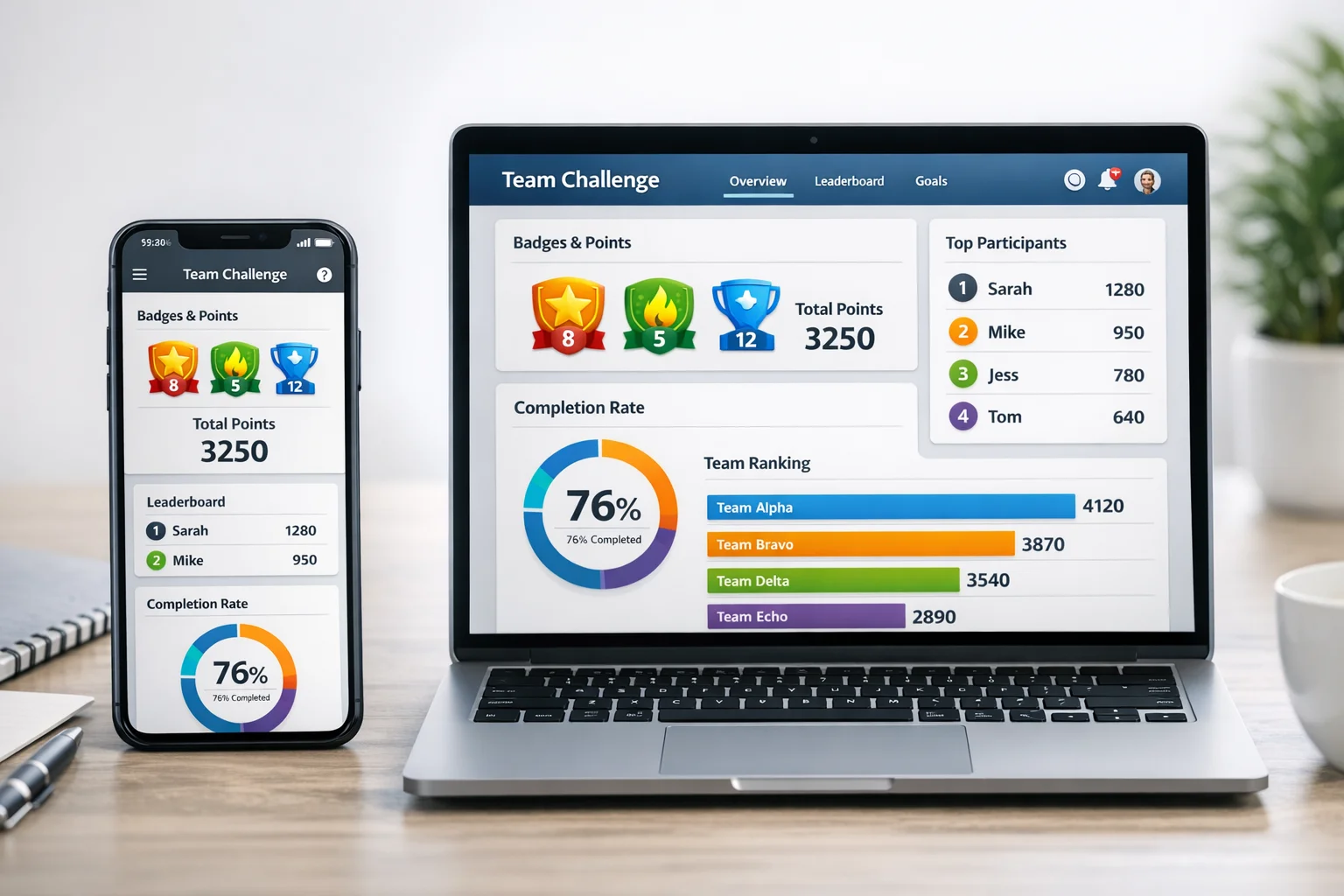
Pro tip: Run it in Scavify for automated prompts, photo submission, and scoring across big groups.
2) Mystery Sound
Players: 3–8 per room
Time: 8–12 minutes
How to play: One person plays or makes a hidden sound. Others ask yes/no questions in fast rounds.
Why it works: Short, curiosity-driven, and camera optional.
3) Emoji Story Sprint
Players: 4–50
Time: 6–10 minutes
How to play: Give a simple prompt. Each person tells a 20-second story using 5 chat emojis only; teammates guess the plot.
Why it works: Constraints create comedy. Chat-first is inclusive.
4) Map Dash
Players: 3–6 per room
Time: 8–12 minutes
How to play: Drop into Street View or a map image. Teams spot clues to guess the location in 3 minutes. Closest wins.
Why it works: Cooperative deduction beats plain trivia.
5) Two Truths and a Stretch
Players: 4–12
Time: 8–10 minutes
How to play: As classic Two Truths and a Lie, but the “lie” is a quick physical stretch everyone tries.
Why it works: Light movement lowers fatigue and turns awkward into funny.
6) Five-Click Wiki Race
Players: 3–8 per room
Time: 7–10 minutes
How to play: From a random page, reach a target page in five clicks or fewer. Screen-share the path.
Why it works: Fast decisions, shared “aha” moments.
7) Pixel Pictionary
Players: 3–10
Time: 10–15 minutes
How to play: Use a whiteboard or shared doc table. Drawer gets a 30-second timer and a word list.
Why it works: Visual, silly, low-pressure.
8) UnGoogleable Trivia
Players: 4–200
Time: 10–20 minutes
How to play: Questions about teammates’ fun facts collected in advance. No searching allowed.
Why it works: Social discovery without oversharing.
9) Desk Safari
Players: 4–50
Time: 6–8 minutes
How to play: Match a selfie with an animal photo to align your face as the animal’s. Quick gallery at the end.
Why it works: Low-tech, high laughter, camera-optional variants welcome.
10) Chain Reaction
Players: 3–8 per room
Time: 8–12 minutes
How to play: Tell a story one sentence at a time. Each person must include a required word.
Why it works: Forces listening, not performance.
11) Snapshot Detective
Players: 3–50
Time: 8–10 minutes
How to play: Zoom way in on a photo; teams guess what it is. Reveal and rotate.
Why it works: Shared suspense, everyone participates.
12) The 60-Second Build
Players: 4–100
Time: 10–15 minutes
How to play: Build a tiny object from desk items to match a prompt. Show and vote.
Why it works: Hands-on focus beats screen-only.
13) Status Meme Lab
Players: 4–50
Time: 8–10 minutes
How to play: Post a tasteful, work-safe meme template. Teams caption it to summarize the week.
Why it works: Catharsis without complaint sessions.
14) Guess the Workspace
Players: 4–20
Time: 8–12 minutes
How to play: Anonymous photos of a corner of someone’s workspace; team guesses who.
Why it works: Personal without prying.
15) Speed “Would You Rather?”
Players: 4–200
Time: 6–10 minutes
How to play: Host fires quick either-or prompts. People answer via reactions or chat.
Why it works: Zero-prep icebreaker, inclusive for camera-off.
16) Spreadsheet Battleship
Players: 2–10
Time: 10–15 minutes
How to play: Two teams hide ships on a grid in a shared sheet. Call coordinates rapid-fire.
Why it works: Familiar rules, surprising intensity.
17) Micro-Mystery
Players: 3–6 per room
Time: 10–12 minutes
How to play: Host shares a short “case” with 5 clues. Teams propose the solution.
Why it works: Collaboration beats random guessing.
18) GIF Relay
Players: 4–100
Time: 6–8 minutes
How to play: In chat, reply only with GIFs to tell a mini-story prompt. Fastest coherent chain wins.
Why it works: Asynchronous-friendly, low pressure.
19) Lightning Debate
Players: 4–20
Time: 8–12 minutes
How to play: Silly topics, 1 minute per side, 30-second rebuttals. Audience reacts to vote.
Why it works: Quick thinking, no long speeches.
20) Remote Field Trip
Players: 3–10 per room
Time: 10–15 minutes
How to play: Use a museum’s virtual tour or Street View. Teams find 3 hidden details in 5 minutes.
Why it works: Exploration beats “presenting at people.”
21) Soundtrack Swap
Players: 4–50
Time: 8–10 minutes
How to play: Everyone shares one song that matches a prompt. Build a shared playlist.
Why it works: Easy, human, opt-in.
22) Mini Escape Sprint
Players: 3–6 per room
Time: 12–15 minutes
How to play: 3 chained puzzles in a shared doc or slides. First team to crack all wins.
Why it works: Roles emerge naturally.
23) Spot the Lie: Project Edition
Players: 4–12
Time: 8–10 minutes
How to play: Each person shares two real and one fake fact about a past project. Team guesses.
Why it works: Lightweight knowledge sharing with a wink.
24) Photo Roulette
Players: 4–50
Time: 6–8 minutes
How to play: Share a safe photo from your camera roll that fits the prompt. Quick vote.
Why it works: Personal choice preserves psychological safety.
25) Gratitude Lightning Round
Players: 4–200
Time: 5–7 minutes
How to play: 20-second shout-outs or “one thank-you from this week.” Moderator keeps it brisk.
Why it works: Ends on a high without getting saccharine.
Scavenger hunts are built for remote play when the prompts are sharp and the logistics aren’t manual. If you’re coordinating across time zones or large groups, Scavify automates the backbone: timed releases, photo/video submissions, GPS or QR challenges, leaderboards, and moderation. Use it live, async, or blended.
Here’s a tight sample set of remote-friendly prompts you can drop straight into a hunt:
A clean hour beats a meandering afternoon. This sequence keeps pace while giving just enough reflection.
If you’re aiming for broader remote culture gains, pair these moments with habits outside the event. GitLab’s all-remote playbook is a pragmatic example of how rituals, docs, and async-first norms support collaboration day to day. GitLab’s All-Remote Handbook. (handbook.gitlab.com)
Short rounds, clear rules, and multiple ways to participate. Games that reduce social risk, keep groups small, and show visible progress tend to land best. Psychological safety matters more than novelty, which aligns with Google’s findings on effective teams. Google’s guide on understanding team effectiveness. (rework.withgoogle.com)
Forty-five to sixty minutes is a sweet spot for most teams. Design for 3 to 5 minute rounds with quick resets. This pacing helps reduce known fatigue drivers in video settings without overcorrecting into chaos. Stanford’s explainer on Zoom fatigue. (news.stanford.edu)
No. Build for audio and chat parity, offer camera-optional play, and incorporate movement or hands-on prompts as an opt-in. The goal is participation, not surveillance.
Blend live and async. Run a 30–60 minute core block, then leave optional prompts open for 24–72 hours. Use an app or shared doc for submissions so latecomers still contribute.
A video platform, a shared board or doc, a visible timer, and a way to collect artifacts. For larger groups or ongoing programs, a purpose-built app helps automate prompts, scoring, and moderation.
Set expectations up front, use small breakouts, and choose formats that don’t require “performers” to carry the room. End while energy is high and always close with a quick gallery or shout-outs.
Offer multiple input modes (chat, audio, whiteboard), avoid rapid cross-talk by timeboxing turns, and use clear written prompts. Let people choose roles where they’re comfortable.
Tie one prompt to real work (e.g., “caption the roadmap in one meme”) and collect outcomes in a shared artifact. Small wins plus visible output build credibility. For broader culture shifts, align with collaboration norms like those summarized by HBR. Remote collaboration basics from HBR. (hbr.org)