Solutions
Your first hunt, live this afternoon.
Free to start · No download for participants
Explore practical ideas, real examples, and simple tips to make your next group activity more engaging, useful, and fun.
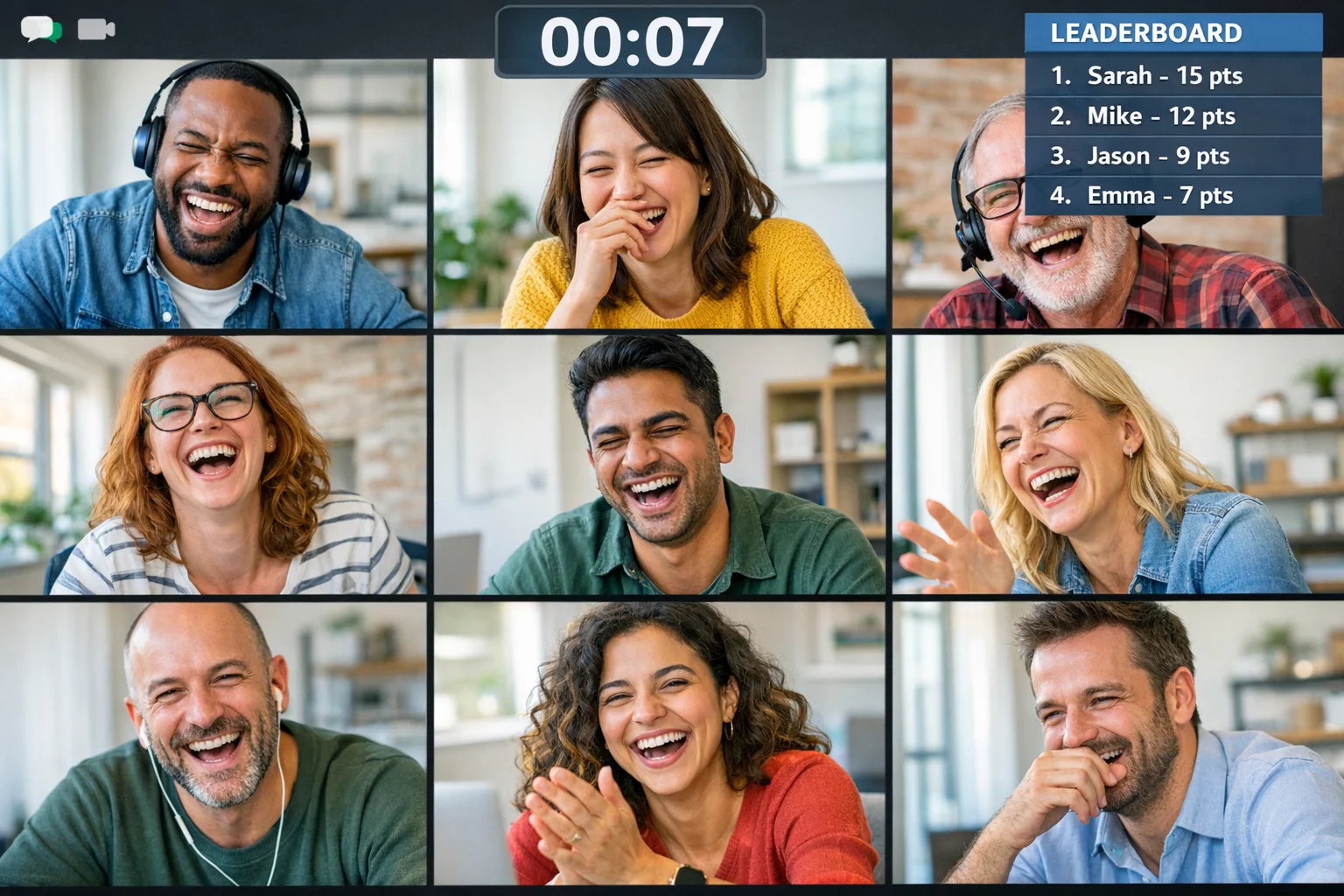
Zoom games work when they create fast interaction, clear prompts, and visible progress. The rest is production value. This guide gives you 21 ready-to-run options, plus the small facilitation moves that keep people unmuted, on camera, and actually talking.
A pattern we keep seeing: great game ideas underperform because the setup is fuzzy. Fifteen minutes of prep fixes most of it.
Each game below includes how it works, what Zoom features to use, ideal timing, and why it keeps people talking.
1) Five-Click Wiki Race
How it works: Share a starting Wikipedia page and a target page. Players navigate by links only, trying to reach the target in five clicks or less.
Use on Zoom: Screen share for the prompt, chat for target links, optional breakout rooms for team strategy.
Timing: 6 to 8 minutes per round.
Why it works: Clear goal, micro-decisions, instant bragging rights.
2) Would You Rather - Live Poll Edition
How it works: Pose a series of would-you-rather questions. Reveal results with a poll and invite two or three people to defend their pick.
Use on Zoom: Polls for voting, reactions for quick agreement.
Timing: 10 minutes.
Why it works: Everyone participates in seconds, then a few deepen the conversation.
3) Emoji Storyline Relay
How it works: In chat, one person starts a story using only emojis. Next person adds a line, still only emojis. After five turns, a volunteer translates the plot.
Use on Zoom: Chat, spotlight for the translator.
Timing: 7 minutes.
Why it works: Low-pressure creativity that usually triggers laughter.
4) Scavenger Sprint
How it works: Call out household or desk items with a theme. Players have 30 seconds to fetch and show on camera, then explain the pick in one sentence.
Use on Zoom: Timer, gallery view, chat for point tracking.
Timing: 8 to 12 minutes.
Why it works: Quick movement break plus personal reveals.
5) Two Truths and a Surprise
How it works: Players share two true statements and one surprising twist. Group guesses the surprise.
Use on Zoom: Chat to submit guesses, reactions for reveal.
Timing: 10 to 15 minutes.
Why it works: Familiar format that sparks follow-up stories.
6) Micro Escape Puzzles
How it works: Teams solve a 3 to 5 puzzle sequence from a shared slide or doc. First team to submit the final code wins.
Use on Zoom: Breakout rooms, screen share inside rooms, shared docs.
Timing: 12 to 18 minutes.
Why it works: Collaboration under light time pressure.
7) Guess the Desk
How it works: People privately send a tight photo of their workspace corner to the host. Host screenshares a deck of photos. Group guesses whose desk it is.
Use on Zoom: Screen share slides, chat for guesses.
Timing: 10 minutes.
Why it works: Personal without oversharing, safe humor.
8) Zoomed-In Mystery Photo
How it works: Show a hyper-cropped image of a common object. Teams guess what it is as you gradually zoom out.
Use on Zoom: Screen share with incremental reveals.
Timing: 6 to 10 minutes.
Why it works: Visual curiosity pulls people in.
9) Sound Charades
How it works: Player mutes camera, keeps audio, and makes only sounds to act out prompts. Others guess.
Use on Zoom: Audio focus, chat for answers.
Timing: 8 minutes.
Why it works: Silly enough to lower guard, structured enough to move fast.
10) 5x5 Bingo Icebreaker
How it works: Share a bingo card of light prompts like “has a pet,” “visited three continents,” “prefers tea.” Players DM someone who matches, then share one short story when they get bingo.
Use on Zoom: Chat DMs, screen share card.
Timing: 12 minutes.
Why it works: Micro one-to-one touches, then fun reveals.
11) Lightning Debates
How it works: Pairs take a prompt like “merge or rebase” or “morning person or night owl,” argue for one minute each, then the room votes.
Use on Zoom: Breakout rooms or spotlight, polls for votes.
Timing: 10 minutes.
Why it works: Structured turn-taking creates clean, energetic exchanges.
12) Collaborative Sketch-Off
How it works: Draw prompts on a whiteboard while your team guesses. Next round, switch artists.
Use on Zoom: Whiteboard tool, spotlight.
Timing: 8 to 12 minutes.
Why it works: Visual play engages different brains.
13) Name That Tune - Hum or Handoff
How it works: Players hum or clap a rhythm. If that is not your group’s vibe, the host plays a 3 to 5 second legally permitted sample or royalty-free clip.
Use on Zoom: Unmute for performers, chat for guesses.
Timing: 8 minutes.
Why it works: Fast recognition equals instant dopamine.
14) Riddle Ladder
How it works: Teams climb a ladder of short riddles. Each correct answer unlocks the next rung.
Use on Zoom: Breakout rooms, shared doc with locks hidden by slides.
Timing: 10 to 15 minutes.
Why it works: Shared problem solving creates easy talk.
15) Street View Sleuths
How it works: Host shares a random street view. Teams race to identify the country or city using clues like signage or architecture.
Use on Zoom: Screen share browser, chat for answers.
Timing: 10 minutes.
Why it works: Observational detail, quick hypotheses, satisfying reveals.
16) GIF Battles
How it works: Prompt a theme like “Monday at 3 pm” or “waiting for the deploy.” Players reply with a GIF. Finalists face off in a poll.
Use on Zoom: Chat, polls for bracket voting.
Timing: 7 to 10 minutes.
Why it works: Humor plus a lightweight competition arc.
17) Office Feud
How it works: Survey your group in advance on fun prompts. On the call, teams guess the top answers.
Use on Zoom: Screen share a simple scoreboard, reactions for correct answers.
Timing: 12 to 18 minutes.
Why it works: Familiar format, low friction, lots of laughs.
18) Story Dice Remix
How it works: Roll virtual “story dice” images and challenge teams to pitch a 60 second story that uses all icons.
Use on Zoom: Screen share dice, breakout rooms to draft, spotlight for pitches.
Timing: 10 to 12 minutes.
Why it works: Constraints unlock creativity.
19) Word Grid Spymasters
How it works: Display a 5x5 grid of words. Team leads give one word clues with a number. Teammates guess which words fit.
Use on Zoom: Screen share grid, chat to lock guesses.
Timing: 12 minutes.
Why it works: Strategy meets teamwork without overtalking.
20) Match the Fact
How it works: Before the meeting, collect a surprising fact from each participant. On the call, reveal facts and run a poll to match each one to a person.
Use on Zoom: Polls for matching, chat for reactions.
Timing: 10 minutes.
Why it works: Personal connection with a guessing game wrapper.
21) Snapshot Scavenger Gallery
How it works: Give three photo prompts like “your most used tool,” “a tiny victory,” and “today’s view.” Players snap, share, and explain one in 30 seconds.
Use on Zoom: Screen share gallery or drop images in chat, spotlight quick shares.
Timing: 12 to 15 minutes.
Why it works: Visual storytelling that moves fast.
Most teams tend to overpack prompts and underplay pacing. What usually shifts the dynamic is a few small moves.
If you want a cleaner way to run scoring, submissions, and leaderboards while you’re on Zoom, an app-based challenge format helps. That is Scavify’s home turf, especially when you want photos, videos, polls, and QR check-ins tracked automatically while the call is live. Here is what that can look like in practice during a Zoom session.
The Zoom call becomes the live show. The app handles the receipts. That combination tends to keep people talking long after the game ends.
Fast formats with clear inputs work best: live polls, GIF battles, Match the Fact, and lightning debates. Use breakout rooms to split into squads, then reconvene for quick share-outs and a visible scoreboard.
Plan your arc in short segments, rotate roles, and use multiple input modes. Mix polls, chat, and brief speaking turns. A visible timer and a micro break between rounds counter fatigue as outlined in Stanford’s fatigue overview.
Enable breakout rooms, polls, reactions, and whiteboard. Test them once before showtime. Zoom’s support covers breakout rooms and polling.
Aim for 30 to 60 minutes. Shorter, varied rounds beat one long activity. Stop while energy is high and leave one extra prompt on deck in case time runs fast.
Start with anonymous or low-friction inputs like polls and chat. Move to pairs or trios in breakout rooms before full group shares. Invite reactions rather than cold calls, then spotlight a few volunteers for short highlights.
Yes. Pick formats that reveal names, roles, and local context early, like Match the Fact, Two Truths and a Surprise, and Scavenger Sprint. Close with a short debrief that connects back to culture or values.
Name a backup plan at the top. Keep a second device ready, have polls prewritten in a slide, and share prompts via chat if screensharing fails. If needed, pivot to a chat-only round to buy time while tech settles.
Asynchronous pre-work like submitting facts or photos helps. Offer closed captions, pacing that allows turn-taking, and avoid sound-only games if captions are needed. Post prompts in chat for clarity and record the call when appropriate.
The truth is simple: you do not need fancy plugins to run great Zoom games. You need short rounds, crisp prompts, and the confidence to keep the clock moving. When you want structure, scoring, and a gallery of what happened, Scavify pairs naturally with live calls to keep participation active and visible.