Solutions
Your first hunt, live this afternoon.
Free to start · No download for participants
Learn how to make virtual meetings fun with seven approaches, interactive formats, quick activities, and facilitation tips that increase participation.
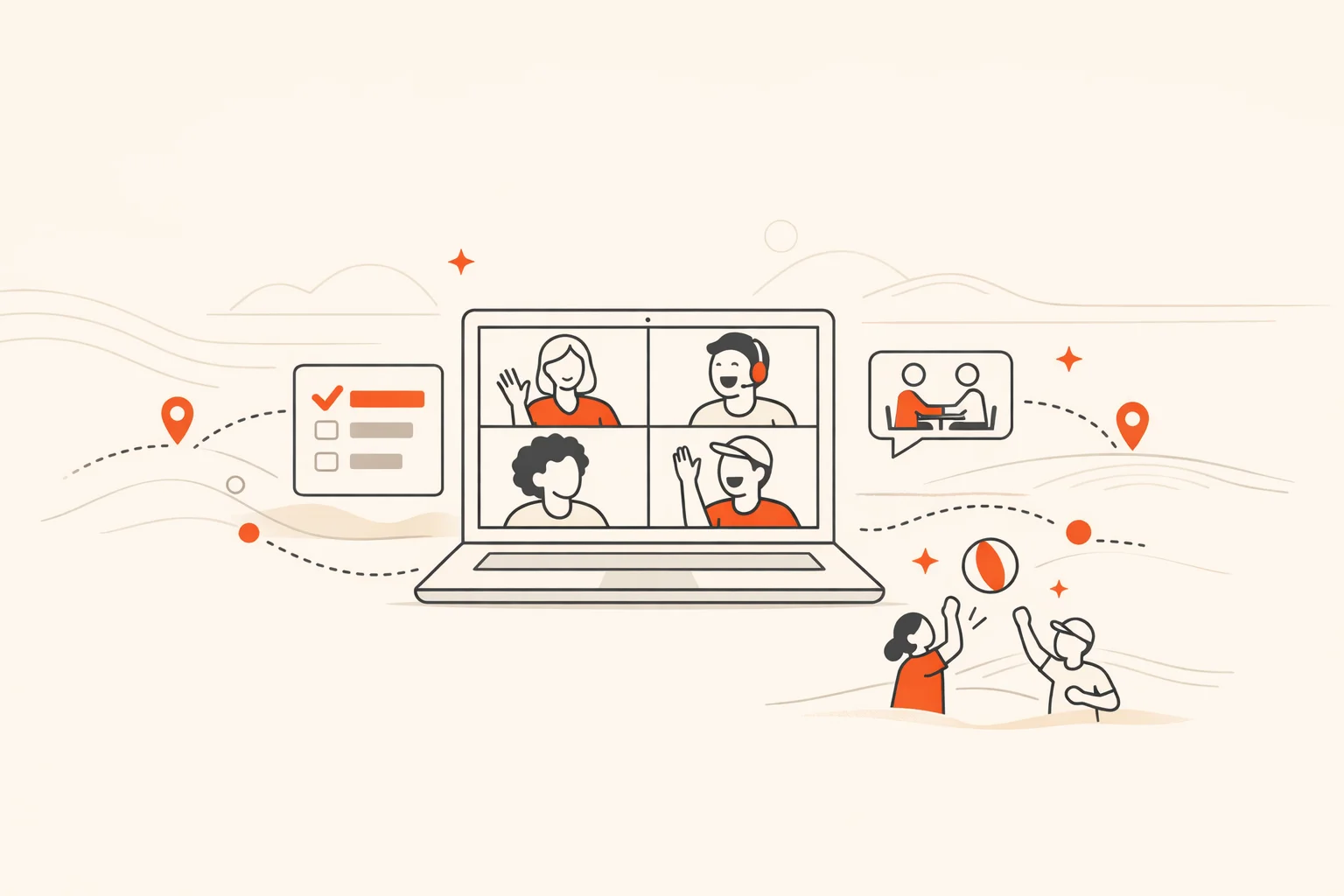
Virtual meetings can feel flat when the design assumes people will sit, stare, and stay engaged on willpower alone. They won’t. What works is treating the meeting like a short interactive experience with clear goals, fast momentum, and simple ways to participate without forcing anyone into a performance. That’s how you make virtual meetings fun in a way that actually improves outcomes.
In our experience running interactive programs for teams, conferences, and campuses, the difference between “just another call” and “that went fast” is never a single gimmick. It’s a stack of small choices: right size, right length, right opener, right interaction beats, right close. Make those choices well and you don’t have to manufacture enthusiasm. It shows up on its own.
This guide gives you seven proven ways to make that happen, plus concrete prompts, facilitation moves, and example activities you can copy today. If you want a low-lift activity that reliably energizes any group, a scavenger hunt app can turn five quiet rectangles into a fast, shared game in minutes.
Fun starts with design, not with jokes. Two structural moves matter most:
Shorten and shrink. Cap the session to the least time that achieves the outcome, and invite only who’s essential. Video calls create cognitive load through constant nonverbal monitoring, self‑view, and the sense of being watched, which amplifies fatigue in larger, longer meetings. Plan for fewer faces and tighter time. Cite or link to the research when you need internal buy‑in: Stanford’s Virtual Human Interaction Lab details how nonverbal overload, mirror anxiety, and “hyper‑gaze” drive Zoom fatigue. Their summary is a useful explainer for skeptics. (vhil.stanford.edu)
Clarify the outcome and the interactions. Replace a vague agenda with two explicit lines: “By the end we will decide/align on X” and “You’ll be asked to do Y at minutes 3, 10, 18.” People are more playful when expectations are clear.
A final structural note: be careful with mandatory cameras. Some tasks benefit from faces; others don’t. Field research shows camera‑on can increase fatigue and reduce participation for some participants. Offer “camera optional” for listen‑heavy segments and “cameras on” for short bursts of small‑group work where facial cues actually help, referencing the balanced guidance in Harvard Business Review’s cameras‑on/cameras‑off research and a within‑person field experiment in the Journal of Applied Psychology. (hbr.org)
Most teams treat the opening like runway. It should be a catapult. Your first 180 seconds should answer three questions fast: Why are we here? What will we do? How do I win at participating?
Here’s a simple, repeatable opener that consistently sets the tone:
The opener’s job is not icebreaking for its own sake. It’s to prove this will be participatory, time‑boxed, and useful.
The first challenge exists to make everyone feel like they’re winning.
People don’t stay engaged because they’re told to. They stay engaged because something changes and they get to do something. Build a rhythm of lightweight participation beats about every 6–8 minutes. A few high‑yield options:
When meetings require creative idea generation, consider splitting the session: ideate asynchronously first, then use the live time to converge and refine. Controlled experiments published in Nature found that pairs collaborating via videoconference generated fewer creative ideas than those collaborating in person. It’s a reminder to choose the right format for the job and to compensate with pre‑work and structured prompts when you must ideate online. (nature.com)
Large‑group video quickly becomes watch‑and‑wait. Small groups with instructions become conversation. Breakouts work when they’re short, specific, and social risk is low.
Keep groups tiny and time‑boxed. Aim for trios or quads and five minutes when you want ideas surfaced fast. Research from Stanford’s team studying videoconference fatigue also links smaller, briefer meetings with stronger feelings of connection, which is exactly what breakouts are trying to create. Their analysis on connection dynamics is worth a skim. (vhil.stanford.edu)
Assign simple roles to reduce awkwardness. Facilitator keeps time, Reporter shares one headline back, Notetaker drops three bullets in chat. Name them on the slide so nobody has to ask.
Give a prompt that produces a visible artifact. “List three customer risks and star the biggest one.” Then have each group post one sticky or sentence to the main board when they return. Production beats performance.
Use camera rules that fit the task. For five‑minute pair‑shares, “cameras on if comfortable” can accelerate trust. For status checks or content reviews, camera‑optional reduces nonverbal load. HBR’s guidance on cameras and a field experiment on camera fatigue both argue for matching the affordance to the goal instead of defaulting to one rule. Link them as needed. HBR; Journal of Applied Psychology. (hbr.org)
Fun isn’t about louder energy. It’s about seeing your contribution land. Build light visibility into the meeting so people notice their impact.
Most teams don’t need a heavy platform to start. But when you want a clean scoreboard, automated scoring, and a live activity feed for photos, videos, and check‑ins across a distributed group, Scavify’s browser‑or‑app experience makes the “game layer” effortless to run at scale during all‑hands, onboarding, or conferences.
Themes aren’t costumes for adults. They’re memory hooks. Use them lightly and predictably so they signal what kind of participation is welcome.
A pattern we keep seeing: rituals work when they’re short, consistent, and clearly skippable. People opt in because they know exactly what it costs and what it yields.
If the close is “thanks all,” you lose most of the value in the next hour. End with a crisp reflection and a clear bridge to asynchronous work so people leave knowing what changed.
Visible next steps. The host states decisions/owners/dates. Then share a short follow‑up artifact that preserves meeting value. Research on how people use meeting information after the fact shows five common uses: archive, task reminders, onboarding, group sense‑making, and launching follow‑on collaboration. That’s your checklist for what to capture. See the 2024 HCI paper on “Meeting Bridges” for patterns. Link the phrase naturally: a study of how meeting info flows into async work. (arxiv.org)
Guardrails for future live time. If the next step is primarily information sharing or individual idea generation, move it async. If it’s debate, convergence, or relationship work, reserve live time.
How long should a fun virtual meeting be?
Usually shorter than you think. Most interactive status or decision sessions land cleanly in 15–30 minutes when you strip updates to async and design three to four purposeful interaction beats. Long ideation is better split into async idea collection plus a shorter convergence meeting, a pattern supported by lab and field work showing videoconferencing can inhibit initial idea generation compared to in‑person. See the Nature study on creativity and videoconferencing. (nature.com)
Do cameras need to be on for engagement?
Not always. Use cameras like any tool: when facial cues aid the task or trust‑building, invite them; when you’re reviewing content or status, let them be optional. Evidence links camera use to increased fatigue for some people, which can suppress participation. A balanced approach is supported in both HBR’s guidance and a field experiment on camera fatigue. (hbr.org)
What’s a quick activity that works for any group?
A two‑minute micro‑scavenger round rarely misses: “Find something in arm’s reach that helps you focus.” People move, share, and laugh; energy rises. For recurring use or larger groups, a structured platform like a scavenger hunt app gives you prompts, scoring, a live feed, and an easy way to spotlight contributions without extra spreadsheets.
How do I keep momentum without feeling cheesy?
Aim for useful interactions, not performative ones. Polls that inform a decision, pair‑shares that produce a line for the doc, a quick vote that closes a loop. Momentum comes from seeing progress, not from louder facilitation.
What’s the best group size for engagement?
For discussion and decision‑making, small wins. Trios or quads create safety and airtime for everyone. Stanford’s research on video‑meeting fatigue and connection reinforces that brief, smaller meetings correlate with stronger connection. Link internally to their summary if you need to convince stakeholders. (vhil.stanford.edu)
How do I reduce back‑to‑back meeting drain?
Protect buffers and add micro‑breaks. Microsoft’s Work Trend Index has highlighted the restorative effect of short breaks between meetings and the cost of stacked calls on stress and focus. Build five‑minute buffers and add a 20‑second reset inside the meeting every few minutes. The overview on Microsoft WorkLab is a useful reference. (microsoft.com)
What if participation stalls?
Lower the bar and make the next ask smaller: a one‑click poll, a five‑word chat, a partner pair‑share. Most “stall” is risk and uncertainty, not apathy. Prove the asks are quick and safe, then dial up.
Can themes and backgrounds actually help?
Used lightly, yes. Shared visuals act as a social cue and a memory hook. There’s also early evidence that nature‑themed virtual backgrounds can support creativity in video contexts. See this study on nature backgrounds and creativity. (sciencedirect.com)
Bringing fun into virtual meetings isn’t about adding noise. It’s about designing the flow so people can contribute easily, see their impact, and leave with energy. Do that well and the meeting becomes something your team doesn’t dread, because it actually helps them do better work.